


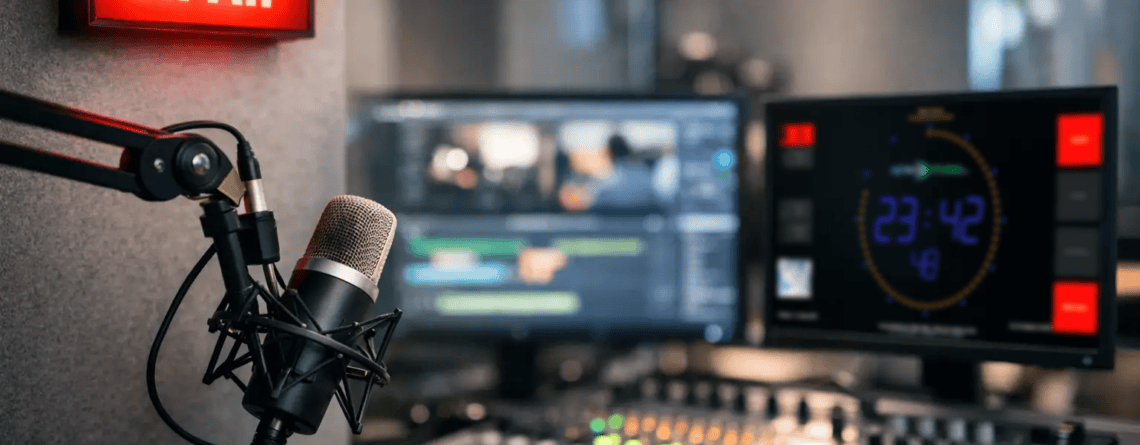
What Is an On Air Screen in a Broadcast Studio?
What is an on air screen? Learn how studio displays show live status, timers, mic state, and track data to keep broadcast teams coordinated and prepared.
What is an on air screen? Learn how studio displays show live status, timers, mic state, and track data to keep broadcast teams coordinated and prepared.
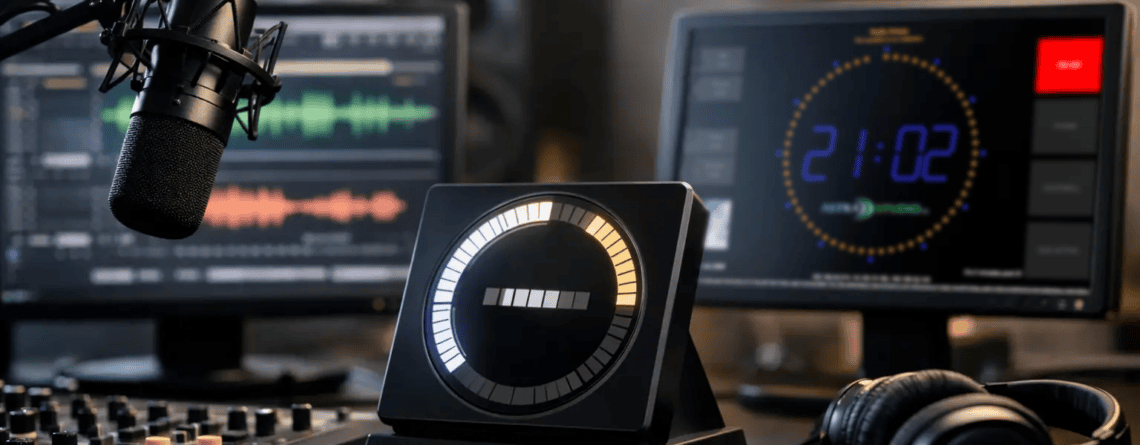
Find the best software for radio studio timer displays with practical criteria for visibility, automation, platform fit, and dependable on-air operation.
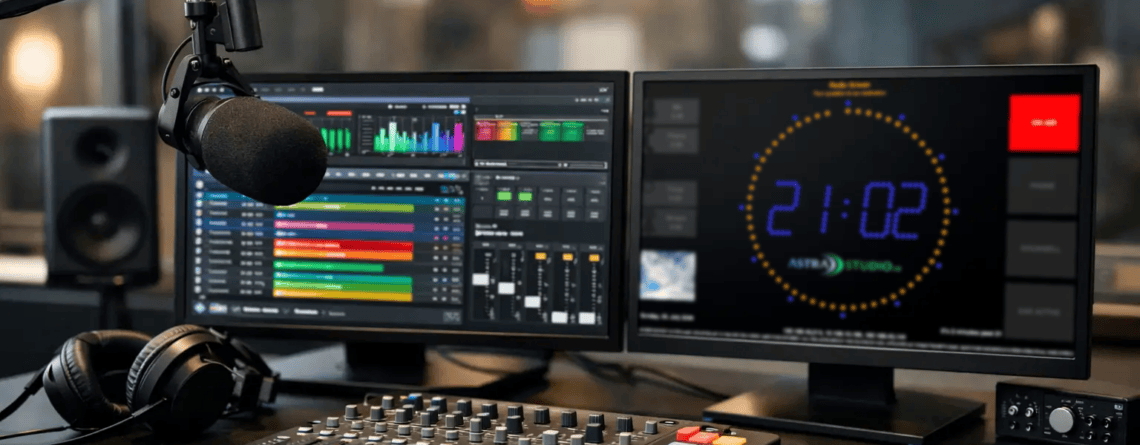
Radio studio screen customization helps teams show timers, mic status, titles, and cues clearly across setups with flexible integration.
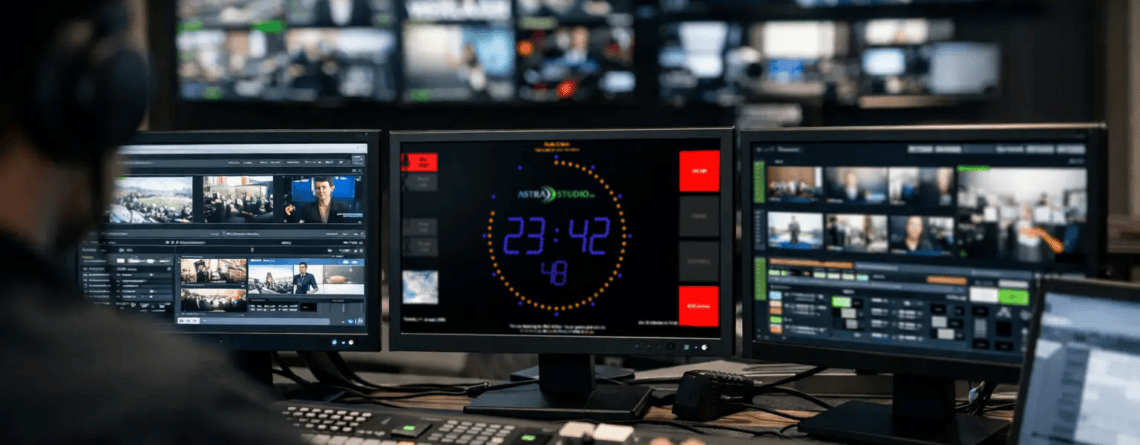
Broadcast workflow software integration helps studios reduce manual steps, connect tools, and keep on-air operations reliable, visible, fast.
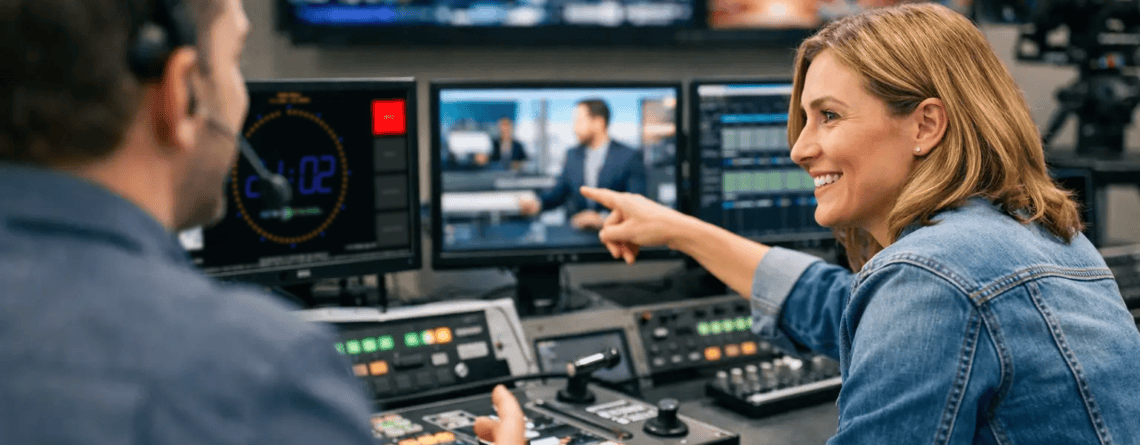
Custom broadcast software development helps studios integrate displays, timers, data feeds, and control logic without forcing changes to proven workflows.
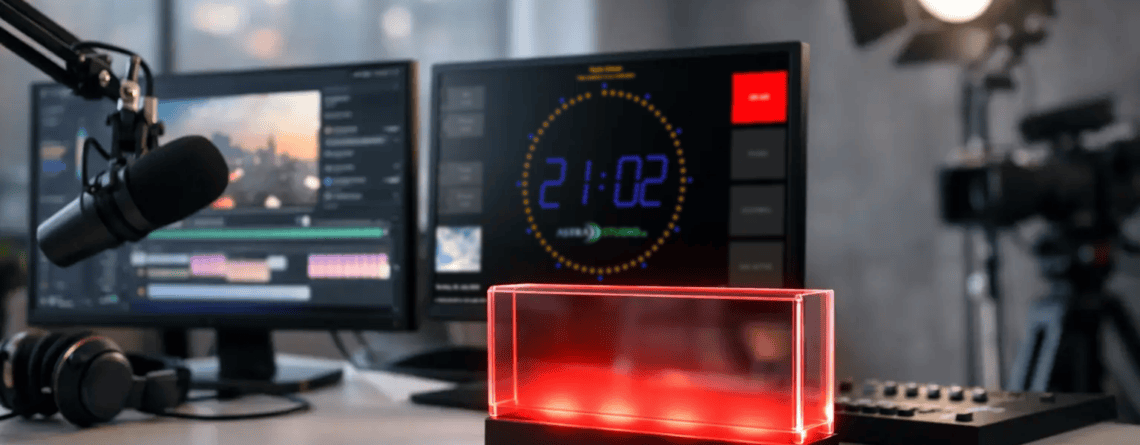
A windows on air display gives studios clear status, timers, and metadata on screen with easy integration across broadcast and streaming workflows.
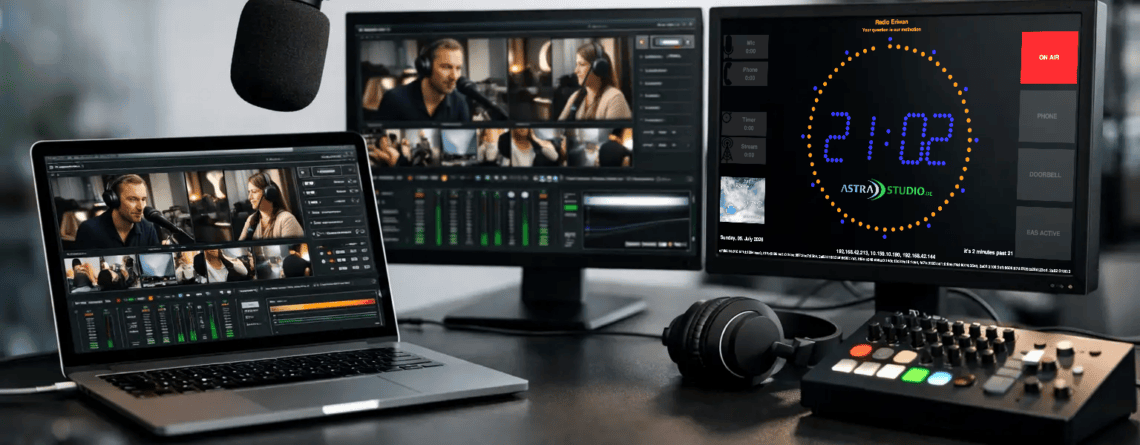
Mac broadcast studio software should fit real workflows. See what matters most for studio display, on-air control, integration, and setup.
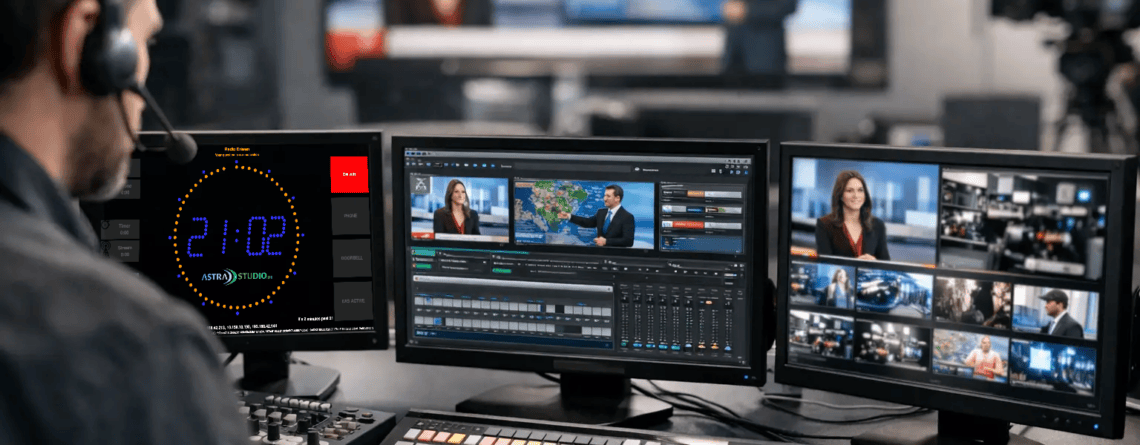
Linux broadcast display software for radio and streaming studios: clear on-air screens, fast setup, flexible integration, and reliable daily use.
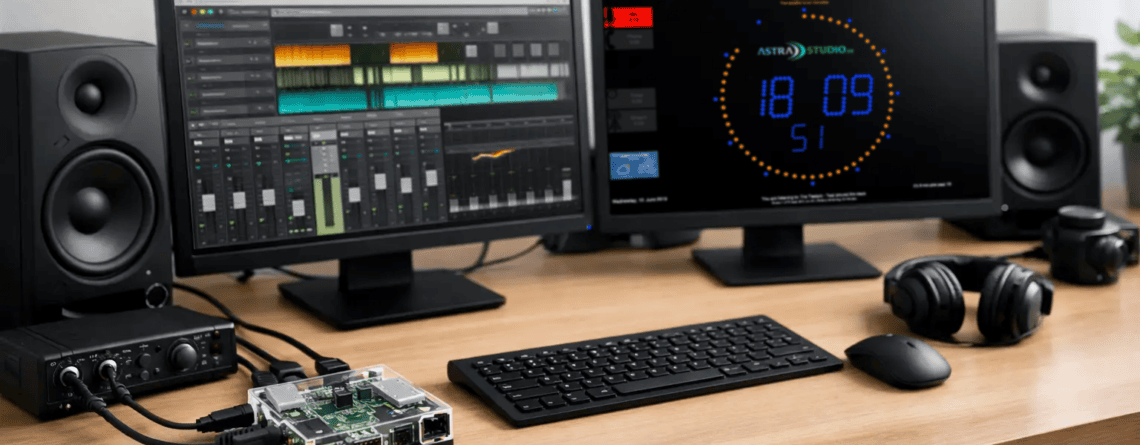
A preconfigured raspberry pi studio screen speeds deployment for on-air timers, mic status, and studio data with flexible integration and low setup effort.
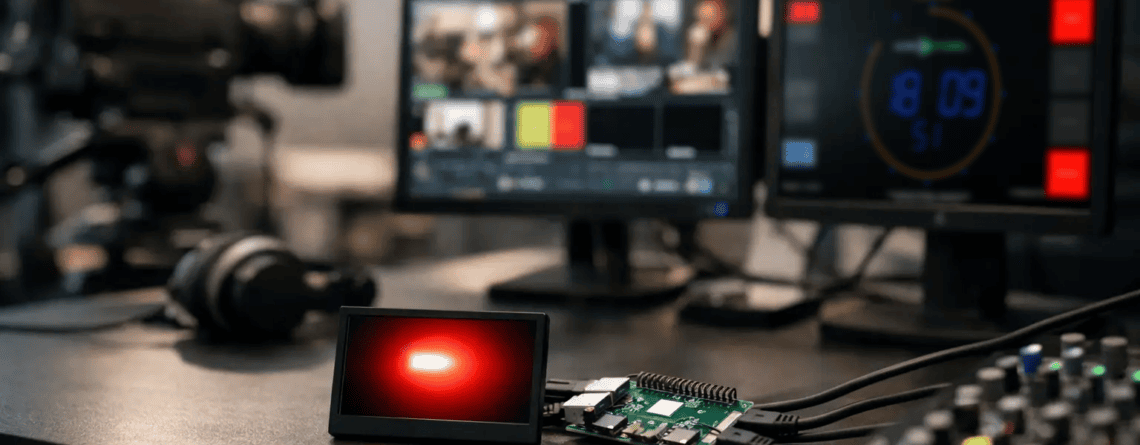
A raspberry pi broadcast display gives studios low-cost, flexible on-air timers, mic status, and custom data with fast setup and simple integration.