OnAirScreen 1.1.0 — your studio, connected
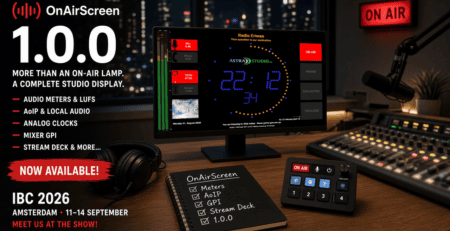
OnAirScreen 1.1.0 is out. What 1.0.0 put on one screen — meters, AoIP, clock faces, mixer GPI, Stream Deck — 1.1.0 carries across the studio: other screens on the LAN, the Axia console’s own lamp, MIDI, combined logic, and SNMP.
Shop builds activate a license for this computer and install the update from the dialog. If you already run 1.0.15, the behaviour is the same. 1.1.0 is the version those changes ship under.
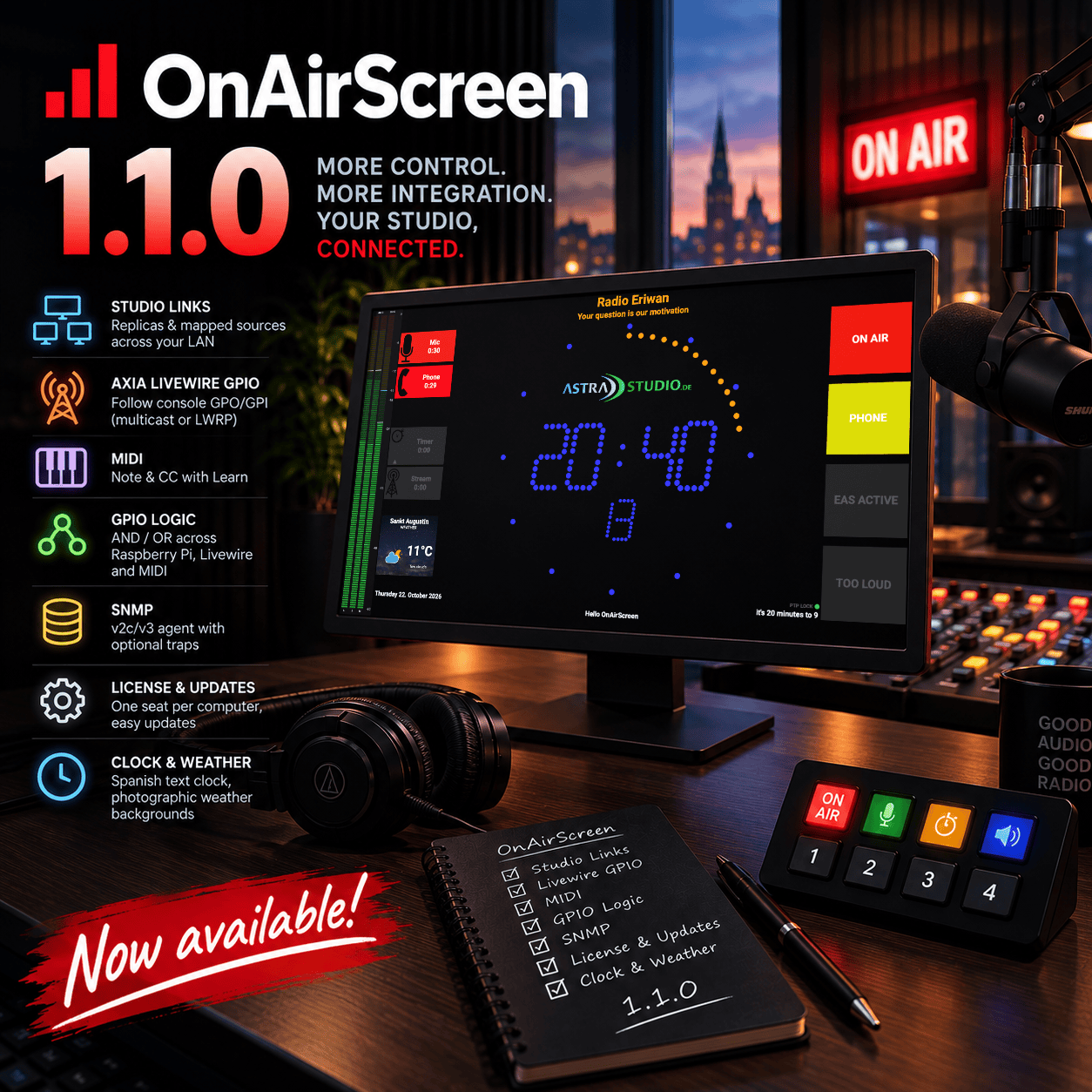
What’s in 1.1.0
- Studio Links: replicas and mapped sources across the LAN
- Axia Livewire GPIO: follow console GPO/GPI, multicast or LWRP
- MIDI: Note and CC, with Learn
- GPIO logic: AND / OR across Raspberry Pi, Livewire, and MIDI
- SNMP: v2c/v3 agent on port 1161, optional traps
- License and updates: one seat per computer, install from the dialog
- Clock and weather: Spanish text clock, photographic backgrounds
Studio Links
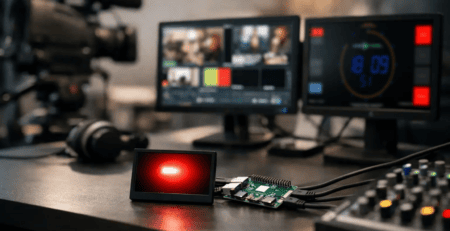
Several OnAirScreens on the LAN can follow each other. Set that up under Settings → Links. One screen can publish replicas and subscribe to sources at the same time.
Replicas copy the runtime status: LED1–4, AIR1–4, and NOW / NEXT / WARN. Clock, meters, GPIO, ports, and the instance name stay local. Set 1→n once on the source.
Sources map individual signals onto a hallway tally, for example Studio-1 / LED1 to LED1 and Studio-2 / LED1 to LED2. Signals are LED1–4, AIR1–4, NOW, NEXT, WARN, silence, or Follow all. Leave Host empty so the current IP is resolved from the instance name, including after DHCP. A screen may have only one full Follow. Linking stays off until you enable it. Host-local WARN — quit, reboot, shutdown, NTP — stays on that screen.
The Web UI has the same fields: the Nearby list, Add as replica, and Use as source.
Axia Livewire GPIO
An Axia console can drive the same LED and AIR actions as Raspberry Pi GPIO. OnAirScreen reads the pins. Under Settings → GPIO → Axia Livewire, off by default. Up to eight rows, on every platform.
Multicast is the default. The mapping column is the Livewire audio channel, on the same AoIP interface as the Livewire meters. A microphone that is already on at start lights the LED. LWRP connects over TCP to a device (xNode, iPort, console) on port 93. There the mapping column is the GPIO port on that device. An optional LOGIN password is available.
Direction is GPO or GPI. Modes: level, rising, falling, or both. A row with no action stays without an action, so the input can feed a Logic rule only.
MIDI
Settings → GPIO → MIDI reads one input and maps Note or CC to LEDs and AIR timers. Learn waits up to ten seconds and fills channel, type, and number. Clock, Active Sensing, and SysEx are ignored. Off by default.
Behaviours: On/Off as a held level, Oneshot as one command per press, or Toggle. CC is active at or above the threshold, default 64. Only On/Off rows appear in Logic, because Oneshot and Toggle do not hold a level. A howto for the RØDECaster Pro II is on the wiki: mute and SMART pad to the ON AIR LED.
GPIO logic
Settings → GPIO → Logic combines Raspberry Pi, Livewire, and MIDI On/Off inputs. Eight rules. Each rule has one operator, one or more inputs, and one or more outputs. A command is sent only when the combined level changes.
OR: outputs turn on when any selected input is active, and turn off when every selected input is inactive. AND: outputs turn on when every selected input is active, and turn off when any selected input goes inactive.
Name two microphone inputs MIC1 and MIC2. An OR rule with those inputs and outputs LED1 and AIR1 stays on while either microphone is open, and turns both off only when both are closed.
SNMP
An SNMPv2c/v3 agent for the same status an NMS already walks elsewhere. Enable it under Settings → Network, off by default. The listen port is 1161. The enterprise OID is .1.3.6.1.4.1.66873 (IANA PEN 66873). The MIB is on the wiki.
GET, WALK, and SET for LEDs, AIR timers, NOW / NEXT / WARN, silence, and loudness, plus version and instance. The v2c read community defaults to public. With an empty write community, v2c stays read-only. v3 is USM with SHA-256 and AES-128. Optional traps: silence, WARN text, LED change.
License and updates
Shop builds must be activated. One license covers one PC or one Raspberry Pi. Copy the license key from the customer portal and activate online, or copy the hardware ID, download a license file, and import it. The Web UI can import a file from disk.
After one year, renew the activation. The key stays the same. Return license frees the seat before you move to another computer. Without a license, OnAirScreen runs fully for 14 days. After that, and when a license has expired: no fullscreen, no GPIO, no audio meters, settings are not saved, the window stays at 1280×800, and the app closes after 15 minutes.
Install and restart downloads the package, checks the SHA-256 sum, and hands off to the system installer. Windows shows the MSI. macOS replaces the app folder. Linux and Raspberry Pi install the package. macOS shop builds are signed with an Apple Developer ID and notarized.
Clock, weather, and the screen
The text clock now speaks Spanish, for example “Son las 4 menos cuarto”. Languages are English, German, Dutch, French, and Spanish. The English text clock says “a quarter to 1” at 00:45 and 12:45.
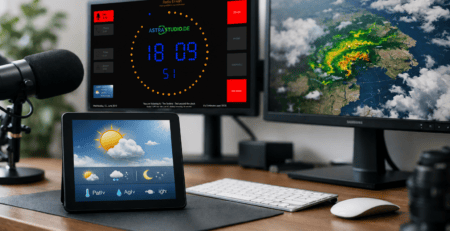
Weather backgrounds are photographs for the OpenWeatherMap icons. Labels stay readable on bright photos. The widget shows the searched city, stays on the AIR column width, and keeps that city when switching °C, °F, and K. On a narrow display the temperature scales down.
The hotkeys overlay opens with H or a right-click. Close it with H, Esc, or a click outside. Reboot and Shutdown are in Settings → About and in the Web UI, with confirmation. On the Raspberry Pi image, reboot and shutdown run without a system password. FULLSCREEN switches the main window from the Web UI and the API.
Upgrade notes
Your settings stay. Links, Livewire GPIO, MIDI, Logic, and SNMP stay off until you enable them.
- Shop builds need a license. If this computer was activated on the 1.0.8 beta, activate it again. Activations from 1.0.9 onward stay valid
- A new version is reported only when Check for updates is on. Activation turns that option on
- SNMP listens on UDP 1161. v2c stays read-only until you set a write community
- Links resolve peers by instance name. Rename a screen before you link it if another OnAirScreen on the LAN already uses that name
- Livewire GPIO multicast needs the same AoIP VLAN and IGMP as the audio meters. LWRP needs the device reachable on TCP 93
- PTP, AoIP, and Livewire GPIO remember the interface name. A new IPv4 address on that interface is used
Ready-to-run builds for Windows, macOS, Linux, and Raspberry Pi — from €29 — are in the OnAirScreen shop. The full list is in the release notes.
Documentation:
- Product page
- Release notes 1.1.0
- User Manual (English)
- Bedienungsanleitung (Deutsch)
- SNMP MIB
- Customer portal
Thank you
1.1.0 is for the studios that put 1.0.0 on air and then asked for the next room: another screen in the hallway, the console’s own lamp, a MIDI pad, and an update that installs itself.
Thank you — and happy broadcasting.
— Sascha Ludwig
astrastudio.de