


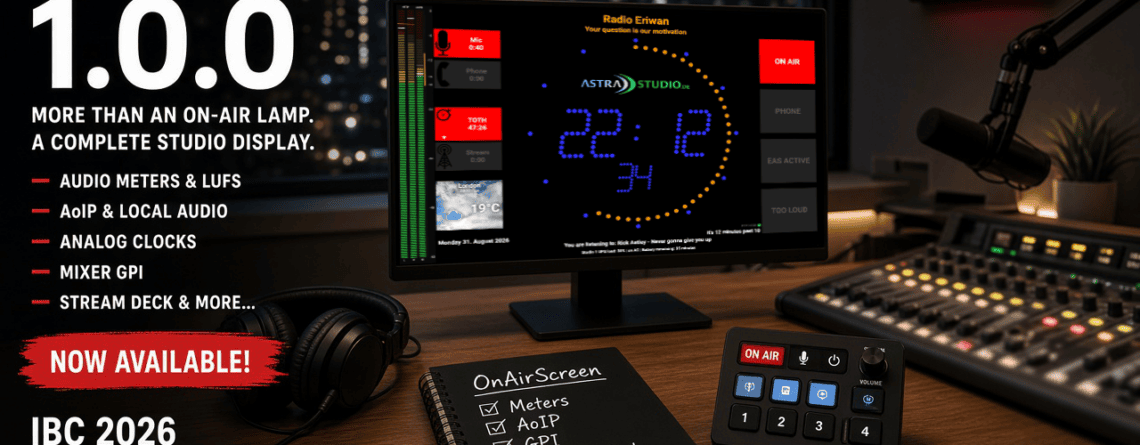
OnAirScreen 1.0.0 — IBC 2026
OnAirScreen 1.0.0 is out. After years of 0.9 in real studios — feature requests, betas, and the long stretch from an on-air lamp to a full studio display — this is version 1.0.0. It lands as...
OnAirScreen 1.0.0 is out. After years of 0.9 in real studios — feature requests, betas, and the long stretch from an on-air lamp to a full studio display — this is version 1.0.0. It lands as...
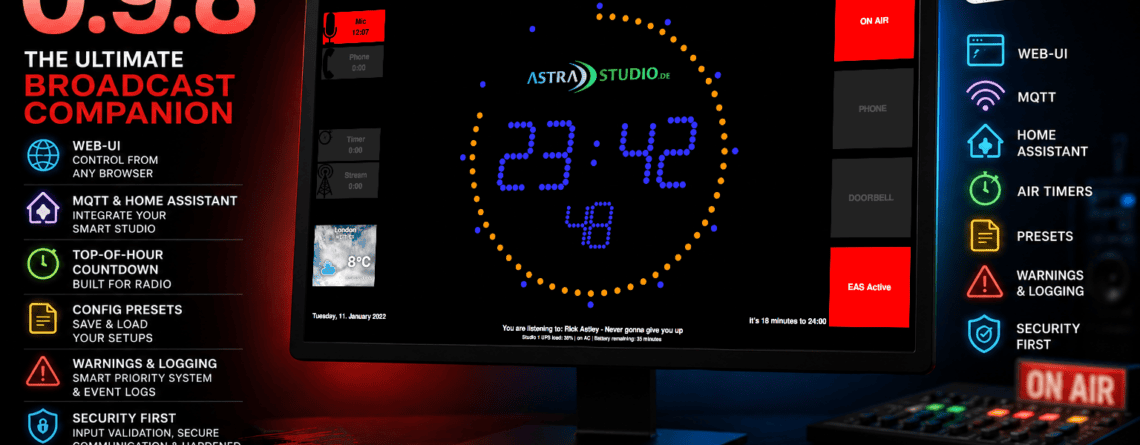
OnAirScreen 0.9.8 is here — Web-UI, MQTT, Home Assistant, Top-of-Hour countdown, and hundreds of improvements since 0.9.6
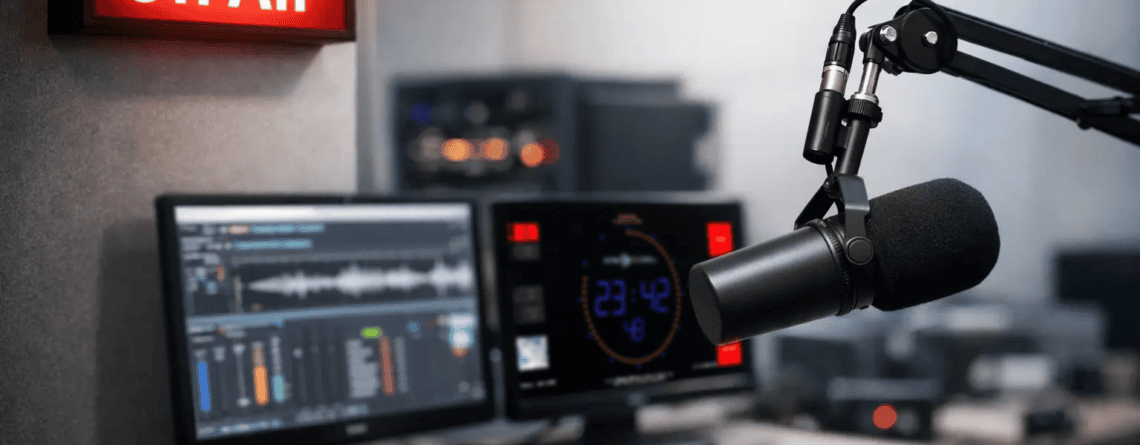
This guide to on air signage helps broadcast and streaming teams select, connect, and operate clear studio displays for a more reliable live workflow.
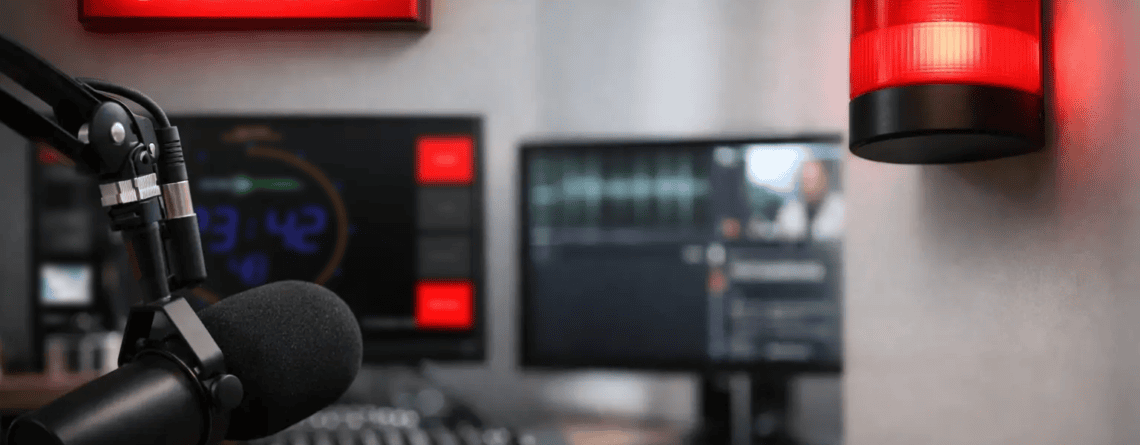
Compare the best on air indicator tools for radio and streaming studios, from lights to network displays, and choose the right setup for your workflow.
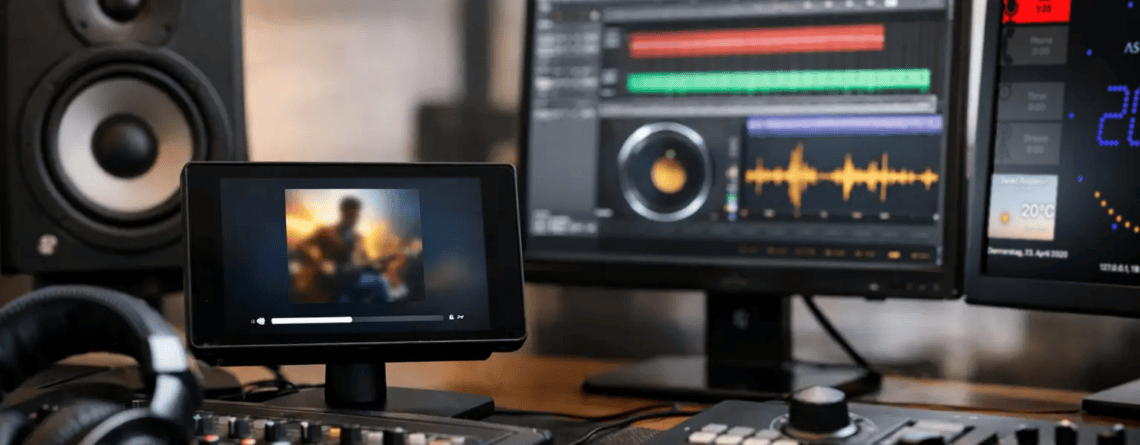
Learn how to display now playing data in broadcast and streaming studios, with live metadata sources, layouts, APIs, and fallback planning for operators.
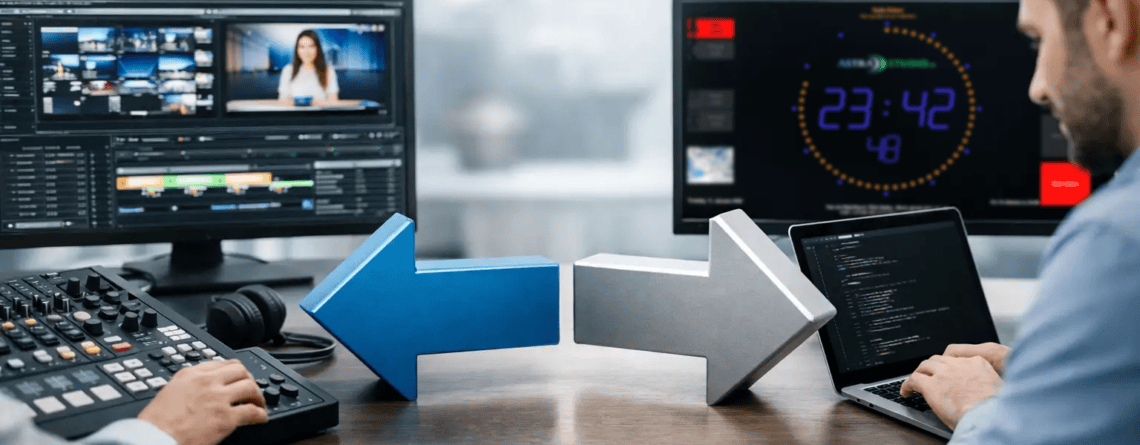
Compare broadcast software vs custom development for studio displays, workflow integration, costs, and the right path for your on-air operation today.
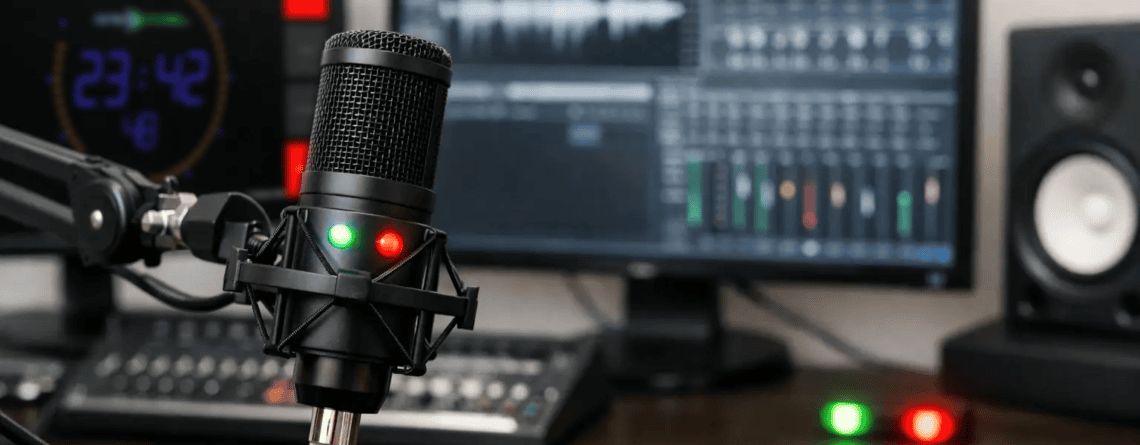
Learn how to show microphone status clearly in radio and streaming studios, using reliable triggers, display rules, and flexible integrations daily use.
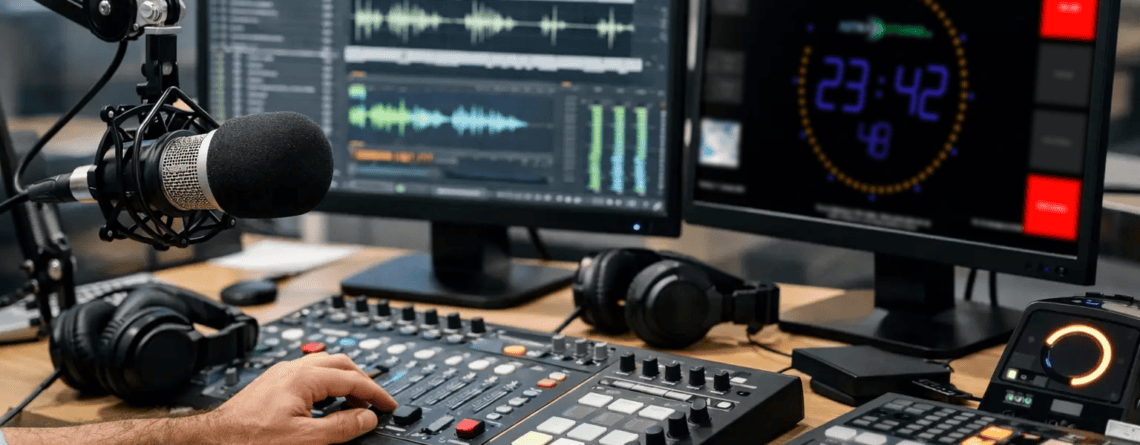
Choose web radio studio software that keeps presenters informed, integrates with your broadcast stack, and delivers clear on-air visibility every shift.
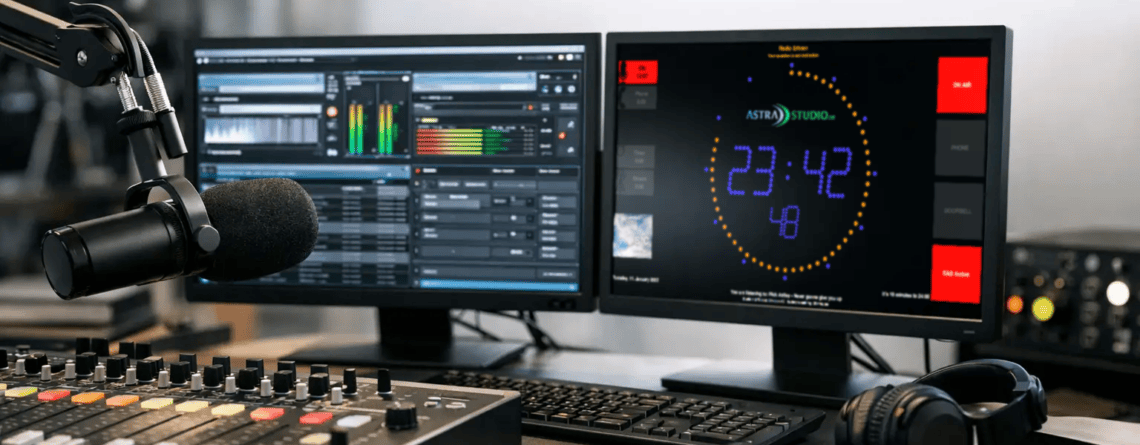
Choose a professional on air clock display that keeps talent, producers, and engineers aligned with accurate, visible studio time and status cues on air.
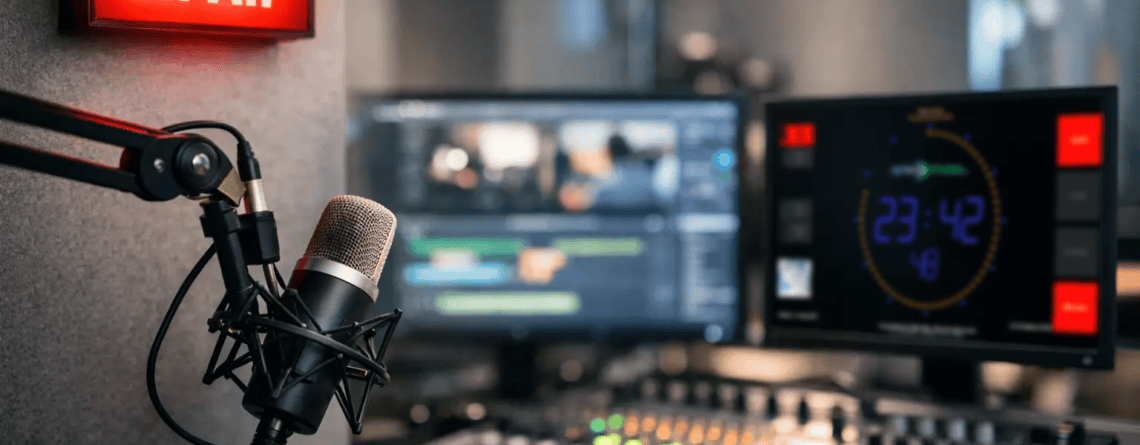
What is an on air screen? Learn how studio displays show live status, timers, mic state, and track data to keep broadcast teams coordinated and prepared.