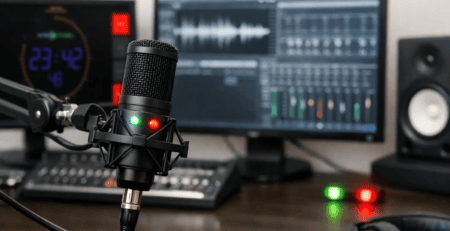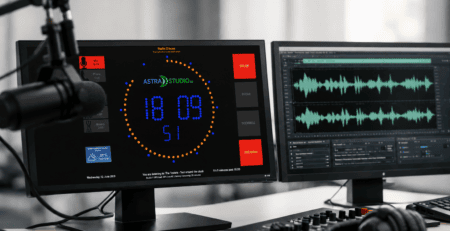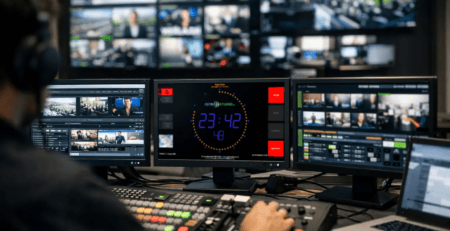
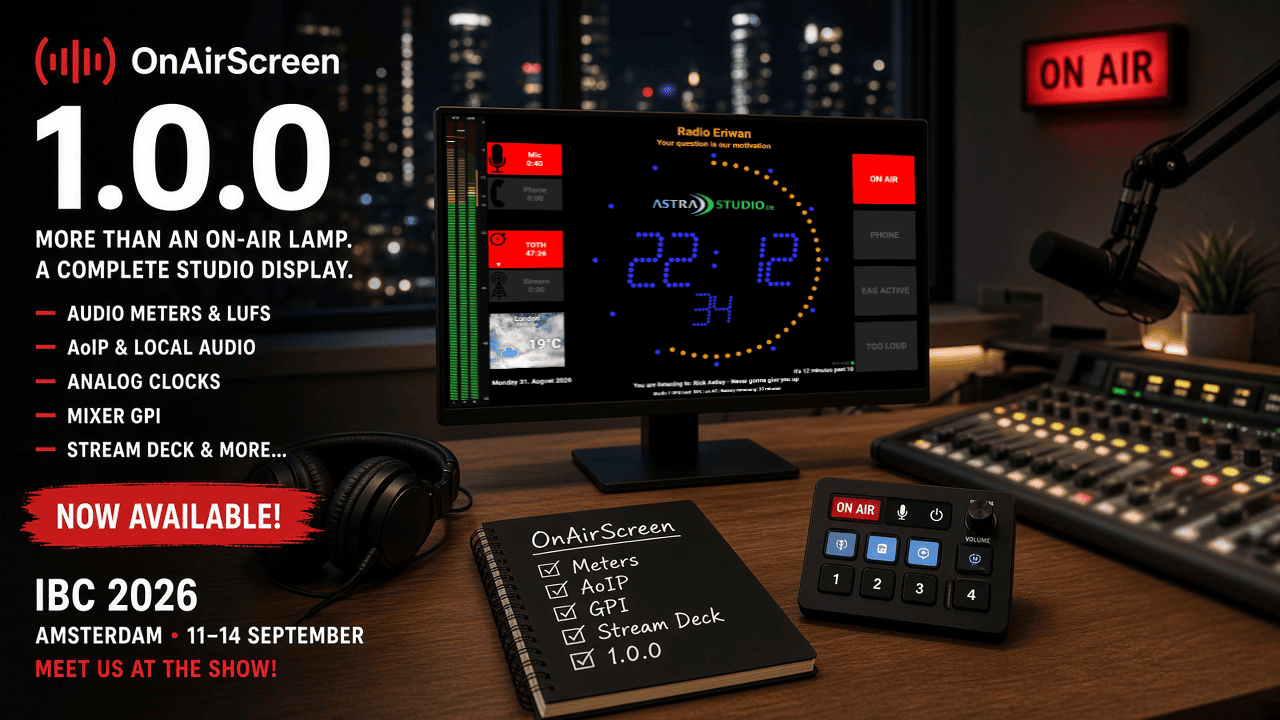
OnAirScreen 1.0.0 — IBC 2026
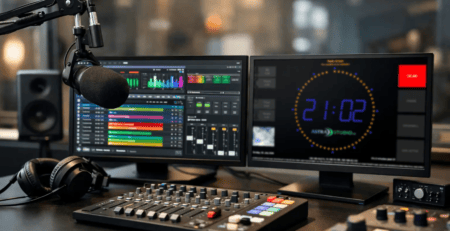
OnAirScreen 1.0.0 is out. After years of 0.9 in real studios — feature requests, betas, and the long stretch from an on-air lamp to a full studio display — this is version 1.0.0.
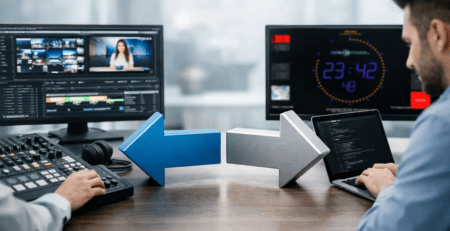
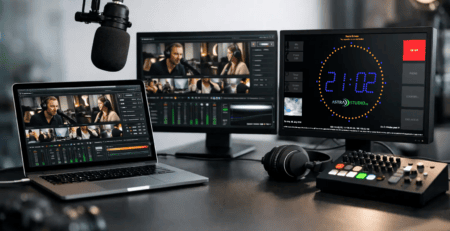
It lands as IBC opens in Amsterdam, 11–14 September. If you already run 0.9.8, you know the web UI, MQTT, and the top-of-hour countdown. 1.0.0 is the release that puts loudness, AoIP, analog clocks, mixer GPI, and Stream Deck on that same screen.

What’s in 1.0.0
- Audio meters: stereo L/R, programme LUFS, or both. EBU R128 with momentary, short-term, and optional gated I+LRA
- Level detection: a warning when the level is too high or the signal drops out (silence detection)
- Local sound card: the computer’s audio input
- AoIP: Axia Livewire or AES67 compatible
- Clock faces: LED digital, classic analog, numerals, studio, railway, and 24-hour
- Time source: local clock, NTP, PTPv2, or SMPTE LTC
- Raspberry Pi GPIO: mixer GPI to LEDs and AIR timers
- Remote control: browser web UI with settings, Bitfocus Companion and Stream Deck, MQTT, OSC, HTTP, and UDP
- Shop builds: Windows, macOS, Linux, and Raspberry Pi, from €23
Loudness and audio sources
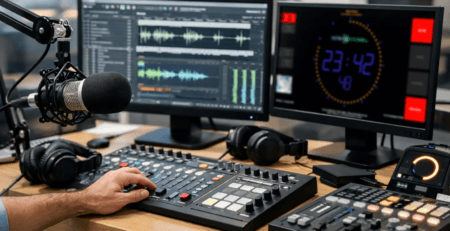
Studios wanted meters on the on-air display. 1.0.0 has them: stereo L/R in dBFS, dBTP, or BBC PPM, and programme LUFS to EBU R128 — momentary, short-term, and gated I+LRA when you start a session. Show L/R, LUFS, or both.
The feed can be a local sound card, or Axia Livewire or AES67 compatible (SAP or a pasted SDP). If the level is too high, TOO LOUD appears on screen or an LED comes on. If the signal drops out, silence detection can show a WARN message, trigger MQTT, or send an HTTP GET.
A clock that matches the room
The clock on screen can use local time, NTP, software PTPv2, or SMPTE LTC.
Choose a face in Settings. The rest of the display stays put — LEDs, timers, meters, branding. LED digits, a classic analog, numerals, a white studio face, a railway station clock, or 24-hour cream with a ticking or smooth second hand.


From the desk
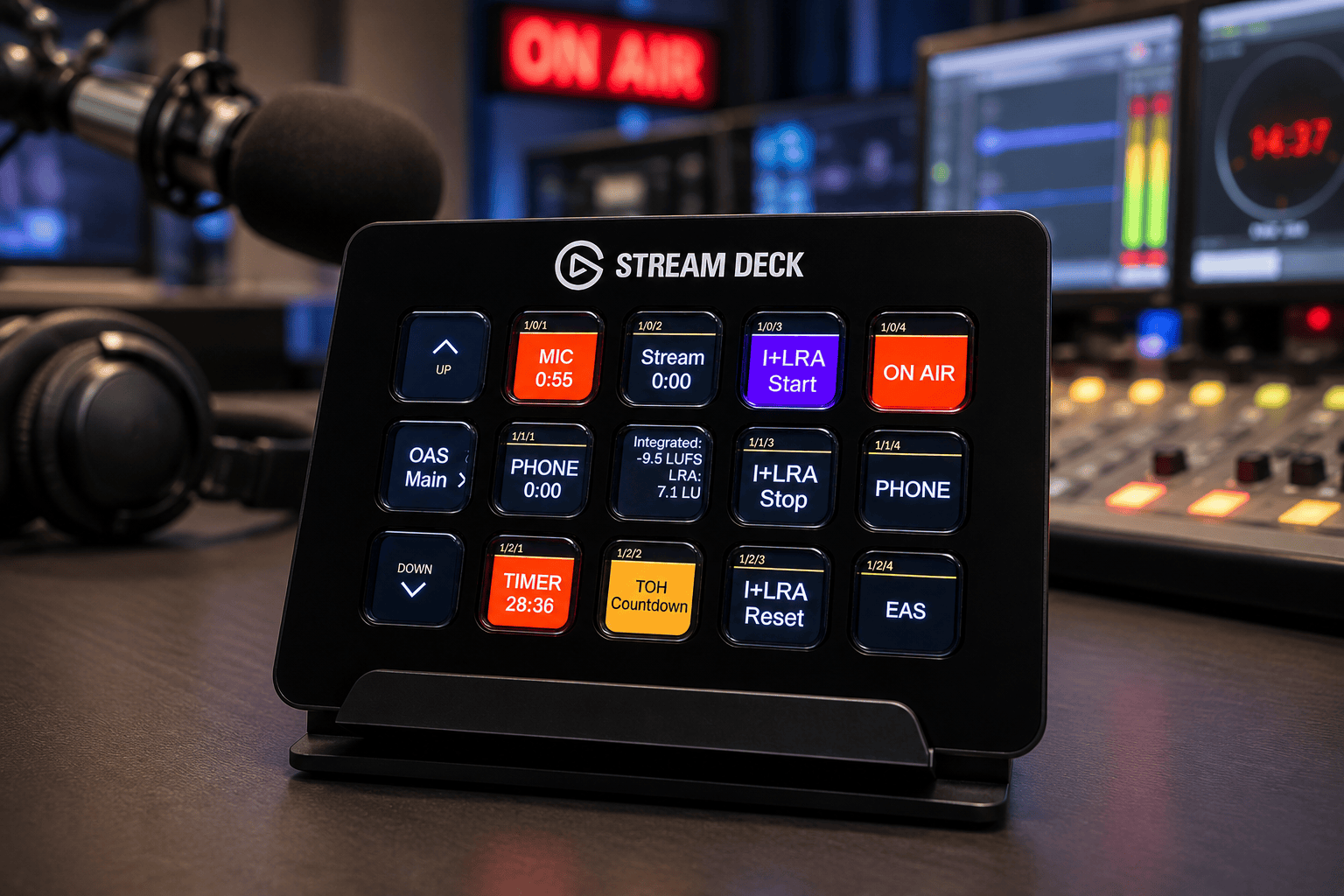
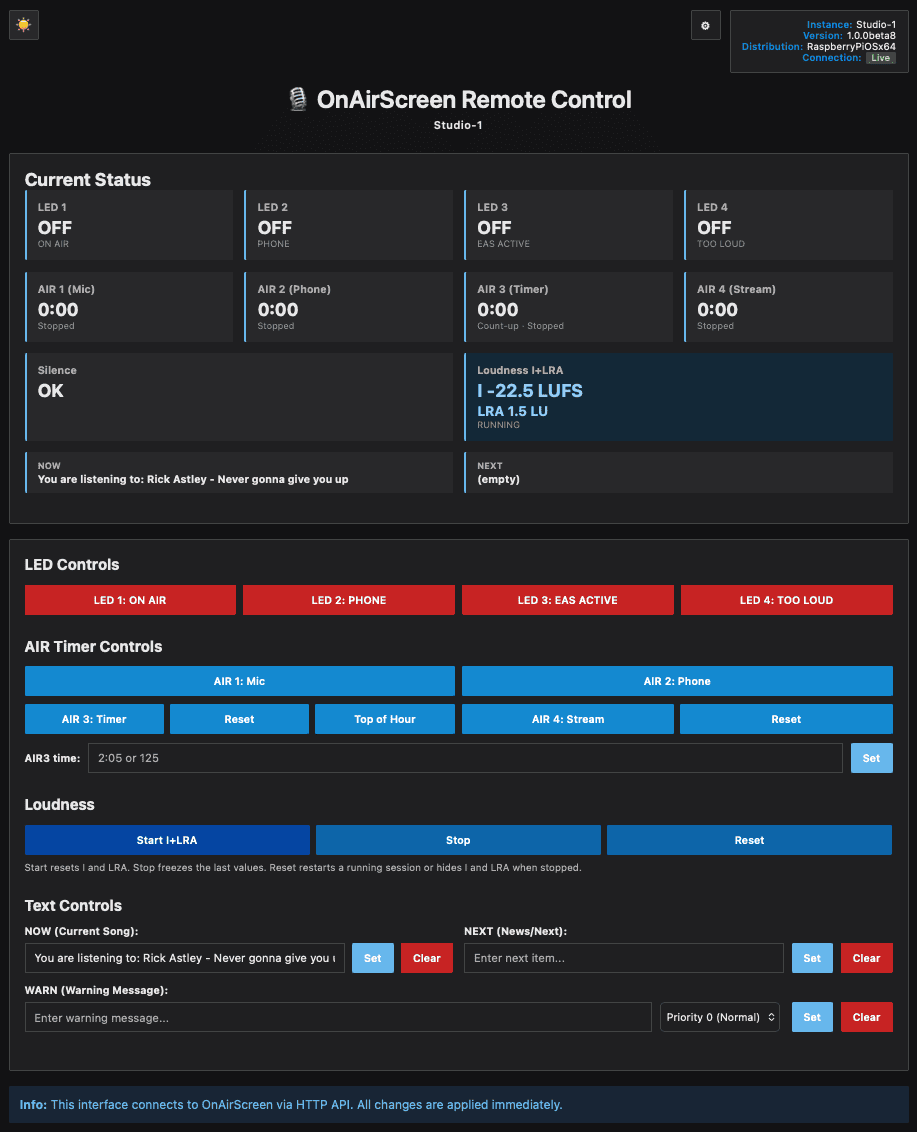
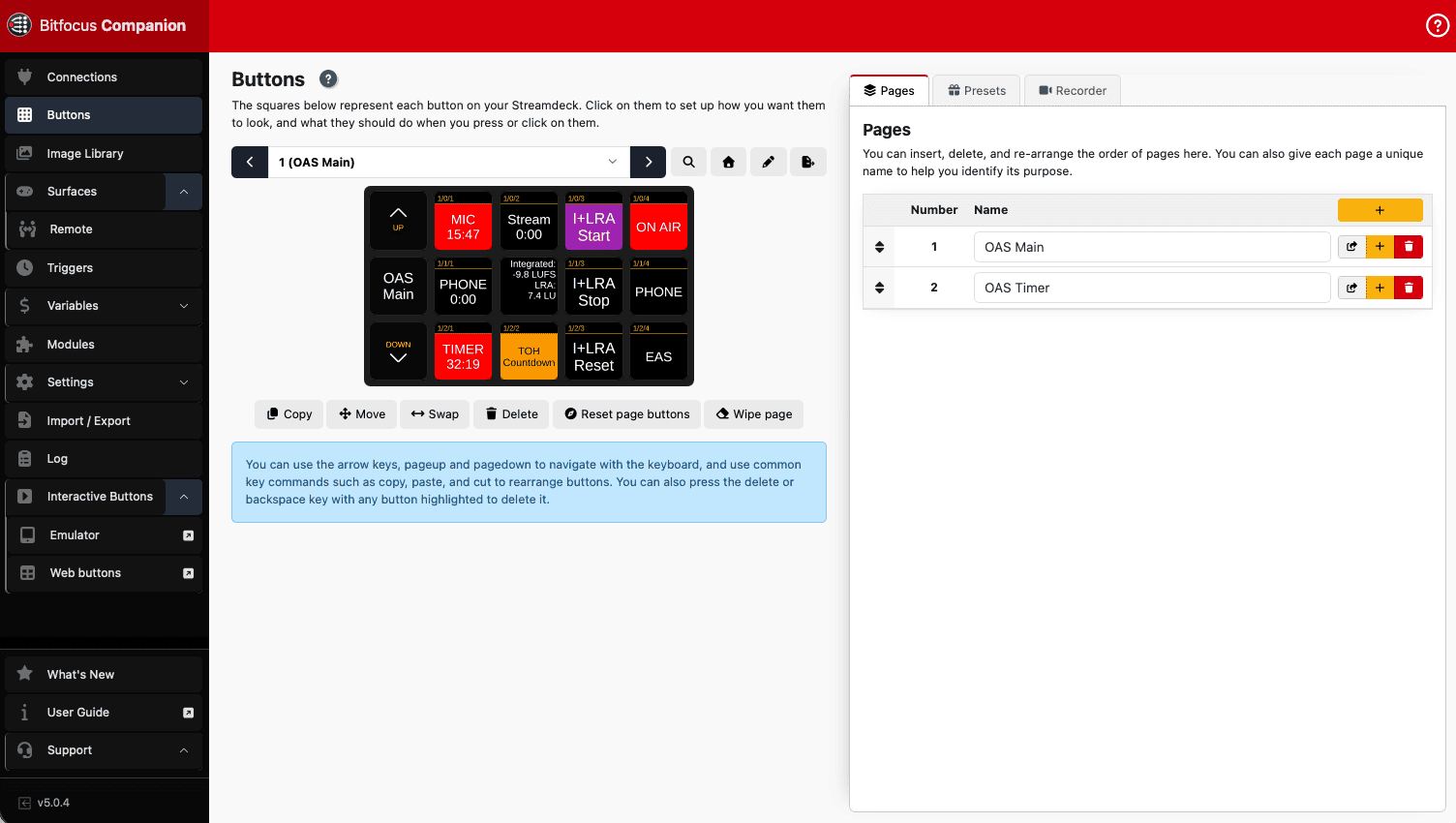
LEDs, AIR timers, NOW/NEXT, loudness, and settings from where you sit: in the browser, in Bitfocus Companion, or on the Stream Deck.
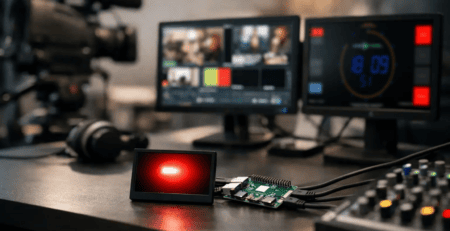
Raspberry Pi: GPIO and an SD image
Behind the studio monitor, a Raspberry Pi is still the compact way to run OnAirScreen. In 1.0.0 the mixer GPI can light the LEDs and start the AIR timers — up to eight inputs. GPIO is included with the Raspberry Pi edition and the SD image.
Flash the image, plug in, go on air.
Meet at IBC
I do not have a stand at IBC. I will be at the RAI in Amsterdam from 11 to 14 September. If you want to see 1.0.0, ask about using it in your studio, or just say hello — write me.
Email info@astrastudio.de or Telegram t.me/astrastudio_bot.
Upgrade notes
Your settings stay compatible — no migration. Shop customers update with the Update Key from the customer portal.
- Saved settings keep working after the upgrade
- Web UI stays on the HTTP port (default 8010); settings can sit behind a PIN
- MQTT stays off until you enable it. Home Assistant picks up the new loudness and silence entities
Ready-to-run builds for Windows, macOS, Linux, and Raspberry Pi — from €23 — are in the OnAirScreen shop. The SD image ships with OnAirScreen already installed.
Buy OnAirScreen 1.0.0 User Manual
Documentation:
Thank you
1.0.0 is for everyone who ran the 0.9 builds on air, filed bugs, tested betas, and told me what the screen still needed. Years of that work is in this version.
Thank you — and happy broadcasting.
— Sascha Ludwig
astrastudio.de