Linux Broadcast Display Software That Fits Studio Work
A studio display that lags, breaks after an update, or refuses to talk to the rest of your setup is not a small annoyance. It slows operators down, creates avoidable mistakes, and pulls attention away from the show. That is why linux broadcast display software matters most in places where timing, status visibility, and simple operation have to work every day.
For radio studios, webcast control rooms, and production environments, the real requirement is usually not “a screen on Linux.” It is a display system that can show the right information at the right moment, stay readable from across the room, and integrate cleanly with automation, GPIO, APIs, or local control logic. The difference sounds subtle, but in practice it separates hobby tools from software that belongs in active broadcast workflows.
What linux broadcast display software needs to do
In most professional setups, the display is part of the operating rhythm of the room. Operators glance at it between fader moves, talent uses it for pacing, and producers rely on it to confirm what is live, what is next, and how much time remains. A generic dashboard may show data, but broadcast-specific display software has to present information with clear visual priority.
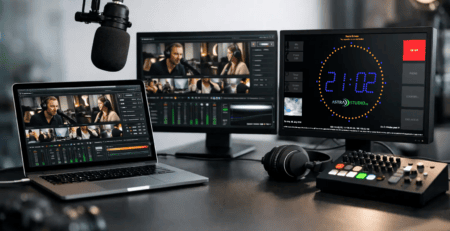
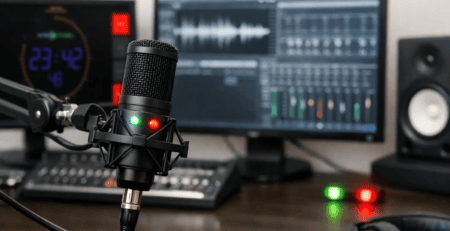
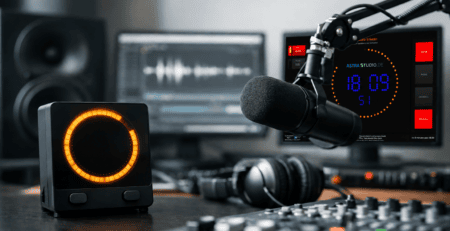
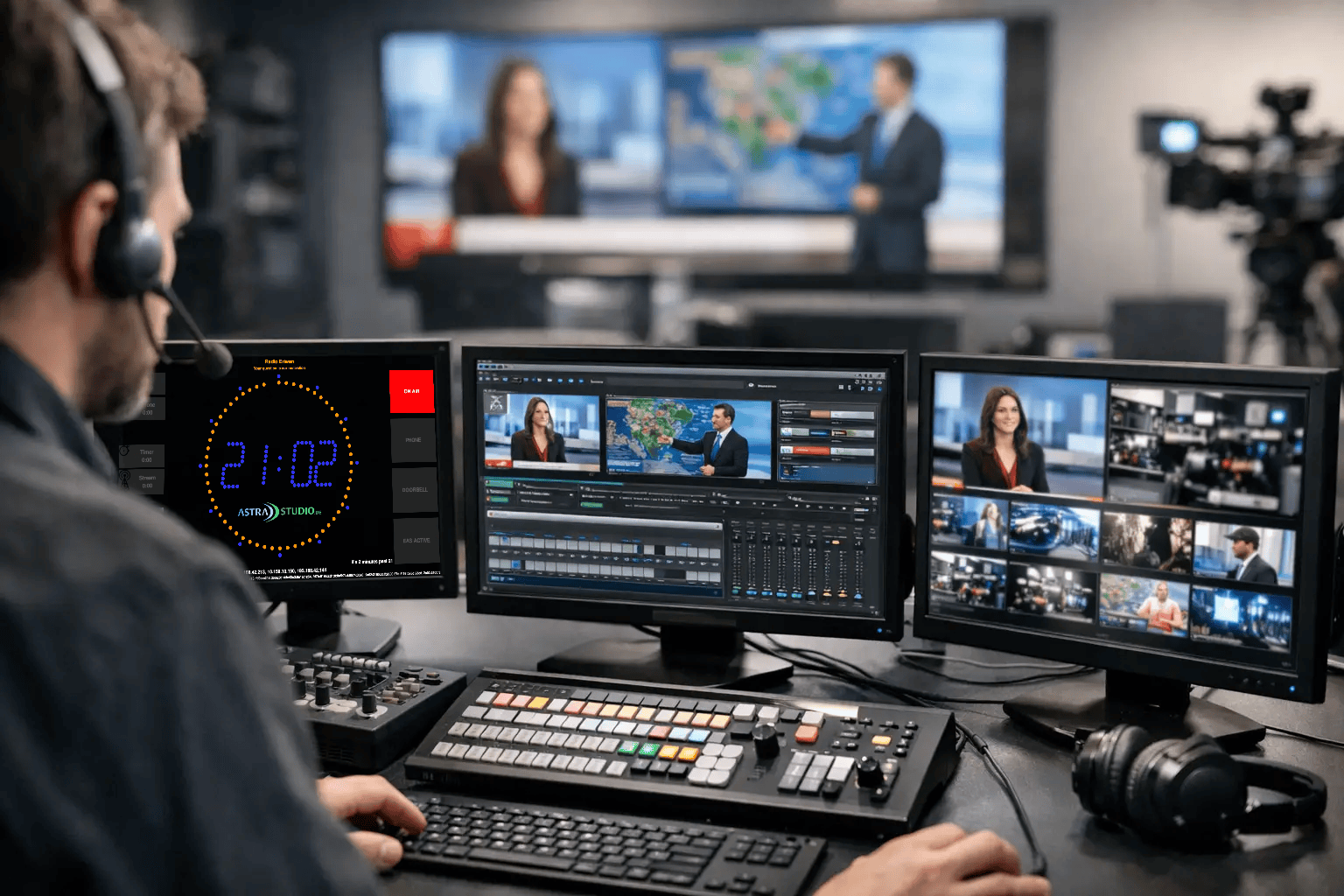
That usually starts with the basics: on-air indicators, countdowns, clocks, stopwatches, and segment timing. From there, many teams need more context on screen, such as microphone status, current title, next title, weather, or custom text pulled from another system. The key is not just feature count. It is whether those elements can be arranged in a way that supports the room instead of cluttering it.
Linux is a strong fit here because it can be deployed economically, runs well on compact hardware, and is often preferred where stability and controlled environments matter. But the platform only helps if the software is built for practical deployment. If installation is awkward or integration is limited, Linux becomes an extra task instead of an advantage.
Why Linux makes sense in broadcast display environments
Broadcast teams choose Linux for different reasons, and not all of them are ideological. In many cases, it is simply the most efficient option. Small studios may want reliable display clients on low-cost hardware. Larger operations may want consistent rollouts across multiple screens without introducing another full desktop environment to manage.
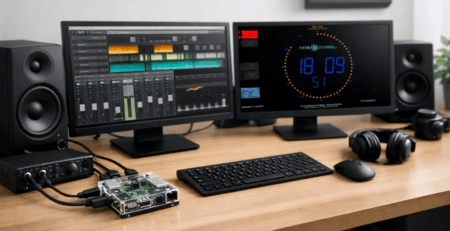
There is also the hardware question. A display node does not need to be oversized if its job is to render clear information reliably. Linux works well on compact systems, including Raspberry Pi-based installations, which makes it useful for wall-mounted timers, booth indicators, and secondary confidence displays. That can reduce cost per screen and make replacements easier when a room changes.
Still, Linux is not automatically the right answer for every site. If your operation depends on a Windows-only automation chain or your internal support model is standardized on another platform, adding Linux only for one display can create friction. The better approach is to look for software that supports Linux because it fits your environment, not software that forces the rest of your workflow to adapt around it.
The difference between a display app and a broadcast tool
A lot of software can put text and timers on a screen. That is not the same as being useful during live production.
Broadcast-focused display software should be readable at distance, visually simple under pressure, and easy to update without interrupting operation. Font sizes, color coding, layout logic, and status hierarchy all matter more than they would in a general-purpose signage product. In a live studio, nobody wants to decode a clever interface.
Integration matters just as much. If a screen can only be changed manually, it becomes another task for the operator. In contrast, a useful broadcast display can receive information through interfaces such as HTTP, UDP, multicast, MQTT, GPIO, or other custom connections. That opens the door to automation triggers, microphone status signaling, metadata updates, and room-specific logic.
This is where many teams underestimate the value of purpose-built software. A flexible on-air display can serve as a timer, status panel, title display, branded studio screen, and operational cue surface at the same time. That reduces tool sprawl and keeps the setup easier to maintain.
Choosing linux broadcast display software for real studio use
When evaluating linux broadcast display software, the most important question is not “How many features does it have?” It is “How quickly can this fit into our workflow?”
Start with installation. If deployment requires a long custom build process, that may be acceptable for engineering-led environments, but it is often a poor fit for busy studios. Fast setup matters, especially when multiple screens are involved or when technical staff are already managing automation, networking, audio routing, and streaming infrastructure. Preconfigured deployment options can make a real difference here.
Next, look at layout flexibility. Every studio has different priorities. A talk station may care about mic status and countdowns. A music-driven operation may need current and next title visibility. A streaming studio may want branded information panels, clocks, and API-fed text. Software that only supports one rigid display style often becomes limiting once the room evolves.
Then there is integration depth. The ideal system should work with standard interfaces and also allow custom adaptation where needed. That balance is important. Some customers need a ready-to-run product. Others need a standard tool that can be extended into a larger control environment. If your vendor can support both, you avoid replacing the whole system later.
Finally, consider operational reliability. A beautiful display that needs constant supervision is not helping your team. Broadcast software should behave predictably after reboot, recover cleanly, and stay stable during long runtimes. Those details rarely stand out in a product screenshot, but they matter once the software is on the wall every day.
Typical use cases in radio and streaming studios
In a live radio room, a Linux-based display often acts as the shared visual reference for everyone in the space. It can show a large on-air warning, a segment countdown, and a running clock without forcing staff to look down at workstation monitors. That keeps attention on the studio and improves coordination between talent and control.
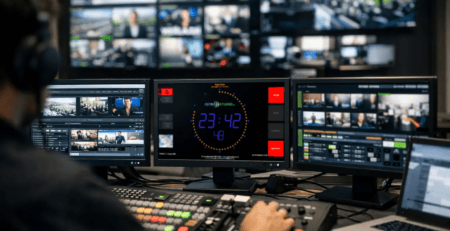
In a webcast or streaming studio, the same system may need to do more. Producers often want branded display elements, timers for sponsored segments, status indicators tied to microphones or scene states, and dynamic text delivered through APIs. Here, flexibility is more valuable than a fixed template because streaming formats change frequently.
Production facilities and multi-room operations have another requirement: repeatability. They may need the same display logic across several studios, each with minor local differences. Linux can support that well, especially when paired with software that is easy to duplicate across devices and configure per room.
There is also a growing role for compact hardware. A Raspberry Pi-based display can be ideal for secondary positions, voice booths, edit rooms, and smaller production spaces. If the software is available as a prepared image or otherwise simple to deploy, rollout becomes much faster and less error-prone.
Where standard software helps and where customization matters
A good standard product covers most day-to-day needs without requiring a custom development project. That is usually the best starting point because it shortens implementation time and gives teams a known, supported baseline.
At the same time, not every broadcast operation is standard. One customer may need title data from a playout system. Another may need studio signage tied to GPIO states. A third may want a custom control layer that sends room status over MQTT or HTTP. This is where a modular approach becomes valuable. You can start with a proven display application and extend it where your workflow actually demands it.
That combination is often more cost-effective than building from scratch. It also reduces risk because the core display functions are already tested in practical environments. For studios that need both fast deployment and room for adaptation, this middle ground is usually the most sensible path.
One example of that approach is software that runs across Windows, Linux, macOS, and Raspberry Pi OS while still supporting broadcast-specific display functions and integration paths. For teams managing mixed environments, that kind of platform coverage can simplify planning and reduce system breaks between rooms.
What a smart buying decision looks like
The right choice is usually the one that gives you stable daily operation first, then flexibility for future changes. If your studio needs a large visible timer, on-air status, microphone state, metadata display, and API-driven updates, you should not have to stitch together three unrelated tools just to get there.
Look for software that is easy to install, clear to operate, and flexible enough to match your room. If you already know your workflow includes custom triggers, device states, or external metadata, choose a solution that can integrate cleanly from the start. If you need to move fast, a prebuilt option is often the better business decision than a fully custom path.
For many broadcast and streaming environments, linux broadcast display software is at its best when it stops feeling like software and starts behaving like part of the studio. That is the point where operators trust it, talent follows it, and engineering no longer has to think about it during a live show.
A good display does not ask for attention. It gives your team the right information exactly when they need it, and then quietly keeps the room moving.