Mac Broadcast Studio Software That Fits Real Work
If your studio runs on macOS, the weak point is rarely the computer itself. It is usually the gap between a stable Mac environment and the tools operators actually need on-air. That is where mac broadcast studio software becomes a practical decision, not just a platform preference. In a live setup, display clarity, simple control, and reliable integration matter more than a long feature list.
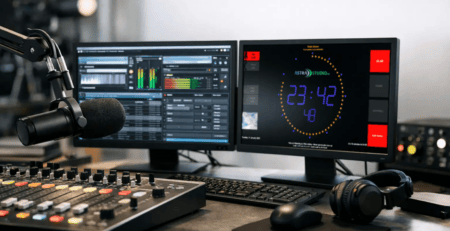
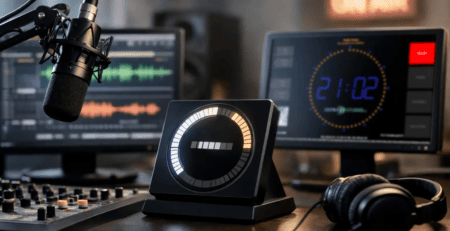
A lot of buyers start by looking for a complete all-in-one production suite. Sometimes that is the right move. Just as often, it creates friction. Radio studios, webcast rooms, and hybrid production spaces usually need a few specific functions to work flawlessly: an on-air sign, a studio timer, a countdown, microphone status, title display, and a way to connect those elements to the systems already in place. When those basics are handled well, the studio works better for operators, hosts, and guests.
What mac broadcast studio software should actually solve
For professional users, software on a Mac has to do more than launch and look polished. It has to support the rhythm of live production. That means clear visual feedback across the room, predictable behavior during long operating hours, and flexible integration with automation, control, and metadata sources.
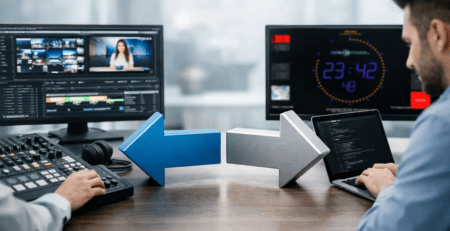
In many studios, the display layer is still treated as an afterthought. A timer gets pulled from one app, title information from another, and on-air status is handled by a separate light or GPIO box. That patchwork can work, but it often creates unnecessary maintenance and operator confusion. A better approach is to use software that centralizes essential studio displays while staying open enough to communicate with your existing stack.
This is especially relevant on macOS, where teams may prefer Mac hardware for stability, familiarity, or existing production workflows. If the display and signaling layer is missing, teams either build custom workarounds or add another device just to show basic studio status. Neither option is ideal when the goal is simple, dependable operation.
The difference between general streaming tools and broadcast-focused software
Many Mac users first encounter software built for streamers, content creators, or video production teams. Those tools can be useful, but broadcast operations have different priorities. A polished scene switcher does not replace a visible studio timer. A streaming overlay system does not necessarily provide room-wide status information. And a creative production app may not offer practical support for microphone state, next title display, or hardware-triggered studio indicators.
That is why broadcast-focused software earns its place. It is designed around operational visibility. The question is not only what appears on the program output, but what your team sees inside the studio while the show is running.
Mac broadcast studio software should support that distinction. If your use case is an on-air room, a voice booth, a podcast studio with live switching, or a radio production environment, you need tools that behave like studio infrastructure. They should be easy to read from a distance, configurable without unnecessary complexity, and ready to receive data from external systems.
Key features to look for in mac broadcast studio software
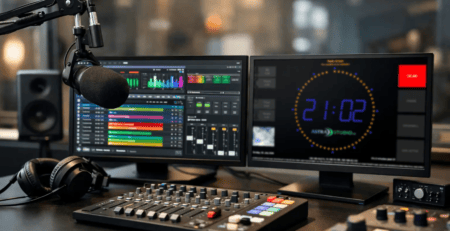
The first requirement is usually visual clarity. A studio display has one job: communicate status instantly. That applies to countdowns, current time, stopwatch functions, microphone indicators, and text fields such as current or upcoming titles. If operators have to interpret the screen, the design is already working against them.
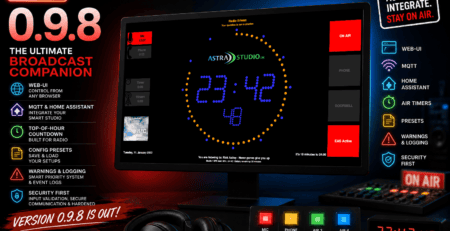
The second requirement is integration. Good software should not force a closed environment. In real studios, information comes from many places: automation software, playout systems, custom scripts, GPIO triggers, smart building tools, or web-based control panels. Support for interfaces such as HTTP, UDP, multicast, MQTT, and GPIO can make the difference between a clean deployment and an expensive workaround.
Third, installation should be straightforward. Technical teams do not want to spend hours getting a simple studio display online. The faster the software can be deployed on a Mac and connected to existing workflows, the faster it starts delivering value. This is particularly important for smaller stations and streaming teams that do not have dedicated developers on staff.
Customization also matters, but it needs to be the right kind. Most studios do not need unlimited design freedom at the cost of reliability. They need practical customization: logo placement, color adjustments, layout changes, readable typography, and the option to present the exact fields the workflow requires.
Where Mac-based studio setups benefit most
Mac environments are common in podcast production, digital-first radio, smaller broadcast operations, and multi-use studios that combine audio production with video, streaming, and editing. In these spaces, software has to fit around existing Mac hardware instead of forcing a platform change.
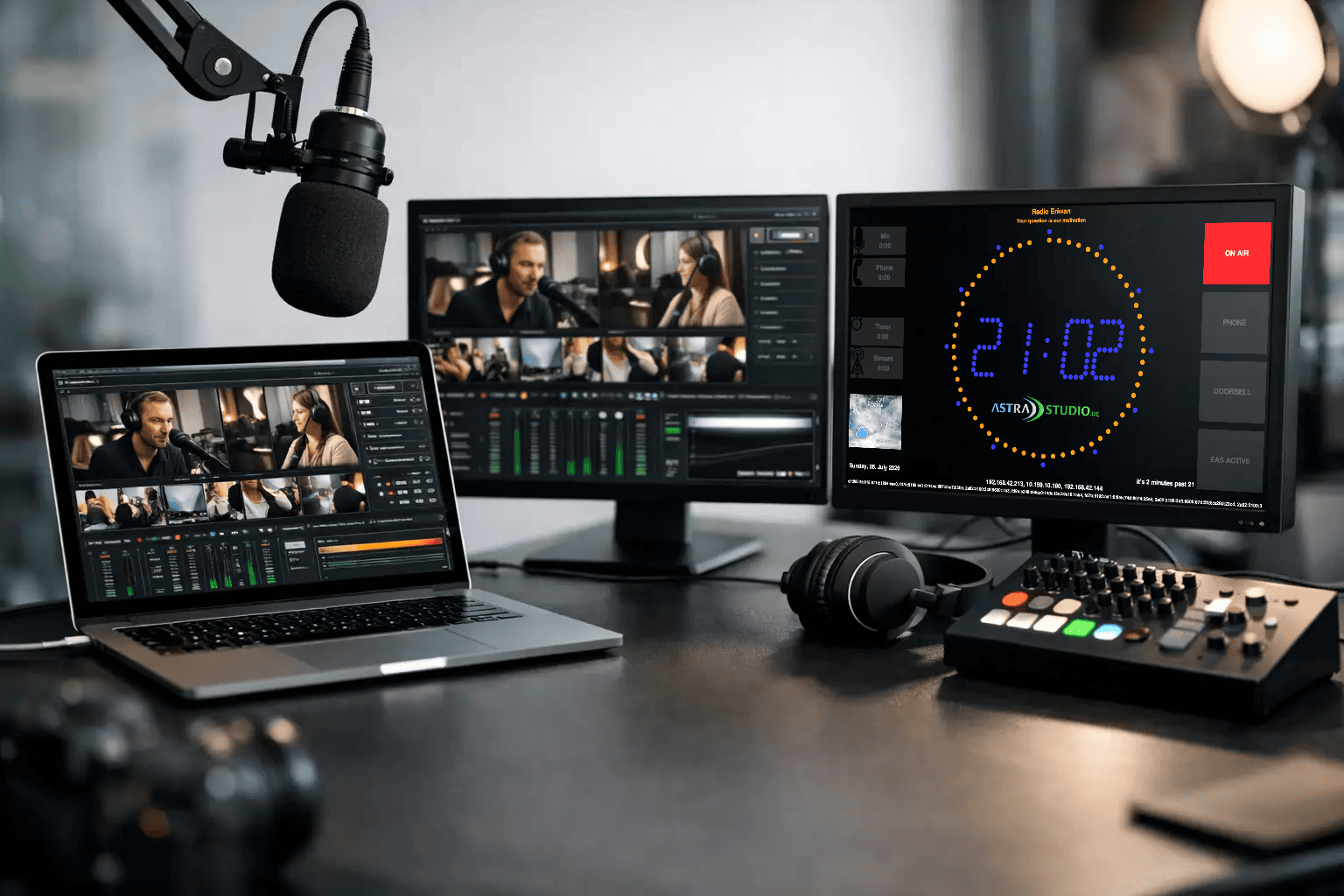
A common example is a studio that already uses a Mac mini or iMac as a display controller. The team may need a full-screen timer in the host’s line of sight, a bold on-air indicator for guests, and a flexible text area for live metadata. That sounds simple, but the operational value is high. Clear visual cues reduce mistakes, improve pacing, and make handoffs smoother.
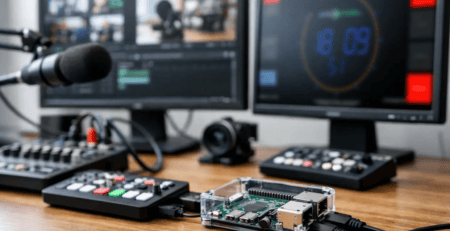
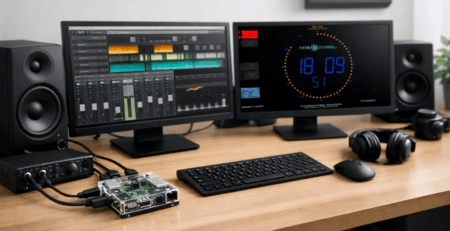
Another example is a web radio or streaming operation with limited rack space and lean staffing. Here, the ideal solution is often not a bigger system. It is software that installs quickly, runs reliably, and can be fed by standard interfaces from the tools already in use. If title data, microphone state, or studio status can be updated automatically, the setup becomes easier to operate and easier to scale.
mac broadcast studio software in mixed-platform environments
One practical issue that gets overlooked is platform diversity. A station may use Macs in one room, Windows systems in another, and low-power devices for signage or remote displays. In that reality, choosing software only because it works on one platform can create future friction.
Cross-platform availability is a major advantage for studio display and on-air tools. It gives technical teams the freedom to standardize the workflow without forcing identical hardware everywhere. A display layout created for a Mac-based control room can often be adapted for other operating environments where needed. That reduces training overhead and keeps operations consistent.
This is where specialized providers tend to stand out. Instead of treating studio displays as a side feature, they design for flexible deployment. That includes standard software products for immediate use and, where needed, customization for specific operational requirements. For professional environments, that combination is often more useful than a generic app with broad but shallow feature coverage.
When standard software is enough and when it is not
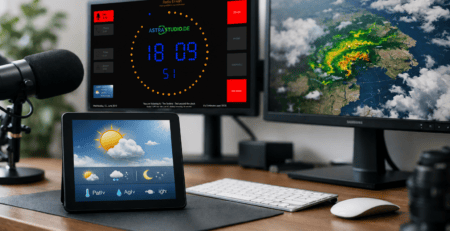
Not every studio needs custom development. If your requirement is a stable on-air screen with timers, clocks, title fields, weather information, and configurable layouts, a standard product can be the fastest path to production. It keeps cost under control, shortens rollout time, and avoids reinventing functions that are already solved.
But there are cases where it makes sense to go further. If your workflow depends on custom triggers, proprietary metadata, specific control logic, or unique branding rules, off-the-shelf software may only cover part of the requirement. In those cases, modular customization is often the better route. It preserves the speed of a proven software base while adapting the behavior to the studio’s real operating model.
That balance matters. Over-customizing from day one can make maintenance harder. Relying on a generic tool that ignores key broadcast needs can create daily friction. The right decision usually sits in the middle: standard where possible, tailored where useful.
A practical way to evaluate your options
Before comparing vendors, define what the display layer must do in your studio. Start with the live questions. Who needs to see what, from where, and at what moment? Does the host need a silent visual countdown? Do guests need a large on-air cue? Does production need to push current and next title data from an external system? Do you need API-based control, microphone status, or room-specific layouts?
Once those answers are clear, the shortlist gets much easier. You are no longer shopping for software in the abstract. You are selecting a tool that fits a real workflow.
For teams that want flexible integration, fast setup, and purpose-built display functions, solutions such as those developed by astrastudio show what this category should look like: practical studio tools, clear deployment paths, and room for adaptation when standard features are not enough.
The best Mac setup is rarely the one with the most software. It is the one where the right information appears at the right time, without operators having to think about it.