When Custom Broadcast Software Development Pays Off
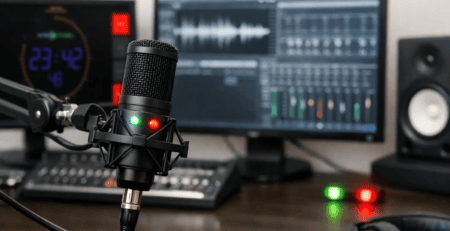
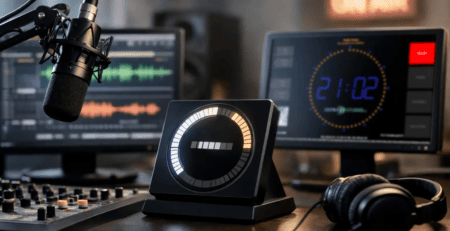
A studio usually knows when off-the-shelf software stops being enough. It happens when the On Air display needs to reflect microphone states from one system, now-playing data from another, and a countdown from a third – all without adding extra operator steps. That is where custom broadcast software development becomes less of a nice-to-have and more of a practical decision.
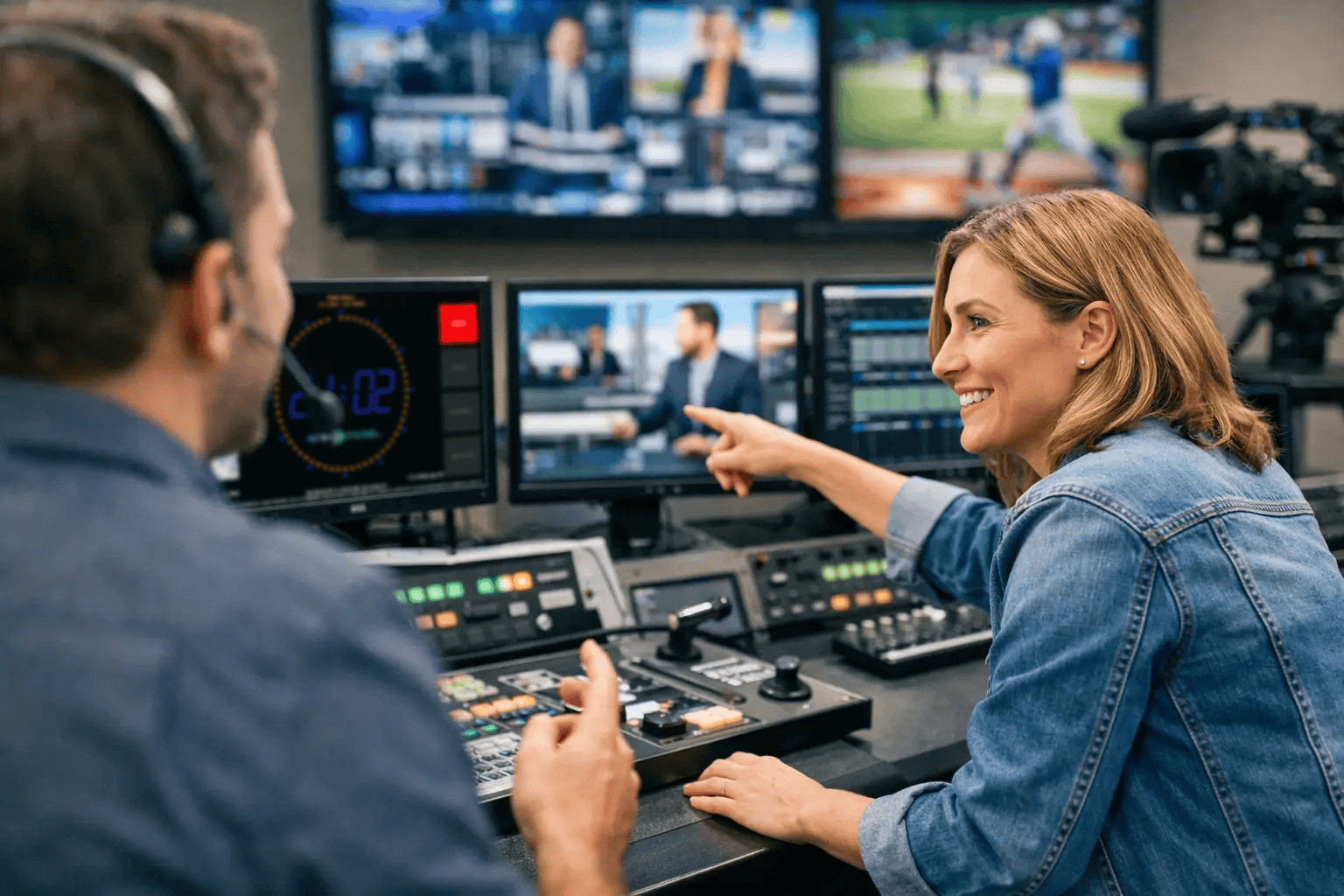
Broadcast environments do not reward software that looks flexible on paper but creates friction during a live show. In real operations, timing matters, visibility matters, and predictable behavior matters even more. If a timer misses a trigger, a studio display shows the wrong source state, or text updates lag behind the automation system, the problem is not cosmetic. It affects workflow, confidence, and in some cases the on-air result.
Why custom broadcast software development exists at all
Broadcast teams rarely start by asking for custom code. Most start with a clear operational need: show the right information on the right screen, at the right time, using the systems already in place. Standard products can cover a large part of that requirement, especially when they are designed for studio use and support multiple platforms and interfaces. But there is often a gap between a good standard feature set and a perfect fit for a specific control room.
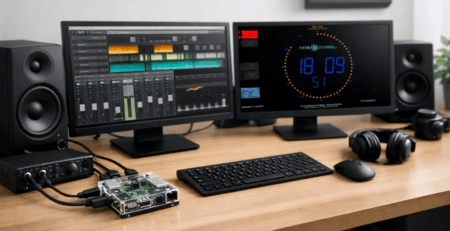
That gap shows up in small but important details. A radio station may need an On Air indicator that changes state based on GPIO in one room, MQTT in another, and an HTTP command from a scheduling tool in a third. A streaming studio may want a branded display layout that combines countdowns, clock views, weather, current track metadata, and next-item information on low-power hardware. A production house may need the same software to run on Windows in one installation and Raspberry Pi OS in another because replacing existing hardware would cost more than the software project itself.
Custom development makes sense when changing your workflow to fit generic software would be more expensive, more fragile, or harder to maintain than adapting the software to the workflow.
Where standard tools are enough – and where they are not
This is the part many vendors skip, but it matters. Not every broadcast requirement needs a fully custom build. If your need is a reliable studio timer, a straightforward On Air sign, or a configurable display that already supports your existing interfaces, a proven product is often the faster and more cost-effective path. You get simple deployment, tested behavior, and less project overhead.
The smarter question is not custom or standard. It is which parts should stay standard and which parts should be adapted.
In many studios, the best result comes from combining both. A standard display platform handles the proven core functions, while custom extensions cover the site-specific logic around metadata, triggers, control commands, or visual rules. That approach reduces development effort while preserving the flexibility needed for day-to-day operations.
This is especially relevant in smaller and mid-sized setups. They often need professional behavior without the budget or timeline for a large bespoke system. In those cases, modular custom broadcast software development is a better fit than building everything from scratch.
What a good custom solution looks like in practice
A useful broadcast tool does not become valuable because it has more settings. It becomes valuable because it removes manual work and behaves consistently under pressure.
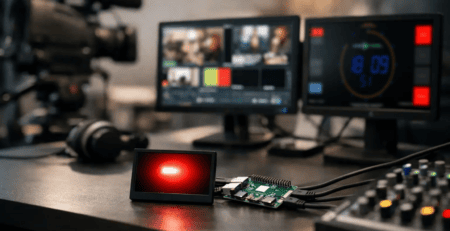
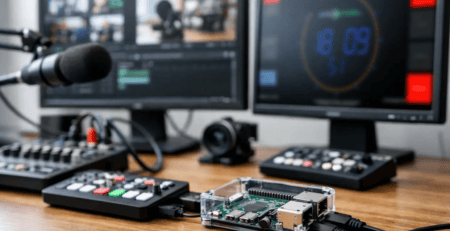
For studio displays, that usually means a few core things. The software must integrate cleanly with existing infrastructure. It must accept control and text data from real-world interfaces such as HTTP, UDP, multicast, MQTT, GPIO, or custom connectors. It must run on the hardware the studio actually wants to use, whether that is a desktop system, a compact signage player, or a Raspberry Pi. And it must remain easy to deploy and support after launch.
The visual side matters too, but in a broadcast-specific way. Operators do not need flashy design. They need clear status communication, readable timers, accurate title information, and layouts that match the room and the workflow. Branding is useful when it supports recognition and consistency. It is less useful when it adds clutter.
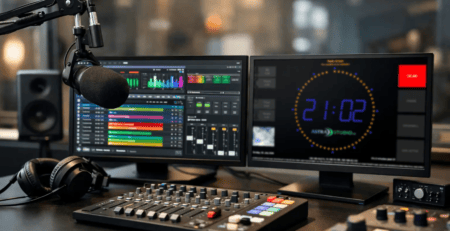
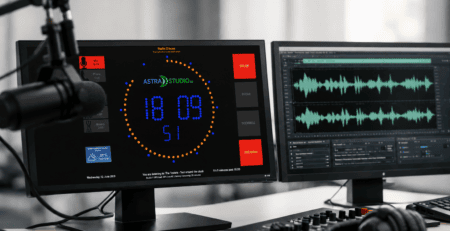
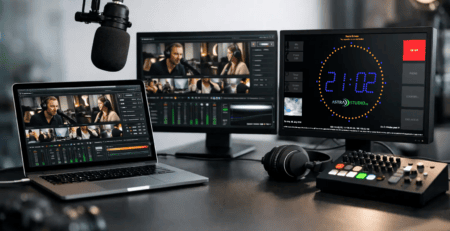
A strong implementation might include an On Air screen that reflects microphone status in real time, shows the current title and next title, and switches visual states automatically based on commands from an automation system. Another setup might combine countdowns for live hits, a studio clock, and source indicators across multiple displays with different roles in different rooms. These are not unusual edge cases. They are normal broadcast requirements.
The hidden cost of forcing generic software into a studio workflow
Teams sometimes try to bridge gaps with scripts, extra converters, and manual procedures. That can work for a while. It can also create the kind of technical debt that only becomes visible when something fails five minutes before a live segment.
The issue is not only reliability. It is supportability. If a display chain depends on several third-party tools, local scripts, and undocumented workarounds, every update becomes a risk. New staff members need tribal knowledge to keep the system running. Troubleshooting takes longer because no one component was designed to carry the full workflow.
Custom broadcast software development reduces that complexity when it is done with a clear operational scope. Instead of stacking temporary fixes, the studio gets one solution designed around actual triggers, interfaces, and display requirements. That does not mean every project needs to be large. Often the biggest improvement comes from replacing just one weak integration point with a proper software layer.
How to decide if your studio needs custom development
A practical test is to look for recurring friction. If operators are repeating the same manual steps to keep displays accurate, if key data needs to be copied between systems, or if your current setup breaks whenever one source changes format, you are already paying for a software mismatch.
Another good signal is hardware diversity. If one location runs Linux, another uses macOS, and another depends on Raspberry Pi devices for fast rollout and low maintenance, compatibility stops being a feature list item and becomes part of the project strategy. Cross-platform support can save more time and budget than adding new functions.
Scale also matters, but not in the way people assume. Large broadcasters often expect custom integration because their environments are complex. Smaller operators can benefit just as much when they need lean, efficient tools without enterprise overhead. The deciding factor is not company size. It is whether the workflow is specific enough that generic software creates unnecessary compromises.
What to expect from a development partner
A good partner for custom broadcast software development should understand broadcast timing, studio operations, and deployment reality. That means asking about existing systems first, not pushing a rebuild. It also means planning around maintainability.
The best projects usually start with a stable core and add only the customization that delivers measurable value. Maybe that is a tailored API connector. Maybe it is a custom logic layer for state switching. Maybe it is a branded multi-screen layout package that can be rolled out quickly across several rooms. The point is not to customize everything. The point is to customize the parts that affect operations.
This is where a provider that offers both ready-to-use products and project-based development has an advantage. astrastudio, for example, can approach a requirement from both directions: start with proven studio display software and extend it where the setup demands more. That leads to faster implementation, easier installation, and fewer avoidable project risks.
Custom broadcast software development as an operational decision
The strongest case for custom software in broadcast is rarely novelty. It is operational clarity. When displays update correctly, operators trust the room. When integrations are straightforward, installation is faster. When the system fits the workflow instead of fighting it, teams spend less time managing tools and more time producing content.
That is why the right custom solution is often modest in appearance. It simply does the exact job it needs to do, on the hardware you prefer, with the interfaces you already use. For a live environment, that is not a small benefit. It is the difference between software that exists in the studio and software that actually supports the studio.
If your setup already has the basics covered, custom work should sharpen the edges, not complicate the center. The best next step is usually the one that removes one recurring problem cleanly and gives your team a system they can trust every day.