Broadcast Workflow Software Integration
A missed mic state, a stale now-playing field, or a countdown that lags by even a few seconds can create confusion fast in a live studio. That is why broadcast workflow software integration matters well beyond convenience. In real operations, integration is what turns separate tools into a usable control environment – one where timers, on-air indicators, title data, automation events, and operator actions stay aligned.
For radio stations, streaming studios, and production teams, the issue is rarely a lack of software. The real problem is fragmentation. One system handles playout, another drives studio displays, another monitors GPIO, and yet another feeds metadata. Each tool may work well on its own, but the handoff between them is where time gets lost and mistakes appear.
What broadcast workflow software integration actually solves
At a practical level, broadcast workflow software integration reduces the number of manual updates operators need to make during production and live transmission. Instead of having talent or engineering staff update multiple screens and systems separately, the software environment passes status and content automatically where it is needed.
That may sound simple, but the benefit is significant. When a studio display can react to microphone state, show the current or next title, receive commands through HTTP or UDP, or subscribe to MQTT messages, it stops being a passive screen. It becomes part of the workflow. The same applies when a Raspberry Pi display, a Windows machine in master control, and a macOS production workstation can all participate without forcing a redesign of the existing setup.
This is especially valuable in small and mid-sized operations, where the same team may be handling technical support, content production, and live assist. In those environments, integration is not about chasing feature lists. It is about removing avoidable operator workload.
Where integration usually breaks down
Studios often assume the challenge is compatibility between major platforms. In reality, the bigger issue is usually inconsistency at the edges. Data formats differ. Trigger methods differ. One application expects a direct API call, another publishes over multicast, and a third only reacts through custom logic.
There is also a trade-off between speed and structure. A quick custom script can connect two systems in a day, but if it is undocumented and only one technician understands it, that shortcut becomes a risk. On the other hand, a fully engineered integration layer can be more stable and easier to maintain, but it may be more than a smaller station needs.
That is why the right approach depends on the studio. A web radio setup with one air chain and two operators needs something different from a multi-room broadcast facility with redundancy requirements. Good integration work starts by mapping actual operational dependencies, not by adding complexity first.
Broadcast workflow software integration in daily studio use
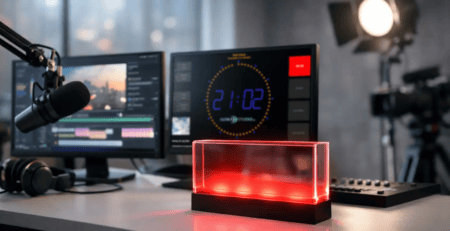
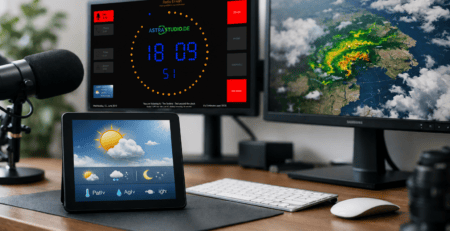
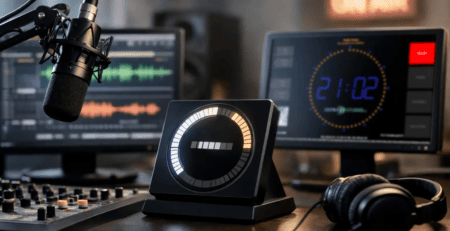
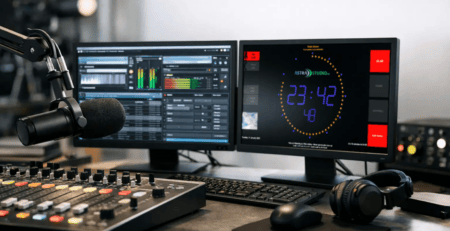
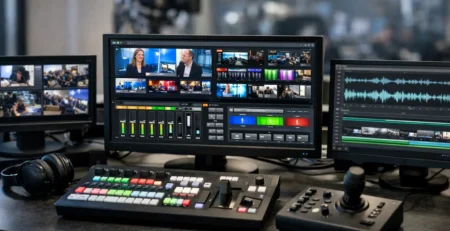
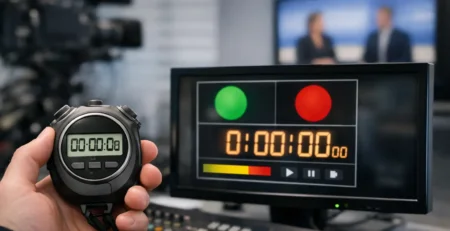
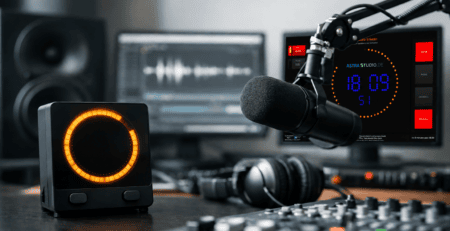
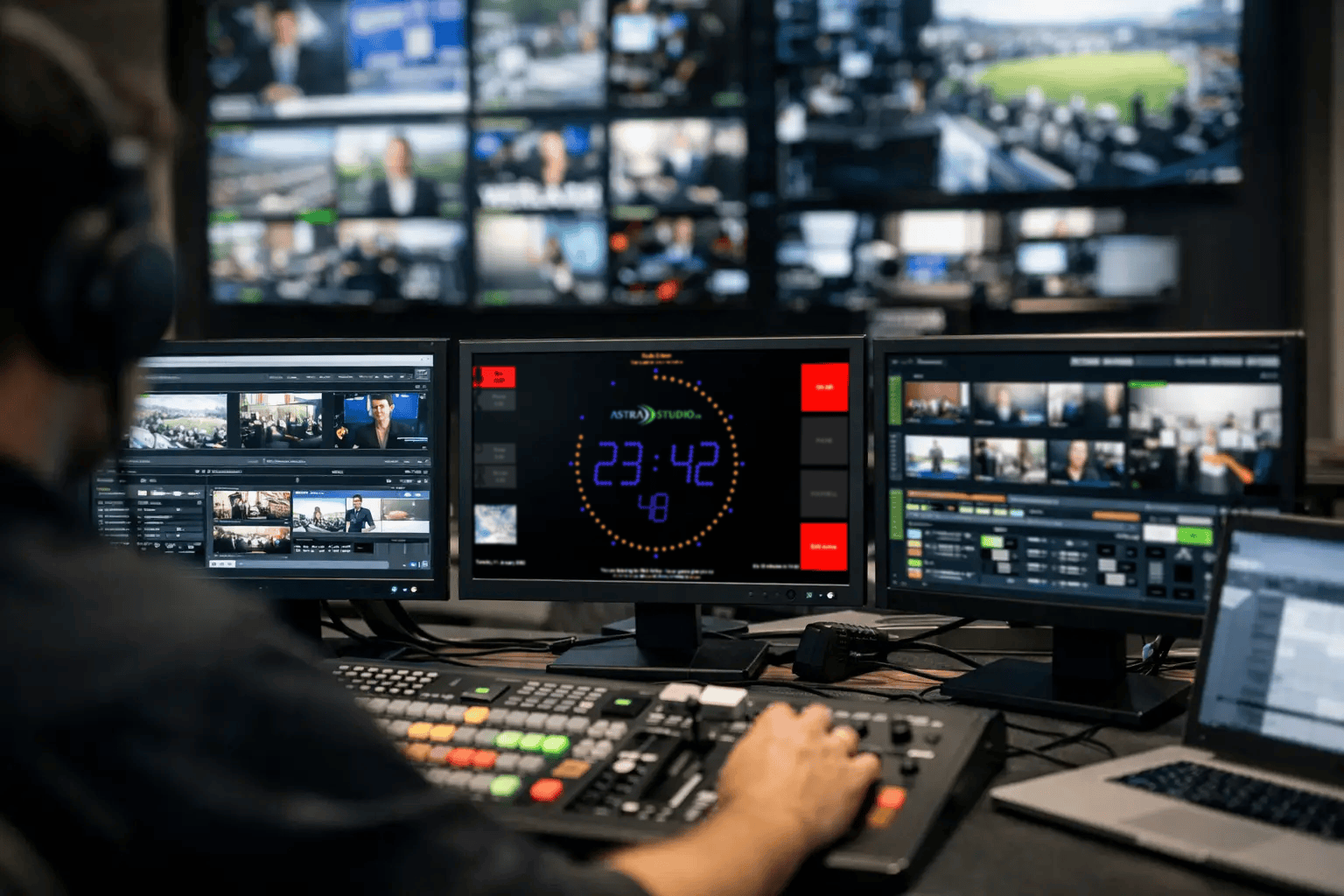
The most useful integrations are often the least dramatic. They are the ones operators stop noticing because they just work. A timer starts when the show opens. A red on-air status appears when the mic is live. Current and upcoming track information updates automatically on the studio screen. A weather widget or branded display layout stays active without another application needing attention.
These are small interactions, but together they shape the reliability of the room. If the display logic is delayed, inaccurate, or detached from the production chain, confidence drops. Operators start checking multiple sources. Presenters ask engineering for confirmation. Manual backup steps creep in.
With a well-integrated system, visual tools support decision-making instead of competing for attention. That matters in high-pressure moments such as live joins, ad breaks, remote inserts, or quick format changes. The fewer separate actions a team needs to remember, the lower the chance of avoidable errors.
The value of flexible interfaces
In broadcast environments, no single interface fits every installation. Some systems are easiest to control via HTTP. Others are already built around UDP, multicast, or MQTT. Hardware-oriented setups may rely on GPIO. Smart facility environments may benefit from Home Assistant integration. The best software does not force one method where a different one already fits the workflow.
This is where flexibility becomes operational, not theoretical. A display platform that accepts multiple input paths can be placed into an existing chain with far less friction. It can listen where your data already lives instead of demanding a new architecture.
That also leaves room for staged implementation. A station may begin with a simple on-air indicator and timer setup, then later add dynamic text, metadata, microphone logic, and room-specific views. Integration should support gradual expansion. It should not require a full rebuild every time the workflow matures.
Standard product or custom integration
There is no universal answer here, and that is a good thing. Standardized software products are often the fastest route to a stable result. They reduce deployment time, simplify support, and make it easier to replicate the same behavior across multiple studios. For many broadcasters, that is exactly the right decision.
Custom integration becomes useful when the environment has non-standard trigger sources, special display rules, branded UI requirements, or legacy systems that need translation between protocols. In those cases, the software itself may already be suitable, but the surrounding logic needs adaptation.
A strong implementation strategy usually combines both. Start with proven software that covers the core function reliably, then extend where your workflow genuinely demands it. That approach keeps installation simple while still allowing for operational nuance.
This is one reason specialized vendors tend to outperform generic signage or automation tools in studio environments. Broadcast rooms have timing, visibility, and control expectations that ordinary display software was not designed to meet. Productized functionality with project-based adaptation is often the most efficient fit.
What to check before you integrate anything
Before adding another application or display layer, it helps to answer a few practical questions. Which system owns the truth for mic state, title data, and countdown triggers? What happens if that source becomes unavailable? Do operators need local manual override? Which protocols are already in use across the studio and network?
These questions affect more than setup time. They determine maintainability. A technically clever integration that depends on too many conversions can become fragile. A simpler architecture with fewer dependencies may offer better uptime, even if it does less.
Platform choice matters too, but mainly in terms of deployment and lifecycle. Some teams prefer Raspberry Pi endpoints for quick rollout and low power use. Others want Windows, Linux, or macOS because those systems are already part of the facility standard. The right answer depends on support practices, replacement plans, and who will maintain the installation six months from now.
Why display integration deserves more attention
In many studios, display systems are treated as peripheral. They are added after the playout and automation stack is in place. That often leads to avoidable compromises. Yet from the operator perspective, display tools are where workflow becomes visible.
If a presenter can see on-air status clearly, if producers have a reliable countdown, and if metadata appears where it is needed without manual intervention, the whole room works better. Display integration is not cosmetic. It is a control layer for human decision-making.
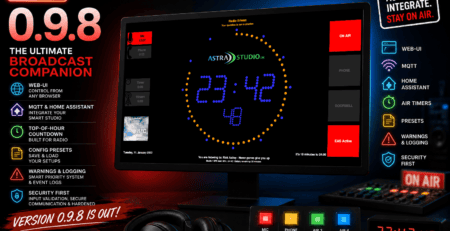
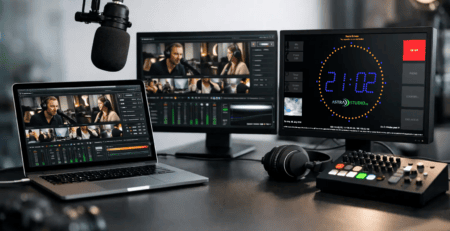
That is where a focused solution can make a measurable difference. Platforms such as OnAirScreen are useful because they are built for exactly these studio-facing requirements: timers, microphone state, title fields, customizable layouts, and flexible API-driven updates across common operating systems. For teams that need quick deployment but still want room for tailored implementation, that balance is practical.
Integration should reduce effort, not create a project of its own
The best broadcast workflow software integration does not announce itself every day. It quietly removes repeated actions, keeps studio status accurate, and gives operators confidence that what they see is current. That may involve off-the-shelf software, custom development, or a mix of both. What matters is whether the result fits the way your studio actually runs.
If integration adds extra maintenance, confuses operators, or depends on brittle workarounds, it is not finished yet. If it simplifies the room, supports your existing infrastructure, and leaves space for future changes, it is doing its job. For most broadcast teams, that is the difference between another software layer and a system that genuinely earns its place on air.
A good next step is to look at the moments in your workflow where people still repeat the same manual action every day – because those are usually the first places where smart integration pays off.