Broadcast Software vs Custom Development: Choose Well
A studio display is rarely just a display. It may show a live microphone state, a countdown to the next break, the current track, a weather warning, or a producer message that needs to be visible immediately. That is why the decision between broadcast software vs custom development should start with the real on-air workflow, not with a feature checklist.
For many radio, streaming, and production teams, ready-to-use software is the fastest way to improve visibility and consistency in the studio. For others, a tailored application is the right investment because the workflow itself is unusual, regulated, or tightly connected to internal systems. The strongest choice is often neither extreme. It is a standard platform with the right configuration, interfaces, and selected custom components.
What ready-to-use broadcast software solves well
Standard broadcast software is designed around problems that appear in studio environments every day: clear timing, reliable status indicators, readable on-air information, and flexible screen layouts. Its value is not only that it is available quickly. It also turns established operational patterns into a repeatable setup.
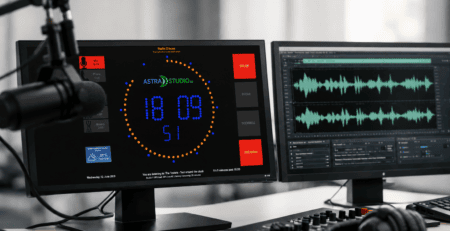
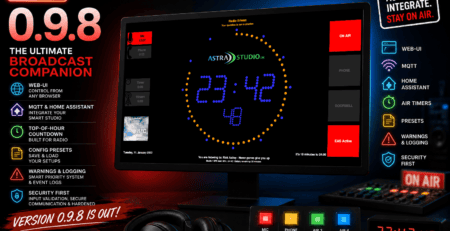
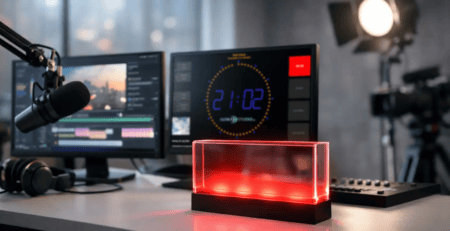
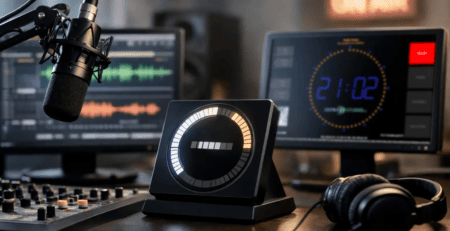
A studio team may need an On Air sign that changes with microphone status, a large clock in the control room, a countdown in a presenter booth, and a screen that displays the current and next title. These are familiar requirements, but they are operationally critical. If the display is unclear, late, or difficult to operate, presenters and technicians lose confidence in it.
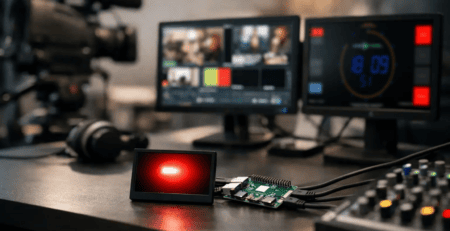
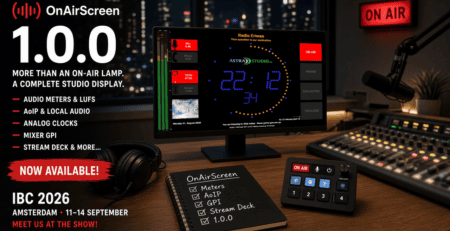
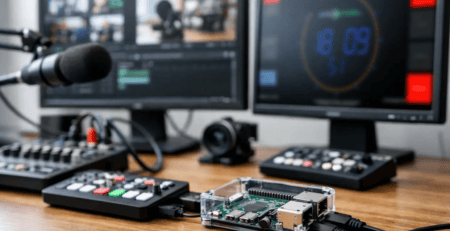
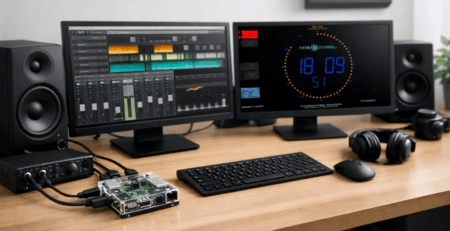
A product such as OnAirScreen can cover these use cases without requiring a development project before the first screen goes live. It can run on Windows, Linux, macOS, or Raspberry Pi OS, making it practical for mixed studio environments. A preconfigured Raspberry Pi microSD image can also reduce installation time where a dedicated display device is needed quickly.
The main advantage is speed with predictable scope. Instead of specifying every screen behavior from scratch, the team starts with working functions and configures the appearance, data sources, and display rules around the existing studio process.
Integration matters more than a long feature list
Professional broadcast software should not behave like an isolated signage application. It needs to receive and display information from the systems already used in the station or production environment.
For example, text on a studio display may be set through HTTP, UDP, multicast, MQTT, Home Assistant, or GPIO. This allows a playout system, automation tool, studio controller, sensor, or small internal service to provide data without forcing every source into one proprietary workflow. A microphone state can trigger an On Air indicator. A playout event can update current and next title information. A GPIO signal can change a display immediately when a physical control is activated.
This flexible integration model changes the practical question. The issue is not whether the software has a specific integration built in on day one. The issue is whether it provides stable interfaces that fit the studio’s existing technical architecture.
Broadcast software vs custom development: where the decision changes
The decision becomes more complex when standard configuration no longer reflects how the operation actually works. Custom development is justified when a station needs behavior that is central to the workflow rather than merely a visual preference.
A fully custom application may make sense when several conditions apply at once:
- The display must combine data from proprietary or legacy systems with no usable standard interface.
- Operators need a specialized control workflow with role-based actions, approvals, or audit requirements.
- The solution must run within a larger internal platform rather than as an independent studio tool.
- A unique production process creates a competitive or operational advantage that standard products cannot represent.
For instance, a network may operate multiple studios with different regional schedules, shared technical resources, and a central control desk. It might need custom logic that decides which studio state has priority on a shared display wall. Or a production house may require a display system that follows a specific event workflow, receives cues from custom scheduling software, and writes status changes back into an internal production database.
Those are not superficial requirements. They affect business logic, support responsibilities, testing, and future changes. In these cases, asking a standard product to imitate a specialized platform through workarounds can create more complexity than a focused development project.
The hidden cost is not the license or the code
Teams often compare a software license with a developer’s estimated project cost. That is only the first layer. The more meaningful comparison includes implementation time, testing, maintenance, operational risk, and the cost of changing requirements after deployment.
Ready-to-use software usually has lower initial risk because core functions have already been designed, tested, and used in real studio scenarios. The team can validate placement, readability, network behavior, and display hardware before committing to an extended project. Updates and support remain centered on a known product foundation.
Custom development gives greater control, but that control creates responsibility. Someone must define edge cases, maintain compatibility when source systems change, document the solution, and test it before software or operating system updates are deployed. If the original developer is unavailable later, handover quality becomes especially important.
This does not mean custom work is inherently expensive or risky. A small, well-defined custom connector can be a sensible investment. The risk grows when a project begins with an unclear goal such as “we need a completely flexible system.” Flexibility without defined operating rules often becomes a long list of exceptions that are difficult to test and support.
Start with the cost of delay
For an active station, timing can matter more than development scope. If a new studio opens next month, a standardized display solution can provide a reliable operational baseline now. The team can then add custom integrations after the studio is running and the real usage patterns are visible.
This approach avoids designing around assumptions. Producers, presenters, and engineers often discover practical needs only after using the displays during live operation: a timer needs larger digits, a microphone warning needs a different color treatment, or the next-title data needs to update at a different point in the playout sequence.
A working standard product gives those decisions a concrete basis.
A practical decision framework for studio teams
Before choosing a direction, define the display’s job in one sentence. “Show the current title” is a function. “Help presenters confirm the current title and next event without looking at the playout workstation” is an operational purpose. The second statement makes it easier to evaluate screen size, update timing, fallback behavior, and data accuracy.
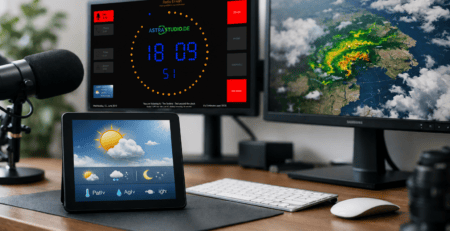
Next, identify which parts of the requirement are standard and which parts are unique. On-air timers, clocks, stopwatches, countdowns, weather widgets, microphone indicators, and branded layouts are typically well suited to configurable software. A custom protocol translator, a specialized control panel, or a complex multi-site status rule may require tailored work.
Then examine the interfaces before discussing visuals. Ask what sends the data, what format is available, how frequently updates occur, and what should happen if the source is unavailable. HTTP may be ideal for a simple internal status update, while MQTT can suit distributed devices and event-driven workflows. UDP or multicast may be appropriate where low-latency broadcast-style signaling already exists. GPIO remains valuable when a physical signal needs a direct connection to an indicator.
Finally, decide who will own day-two operation. A solution that looks impressive during installation but requires a developer for every text change can burden a small station. By contrast, a configuration that the technical team can understand and maintain supports faster adjustments during format changes, studio moves, and special broadcasts.
The hybrid approach is often the best fit
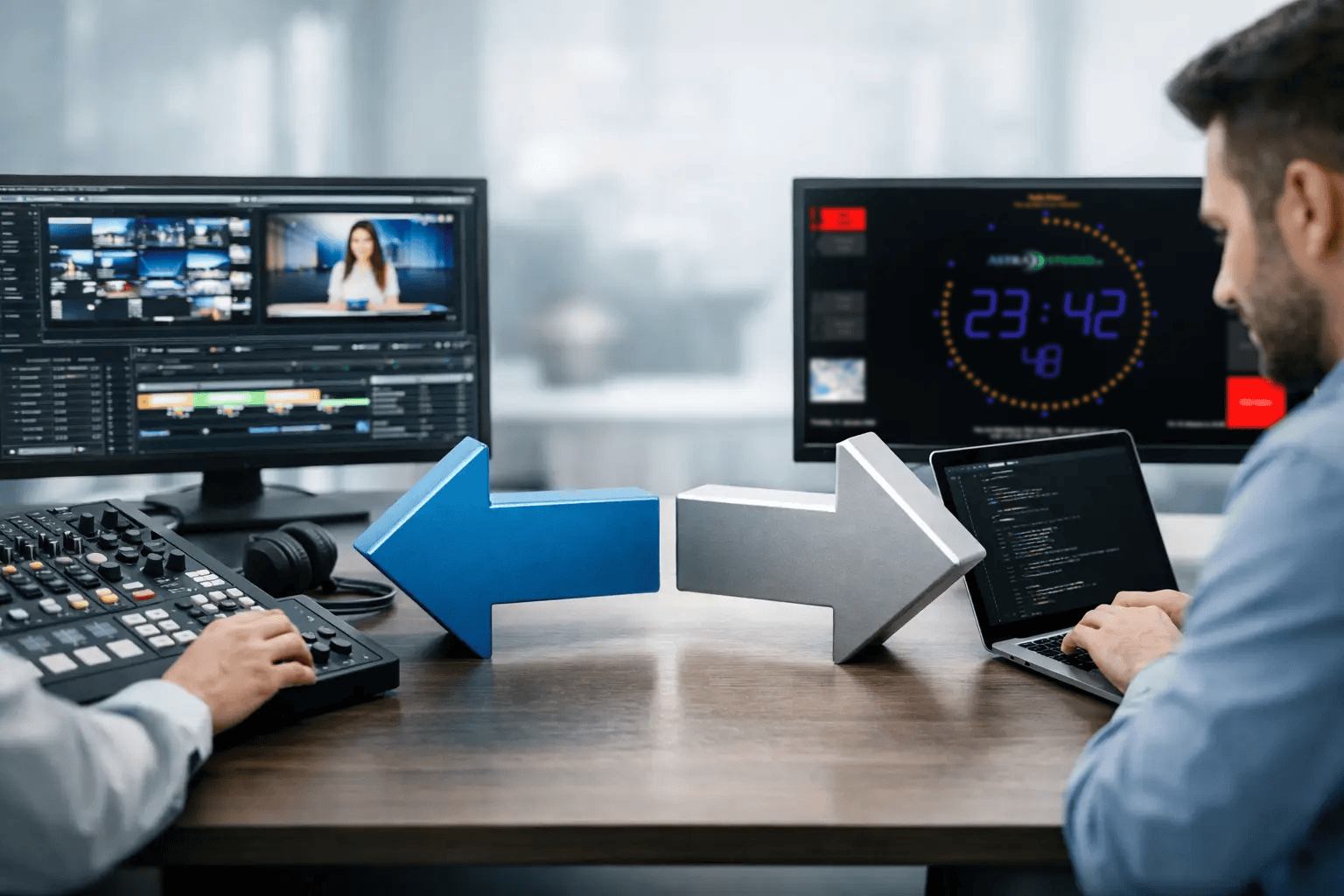
There is a practical middle ground between buying an off-the-shelf display and commissioning an entire custom platform. Start with proven broadcast software for the functions that are already solved well. Add custom integration only where the station’s systems or workflows demand it.
This model preserves the advantages of a standard product: faster deployment, consistent behavior across devices, and a familiar configuration base. At the same time, it makes room for a tailored API connection, bespoke display logic, custom branding, or a dedicated service that converts data from an existing system into a format the display can use.
For a smaller web radio operation, that may mean a Raspberry Pi-powered On Air screen configured through MQTT and a simple playout data feed. For a larger facility, it may mean multiple platform-independent screens connected to a custom middleware service that distributes microphone, schedule, and status data across studios. The visual layer remains stable while the integration layer adapts to local infrastructure.
This is where a specialist partner can add value beyond supplying software. astrastudio supports both ready-to-deploy studio display tools and modular development work, so a team can avoid rebuilding standard functions while still addressing the parts of the workflow that are genuinely unique.
Build for clarity during live operation
The best display solution is not necessarily the one with the most features or the most custom code. It is the one presenters trust at a glance and technicians can maintain without creating a separate operational burden.
Choose standard broadcast software when the need is established, the installation timeline is short, and flexible interfaces can connect the necessary systems. Choose custom development when unique business logic or proprietary infrastructure is truly central to the outcome. If the answer is mixed, deploy the proven foundation first and invest custom effort where it produces a measurable improvement on the studio floor.
A useful next step is to walk through one complete live segment with the people who use the screens. Every moment of uncertainty they identify is a better design requirement than another generic feature request.