Broadcast Software for Raspberry Pi That Fits
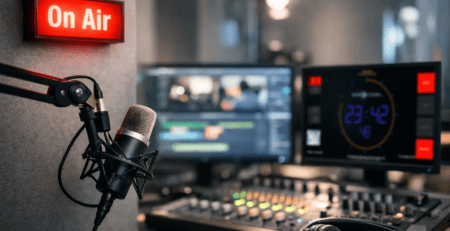
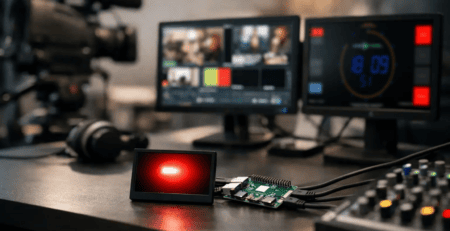
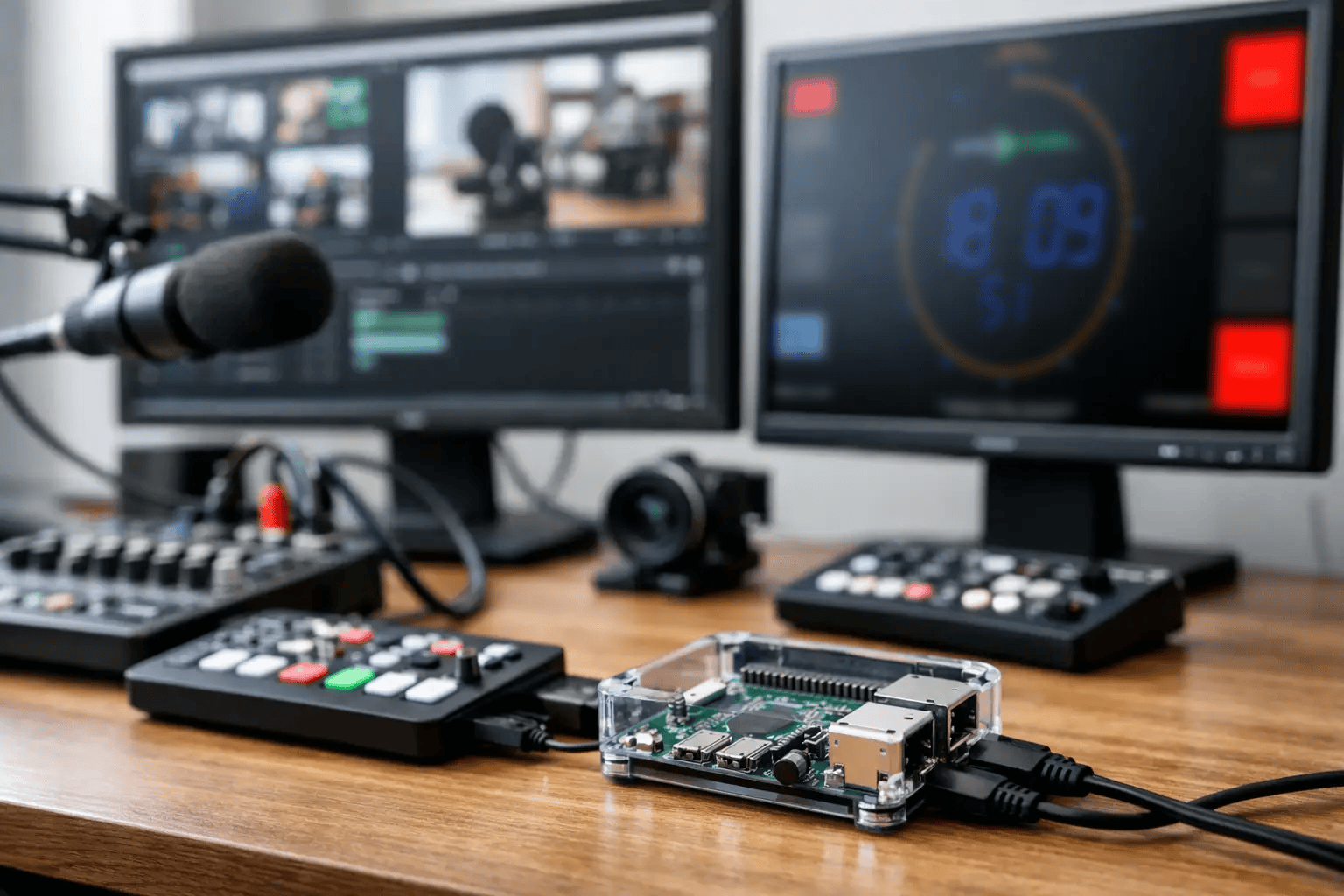
A Raspberry Pi mounted behind a studio display can solve a very practical problem fast: you need a clear On Air signal, a reliable countdown, microphone status, or now-playing data on screen without adding another full PC to the rack. That is exactly where broadcast software for Raspberry Pi makes sense. The value is not the board itself. The value is getting a stable, purpose-built display endpoint into your broadcast workflow with minimal hardware, low power draw, and straightforward deployment.
For radio studios, streaming rooms, podcast production spaces, and control rooms, the Pi is attractive because it is inexpensive, compact, and easy to place anywhere a screen is needed. But hardware alone does not create a broadcast-ready result. The software layer decides whether the setup feels professional or improvised.
What broadcast software for Raspberry Pi should actually do
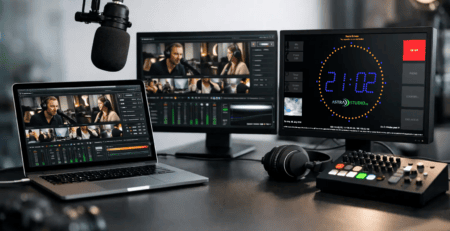
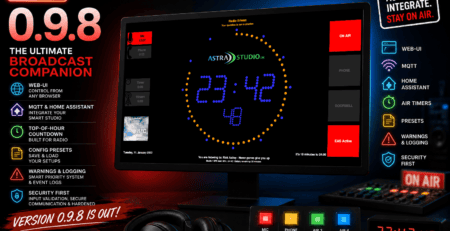
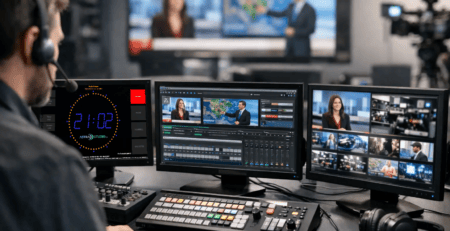
In a real studio, screen software is not there to look interesting. It has to communicate critical status instantly. That usually means timers, clocks, countdowns, stopwatch views, studio branding, weather panels, microphone states, and dynamic text such as current or upcoming track information. If those elements lag, fail to refresh, or require manual babysitting, they stop being useful.
Good broadcast software for Raspberry Pi should therefore focus on reliability first. The display must start automatically after boot, recover cleanly after power loss, and remain readable at a distance. Configuration should be simple enough for fast rollout but flexible enough to match different studios, control rooms, and production formats.
Integration matters just as much. A screen in the studio is only as useful as the data it receives. In practice, teams often need to feed information from automation systems, custom control logic, GPIO signals, scheduling tools, or smart studio environments. If the software accepts common interfaces such as HTTP, UDP, Multicast, MQTT, or GPIO, deployment becomes much easier. If it can also be adapted for project-specific workflows, it becomes suitable for more than a single narrow use case.
Why Raspberry Pi works well in broadcast environments
The Raspberry Pi is not a replacement for every broadcast computer. It is best viewed as a dedicated endpoint. That distinction matters.
If you need full production software, multichannel graphics generation, or heavy live video processing, a Pi is usually the wrong platform. But if your goal is a dependable studio display, a status screen, or a lightweight information panel, it can be an excellent fit. The hardware is quiet, compact, and efficient. It can live behind a monitor, near a talent position, in a voice booth, or in a technical area without the footprint of a conventional workstation.
There is also an operational advantage. A dedicated Raspberry Pi display is less likely to be repurposed, misconfigured, or overloaded by unrelated tasks. In many studios, that simplicity is a benefit. You want the display to do one job and keep doing it.
The trade-off is that software has to be optimized for that environment. Broadcast teams do not want to spend time tuning Linux settings, building kiosk mode manually, or troubleshooting startup behavior. That is why installation path matters as much as feature set.
Installation is often the real decision point
Many software products look fine in a feature list and become frustrating during rollout. For studios with multiple rooms or limited engineering time, setup friction adds cost quickly.
The best options for Raspberry Pi are the ones that remove unnecessary steps. A preconfigured image can be especially useful because it shortens time to operation and reduces variability between installations. Instead of assembling the system manually, you can flash media, boot the device, and move directly into screen configuration and signal integration.
That difference is not minor. In a professional setup, repeatability matters. If you deploy five displays across studios, each one should behave the same way. A standardized software environment makes support easier and lowers the risk of inconsistent behavior after updates or reboots.
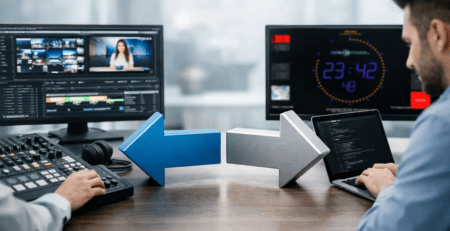
This is also where a product-focused vendor has an advantage over a purely generic software approach. When the software is designed specifically for studio display use on Windows, Linux, macOS, and Raspberry Pi OS, it becomes easier to keep mixed environments aligned instead of creating platform breaks.
The broadcast use cases that matter most
Most teams evaluating a Pi-based setup are not searching for a general media player. They are solving a specific operational need.
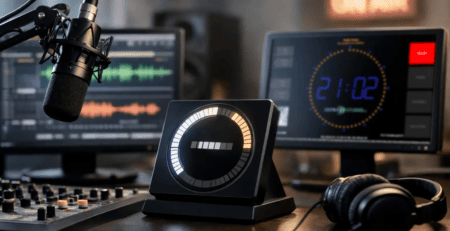
A common use case is the classic On Air indicator. The display needs to show whether microphones or studio channels are live, with immediate visual clarity. In smaller radio and streaming studios, this alone can improve communication and reduce on-air mistakes.
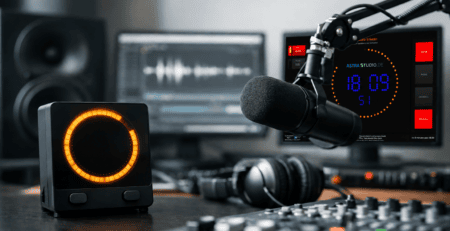
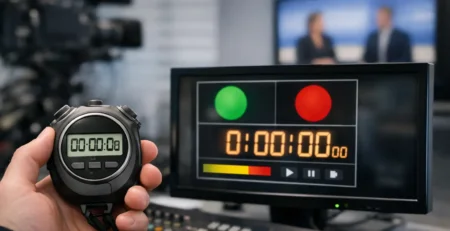
Another common case is time management. Countdown displays for segment timing, stopwatches for live production, and visible clocks for hosts and producers are simple tools, but they shape the rhythm of a show. If the timing display is easy to read and always present, the whole room works more confidently.
Dynamic metadata is also increasingly valuable. Current title, next title, custom text fields, or operational notices can all be pushed to screen. In hybrid workflows that combine broadcast automation, streaming software, and custom control systems, flexible text input through APIs becomes a practical requirement rather than a nice extra.
For this reason, software that supports multiple interfaces is usually the better long-term choice. One studio may rely on HTTP triggers, another on MQTT, another on GPIO, and another on a custom middleware layer. Flexible integration keeps the display system usable even as the surrounding workflow changes.
Where off-the-shelf software is enough – and where it is not
There is no single answer for every facility. Some teams need a straightforward display application they can install today and put into production this afternoon. Others need custom behavior, branded layouts, or integration into a wider control logic environment.
Standardized software is often enough when the requirement is clear: show timers, status, text, weather, or On Air indicators on a dedicated display with fast setup and stable operation. That covers a large share of radio, web radio, podcast, and streaming studios.
But there are cases where standard features need extension. You may want a screen to react to a proprietary automation system, display custom status logic, combine multiple data sources, or match a strict visual identity. In that scenario, the better partner is not just a software seller but a provider that can adapt the product or build the missing layer around it.
That combination is where platforms like astrastudio’s OnAirScreen are especially practical. The base product already covers common studio display tasks across multiple operating systems, while the available interfaces and project-oriented implementation options make it suitable for more specialized broadcast environments as well.
How to evaluate software before you deploy it
For professional buyers, the right question is not only “does it run on Raspberry Pi?” The better question is “does it fit our workflow without creating a support burden?”
Start with startup behavior. The software should boot directly into the intended display mode and recover predictably after power interruptions. Then check screen readability. Broadcast displays are often viewed from several feet away under mixed lighting, so typography, color contrast, and layout clarity matter more than decorative design.
Next, review integration paths. If your team already uses APIs, GPIO, MQTT, or UDP messaging, the display software should fit into that ecosystem without fragile workarounds. If your operation may expand later, choose software that leaves room for future data sources and additional display roles.
Also consider device management in the real world. If a Pi is mounted behind a screen in a studio ceiling area or on a wall, you want a setup that stays stable and needs little intervention. The fewer manual touchpoints, the better.
Finally, think about standardization. If you expect to deploy more than one screen, consistency becomes a technical benefit. The same software family across desktop and Pi systems can simplify maintenance, training, and configuration.
A practical approach for studios
Broadcast software for Raspberry Pi is most valuable when it is treated as infrastructure, not as a hobby project. In a home lab, experimentation is fine. In a production room, clarity and uptime matter more.
That means choosing software that is easy to install, purpose-built for visual studio tasks, and flexible enough to connect with the systems you already trust. It also means being honest about scope. The Pi is ideal for dedicated display roles, status panels, timers, and data-driven studio signage. It is less ideal when you expect workstation-class production behavior from a compact embedded device.
When the software is matched to the task, the result is efficient and professional. A small device behind a monitor can become a reliable part of the broadcast chain, quietly doing the job every day. That is usually the best kind of studio technology – the kind your team stops thinking about because it simply works.