Web Radio Studio Software for Reliable On-Air
A missed break, an open microphone, or uncertainty about the next track can disrupt even a well-produced web radio program. Web radio studio software should reduce those risks by making the current studio status visible at a glance. For professional operators, the right setup is not only about playing audio. It is about giving presenters, producers, and technical staff reliable information exactly when they need it.
Web Radio Studio Software Is More Than Playout
Many web radio operators begin with a playout application, an encoder, and a streaming service. That is enough to get audio online, but it does not automatically create an efficient studio workflow. Presenters still need to see whether they are live, how much time remains before a scheduled event, which microphone is active, and what track is playing or coming next.
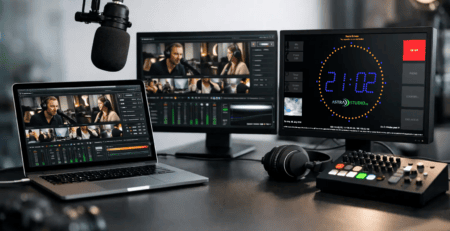
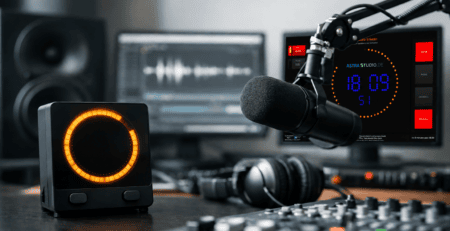
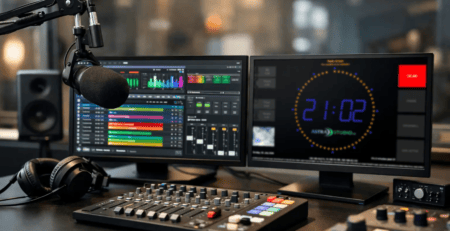
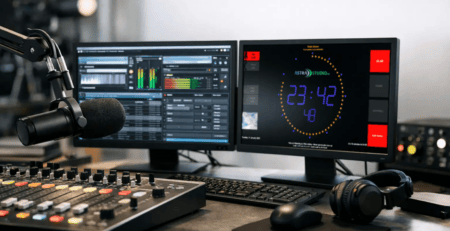
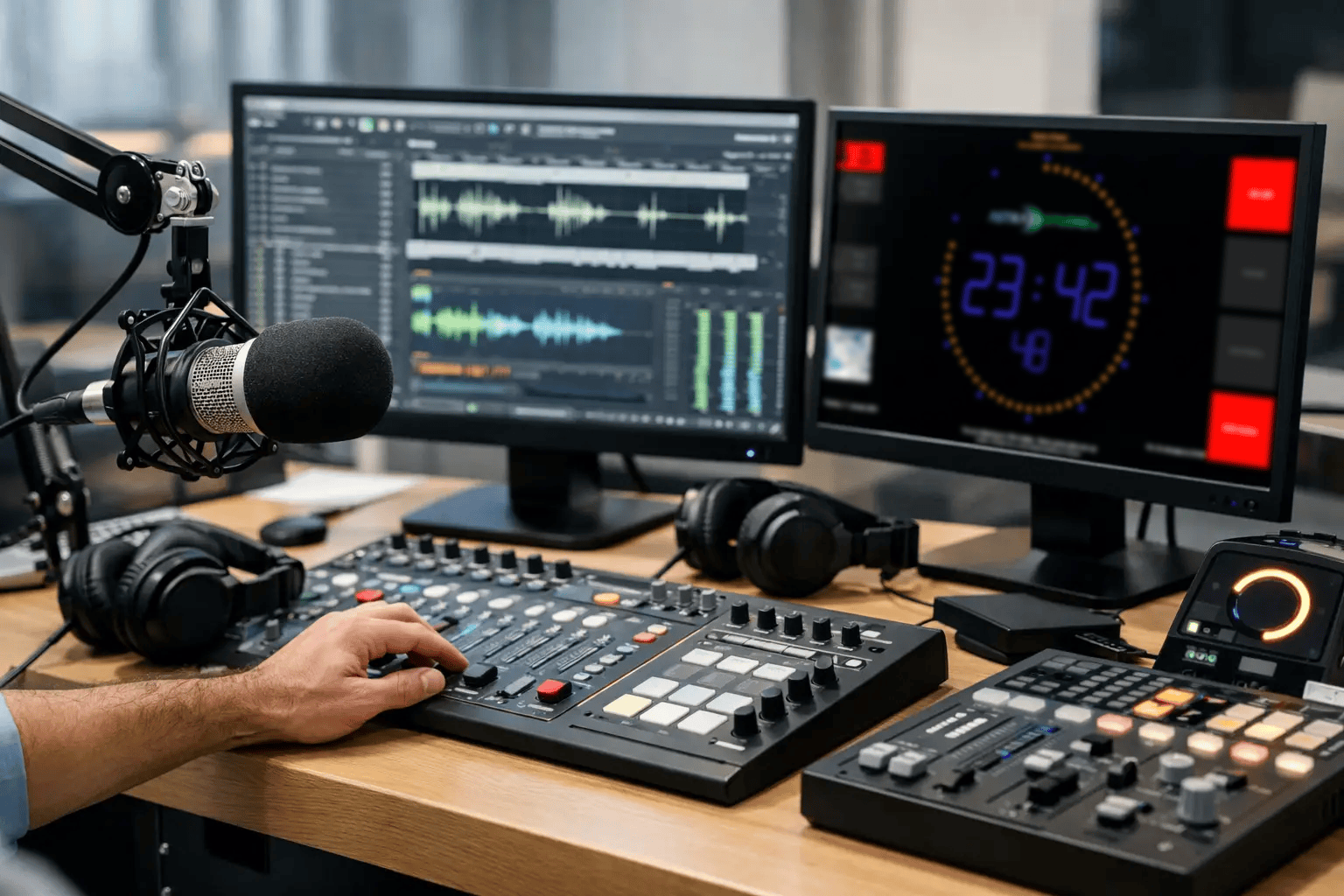
This is where dedicated studio display and on-air software becomes part of the broadcast system. It turns data from playout, automation, microphone logic, and external services into clear visual information. A large screen in the studio can show an on-air timer, a countdown to the top of the hour, microphone status, current and next title, weather, or station-specific messages.
The practical distinction matters. Playout software controls audio. Studio software communicates operational status to the people producing that audio. Some platforms cover both areas, but a separate display layer is often the more flexible choice when you need to integrate existing systems rather than replace them.
Start With the Information Your Team Needs
The best configuration depends on how your station operates. A single presenter running a music stream has different requirements from a multi-room production facility with live shows, voice tracking, news inserts, and remote contributors.
Before comparing features, identify the decisions people must make during a shift. A presenter may need a highly visible countdown before a network feed. A producer may need confirmation that the studio microphone is on air. A technician may need to send a message to a screen without walking into the control room. These are workflow requirements, not decorative screen elements.
A useful studio display is selective. Trying to put every available data point on one screen often makes the important information harder to see. Prioritize the items that affect timing, microphone discipline, program flow, and handoffs between team members.
Timing Must Be Readable From Across the Room
Timing is one of the most valuable functions in a live studio. A clock alone is rarely sufficient. Operators commonly need an elapsed on-air timer, a stopwatch for interviews, and a countdown to a fixed event or commercial break.
The display should use large, high-contrast typography and colors that carry meaning without becoming distracting. A countdown that changes color as a critical point approaches can help a presenter close a segment cleanly. However, visual alerts should be used with restraint. If every element flashes or changes color, none of them functions as a real warning.
Microphone Status Prevents Avoidable Mistakes
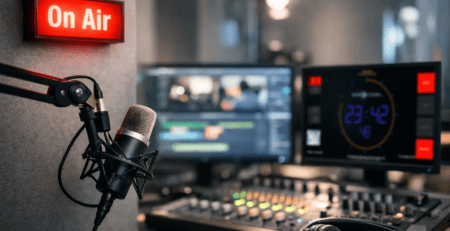
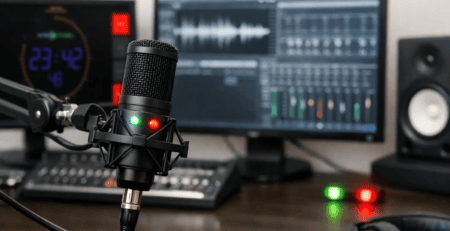
A clearly visible microphone indication is especially useful in shared studios, podcast rooms, and hybrid radio setups. It provides instant confirmation that a microphone is on air or off air, even when the presenter is focused on a script, guest, or mixing console.
The integration method matters here. In some environments, GPIO is the direct and dependable choice. In others, microphone state may be available through network messages, automation logic, or custom middleware. The goal is not to force every studio into the same technical model. The goal is to use the signal source that is reliable within the existing infrastructure.
Choose Integration Before Visual Design
A polished interface is valuable, but it should not be the first selection criterion. Web radio studio software earns its place in a professional environment through dependable integration. If it cannot receive the data your workflow depends on, an attractive display will quickly become a static screen.
Look for flexible interfaces that can accept data from multiple sources. HTTP is useful for web services and simple custom calls. UDP and multicast can suit fast status updates across a local network. MQTT is a strong option for event-driven environments and automation workflows. GPIO remains relevant where physical logic from consoles, buttons, or tally systems is required.
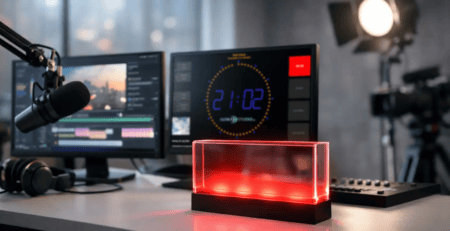
Home automation integration can also be practical in smaller or highly customized installations. For example, a studio status can trigger lighting, a warning sign, or an additional display outside the room. The right approach depends on your operational goals, network policies, and who will maintain the system.
A flexible API also protects your investment. Your current playout system may provide title metadata in one format, while a future workflow may use another source. Software that can accept custom text and status updates through several interfaces is easier to keep in service as the studio evolves.
Platform Choice Affects Deployment and Maintenance
A web radio operation may include Windows production computers, a Linux appliance, a macOS editing suite, and low-power display devices. Requiring a different visual tool for each platform creates unnecessary support work and inconsistent behavior.
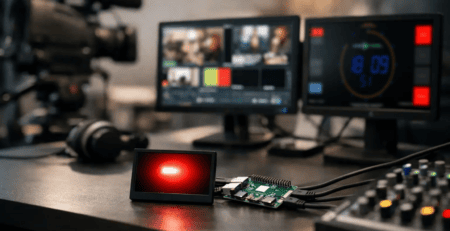
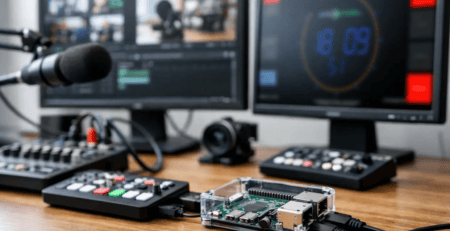
Cross-platform studio software helps standardize the viewer experience while allowing each screen to run on appropriate hardware. A full control-room display may run on a dedicated computer, while a compact Raspberry Pi can drive a wall-mounted monitor in a presenter booth or entrance area. This can reduce cost and simplify replacement hardware without compromising the clarity of the display.
For many stations, a preconfigured Raspberry Pi image is particularly practical. It shortens deployment time, avoids repetitive operating system setup, and makes it easier to create repeatable installations across several rooms. The trade-off is that appliance-style devices should still be managed properly. Document network settings, assign clear device names, and plan how software updates will be tested before they reach an on-air studio.
Build Displays for Roles, Not for One Generic Screen
A station usually benefits from more than one display layout. The presenter needs immediate program information. The producer may need a wider operational view. The hallway outside the studio may only need an on-air indicator and the current show name.
Role-based layouts keep each screen focused. In the main studio, combine clock, on-air timer, countdown, microphone status, and current or next track information. In a newsroom or production room, prioritize program timing and messages from the control room. On a public-facing or visitor display, use station branding and limited status information rather than operational details.
Branding matters, but it should support readability. Your logo, colors, and program identity can make a studio feel organized and professional. They should not reduce contrast or compete with time-critical indicators. A well-designed on-air screen looks like part of the station while remaining functional under pressure.
Test Failure States Before Going Live
The most reliable setup is one that has been tested when something goes wrong. What does the screen show when title metadata stops arriving? Does it retain an outdated track title, show a neutral fallback, or flag the missing connection? What happens after a network interruption or power restart?
These questions are especially relevant for unattended and overnight web radio operations. Configure automatic startup where appropriate, use stable network connections for permanent screens, and define sensible fallback behavior. A display that clearly indicates unavailable data is safer than one that silently presents old information as current.
It is also worth testing latency. A countdown can tolerate small delays in some applications, but microphone status and live control signals may require much faster updates. Measure actual behavior in your studio rather than relying only on feature descriptions. The correct performance target depends on what the display controls or informs.
When Standard Software Needs a Custom Layer
Standardized software is often the fastest route to a working result. It is ideal when the requirements are clear: show timers, microphone state, title metadata, and branded messages on one or more screens. A configurable product can provide a predictable foundation without the cost and risk of building an entire system from scratch.
Custom development becomes useful when the studio has proprietary interfaces, unusual control logic, special visual requirements, or a need to connect multiple systems in a specific way. The most effective projects often combine both approaches: use a proven standard display product for the core function, then add a targeted integration layer where the workflow truly demands it.
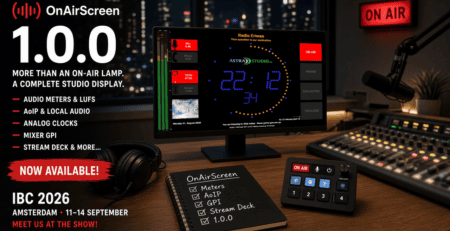
astrastudio follows this practical model with OnAirScreen: a ready-to-deploy studio display solution that can be adapted through interfaces such as HTTP, UDP, multicast, MQTT, Home Assistant integration, and GPIO, with custom extensions available for specific broadcast environments.
A good studio screen should become almost invisible during a calm shift because everyone trusts it. When timing becomes tight, a guest runs long, or a technical handoff is underway, that same screen should provide the one clear signal that helps the team make the next right move.