Studio Weather Widget Display That Fits Airflow
When a presenter has to glance away from the playout screen, check a phone, or wait for a producer’s cue just to confirm the current temperature, the workflow is already slower than it should be. A studio weather widget display solves a very practical problem in live production: weather information needs to be visible, current, and placed exactly where it supports the show.
For radio, streaming, and hybrid studio environments, weather is rarely just decorative. It can drive local breaks, traffic handovers, morning show pacing, and regional relevance. The value is not in showing weather somewhere on a screen. The value is in showing the right weather data, in the right format, at the right moment, without adding friction to the studio setup.
What a studio weather widget display should actually do
In a professional environment, a weather widget is not a gimmick. It is part of the information layer that helps talent and operators stay on top of live conditions. That means the display has to be readable at distance, stable over long operating periods, and easy to fit into an existing monitor concept.
A good studio weather widget display should present current conditions clearly enough that a host can process them in a second or two. Temperature, condition, and optionally location are often enough for many studios. Some setups also benefit from forecast data, humidity, wind, or branded visual styling, but more data is not always better. In a small control room, clarity usually beats density.
This is where many generic dashboard tools fall short. They can technically show weather, but they are built for office walls or consumer screens, not for live production. In a broadcast studio, every visual element competes with timing displays, microphone status, now-playing information, rundown views, and internal signaling. A widget that looks attractive but steals attention from core operational cues is not helping.
Why placement matters as much as the data
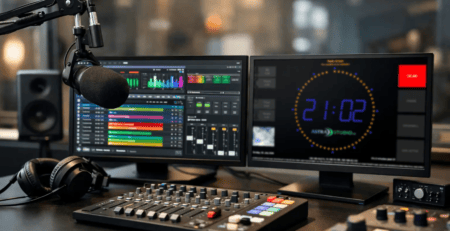
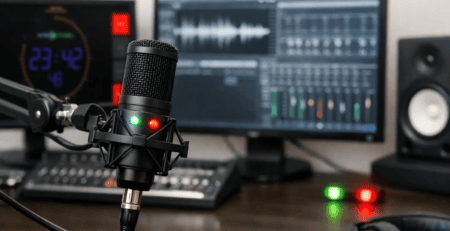
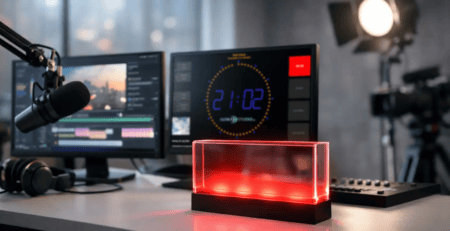
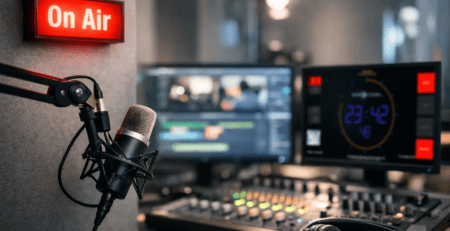
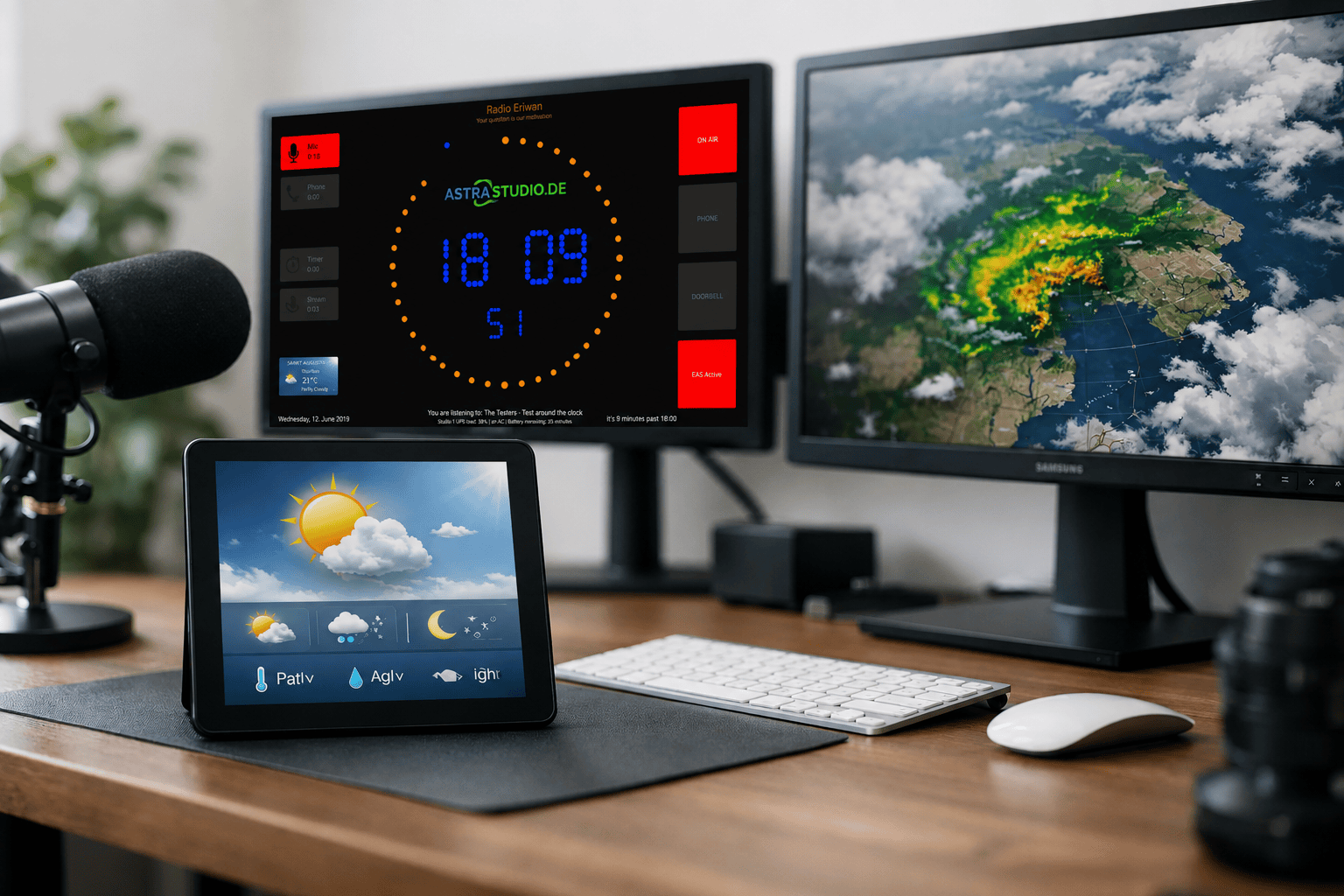
The most useful weather display is often the one that does not try to dominate the screen. In many studios, weather works best as one module within a larger on-air display rather than as a full-screen element. That allows teams to combine weather with timers, stopwatches, current and next title information, or mic state indicators on the same display surface.
Placement depends on the production style. A local radio morning show may want weather visible at all times near the presenter’s eyeline. A streaming setup may only need it on a side monitor for live host references. A production room preparing recorded segments may prioritize larger text and simpler layouts over constant visibility.
There is no single correct layout. What matters is whether the display supports decision-making in real time. If the presenter needs quick confirmation before a weather tease, the information has to be immediately readable. If the producer uses it to coordinate segment timing, it should fit naturally into the broader studio display logic.
Integration is where the real difference shows
The biggest question is usually not whether a widget can show weather. It is whether it can be integrated without forcing a separate workflow. Professional users do not want another isolated app that needs manual attention, a different operating system, or a custom display chain that becomes fragile under daily use.
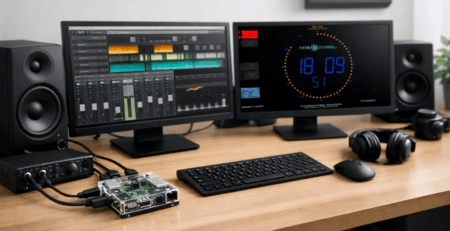
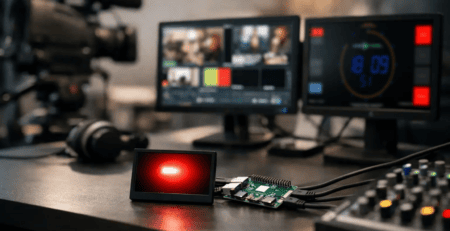
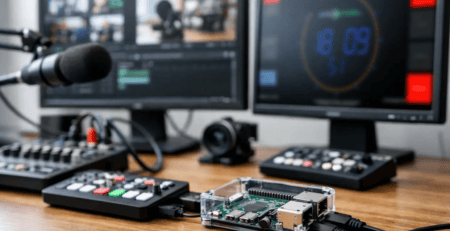
A practical studio weather widget display should fit into the same platform and control concept as the rest of the studio visuals. That includes compatibility with common operating systems and simple deployment on dedicated display hardware. In many cases, teams want to run signage and studio indicators on Windows, Linux, macOS, or compact Raspberry Pi hardware, depending on the room and the maintenance model.
That flexibility matters because broadcast environments are rarely clean-sheet installations. There are existing screens, mixed hardware generations, and specific operational habits. A solution that can adapt to those realities is usually more valuable than one with a long feature list but rigid deployment requirements.
The same applies to data handling. Some studios need a straightforward weather display with default behavior. Others want the screen to react to external events, internal automation, or custom data feeds. Once you move beyond very basic use, interface options become important. HTTP, UDP, MQTT, GPIO, multicast, and similar methods are not just technical extras. They are what allow the display layer to become part of the wider production system instead of sitting beside it.
Broadcast use is different from office signage
A weather screen in a lobby can refresh late and still be acceptable. In a live studio, small delays and unclear states become noticeable very quickly. Presenters trust what they see. If the display is inconsistent, too small, or visually noisy, they stop relying on it.
That is why broadcast-ready display design needs a different mindset. Large readable typography, predictable layout behavior, and stable screen rendering matter more than decorative effects. The screen should remain legible from typical studio viewing distances and under different lighting conditions. It should also start reliably and recover cleanly after reboots or power interruptions.
This sounds basic, but it is often where improvised solutions create support overhead. A browser tab on an old PC may work for a while. Then an update changes the layout, the system sleeps, or an operator closes the wrong window. The result is downtime that nobody planned for.
Dedicated display software is more effective because it reduces those failure points. In professional environments, simple operation is not a convenience feature. It is part of reliability.
Customization is useful, but only if it stays manageable
Most broadcasters want some level of branding. Colors, fonts, logo placement, or matching the visual style of the studio are all reasonable requirements. A weather widget should not look like a random third-party panel dropped onto a professional screen.
At the same time, full freedom can become a problem if every change requires design effort or technical intervention. The best approach is controlled flexibility. Teams should be able to adapt layout and styling to their room, their workflow, and their brand without rebuilding the display logic from scratch.
This is especially relevant for multi-purpose studio screens. If weather sits beside countdowns, on-air indicators, title information, and custom text fields, the whole composition needs to feel coherent. That is where modular display systems make sense. They let you build one visual environment instead of managing separate tools for each function.
For some users, a standard product is enough. Others need a more specific implementation because they run custom automation, have unique screen resolutions, or want display logic tied to their production process. A provider that covers both paths is often the safer choice because the system can start simple and evolve when the operation grows.
What to check before choosing a studio weather widget display
The first question is where the display will run. If your infrastructure already relies on Windows players, adding a Linux-only component may complicate maintenance. If you prefer low-power dedicated devices behind each monitor, Raspberry Pi support can make rollout much easier.
The second question is how the widget fits into the wider screen concept. If weather is the only function, many options will work. If the same screen also needs timers, mic status, title data, and custom messages, then the display platform matters much more than the weather widget alone.
Third, check how much control you need. A small web station may only need a clean always-on weather panel. A larger studio may want weather to coexist with API-driven text elements, triggered studio states, and dynamic screen regions. It depends on whether the display is informational only or part of active studio coordination.
Finally, look at startup and support effort. Fast installation, predictable behavior, and low operator involvement are worth more than flashy presentation. In most studios, the best display tool is the one nobody has to think about during a live shift.
Where this fits in a modern studio setup
A studio weather widget display is most effective when it is treated as one operational component within a larger on-air display system. That can mean a presenter screen with weather and current title data, a producer monitor with weather and timing tools, or a multi-zone wall display that combines status, schedule, and environmental information.
This is the practical advantage of a platform approach. Instead of adding disconnected utilities, the studio gets a unified visual layer that can be installed quickly, adapted to local requirements, and expanded over time. For teams that need both off-the-shelf functionality and room for tailored integration, that balance is often the difference between a tool that gets tested and a tool that stays in daily use.
astrastudio focuses on exactly that type of deployment: broadcast-ready display solutions that are simple to install, flexible in integration, and designed for real studio workflows rather than generic screen use.
If your weather information still lives on a browser tab, a phone, or a side conversation between host and producer, that is usually the sign that the display layer is doing too little. The right screen setup makes routine information visible before anyone has to ask for it.