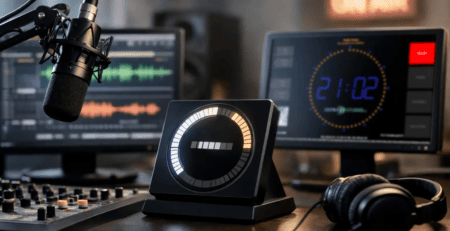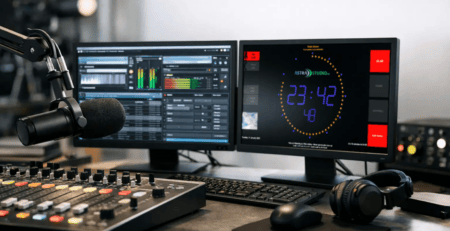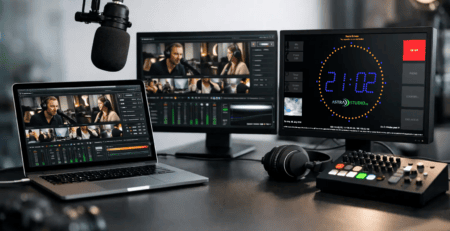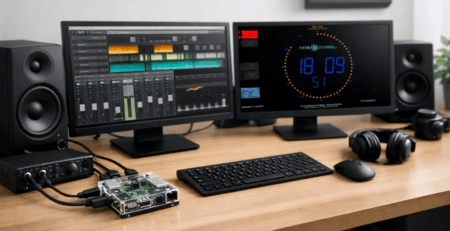
Broadcast Stopwatch Display During Broadcast Operation
When every second counts in the studio, a standard stopwatch on your desktop just won’t cut it. A broadcast stopwatch display must be clearly legible from any angle, run reliably, and integrate seamlessly into the broadcast workflow. That’s exactly where a makeshift display falls short compared to a professional studio solution.
What a broadcast stopwatch display needs to be able to do in the studio
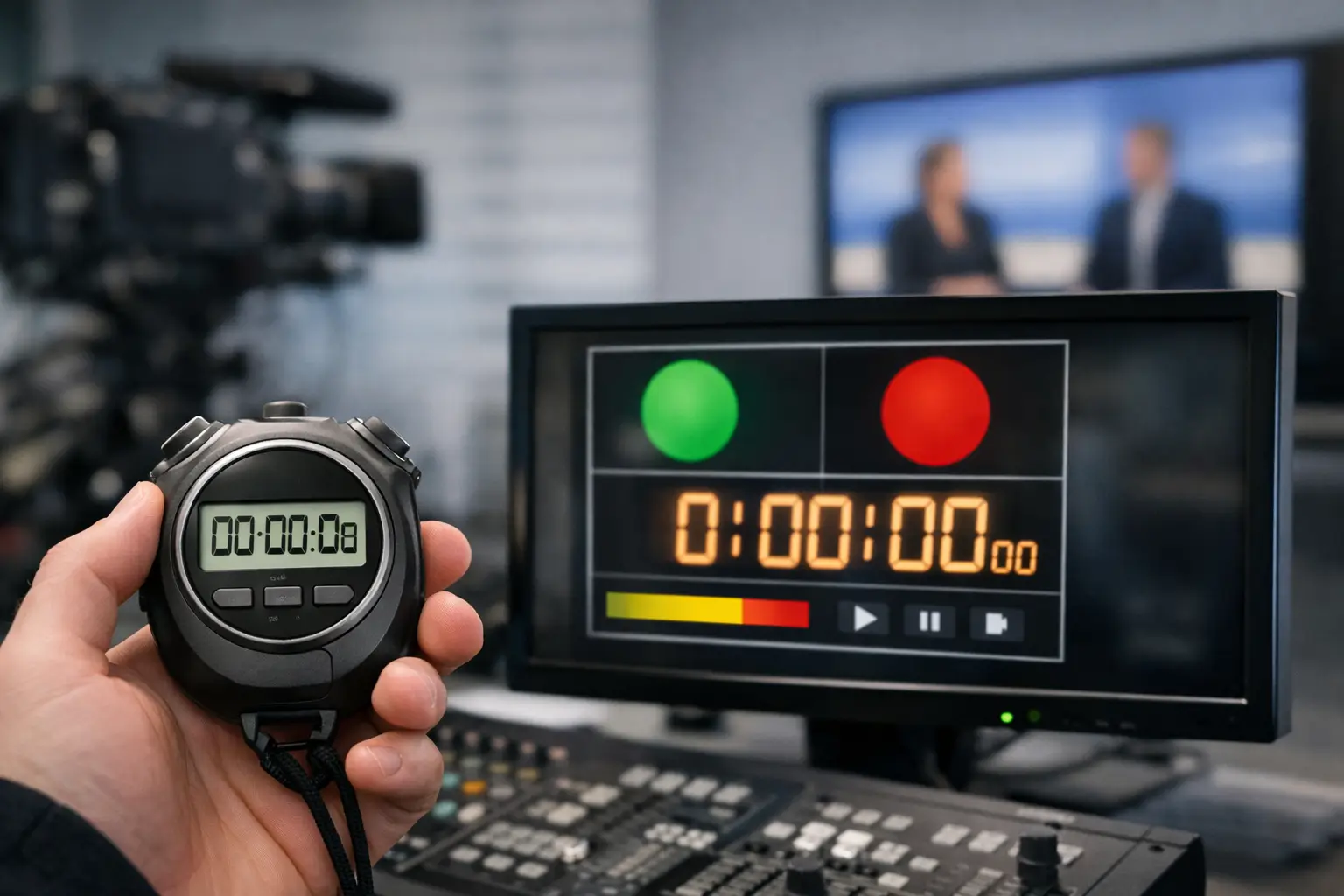
In day-to-day broadcast and streaming operations, a stopwatch is not just a secondary tool. It sets the pace for hosting, segments, live feeds, commercial breaks, and precise hand-offs. For this to work, the display must be immediately readable. Large digits, high contrast, and a display that remains legible even on distant screens or side-mounted monitors are not just a convenience—they are an operational necessity.
Then there’s the issue of reliability. A stopwatch in the studio isn’t started just once a day; it’s often used continuously alongside other on-air ads. If an ad freezes, responds inaccurately, or is difficult to reset, it directly disrupts the workflow. Especially in live situations, this isn’t just annoying—it can also be audible and visible.
A professional system must therefore be capable of more than just keeping track of time. It must start up reliably, run smoothly during extended sessions, and fit into real-world production environments—from a traditional radio studio to a compact streaming setup.
Why Simple Consumer Tools Often Aren’t Enough
At first glance, many stopwatch apps seem similar. They start, stop, and reset. In everyday studio use, however, their limitations quickly become apparent. Many solutions are designed for individual users, not for workstations with multiple viewing angles, studio displays, or dedicated display devices.
A common problem is the display. Small controls, cluttered layouts, or overloaded interfaces might still be acceptable on a laptop right in front of you. But on a screen mounted on the studio wall or on an additional HDMI display, they’re often too small or simply unsuitable. Added to this are unnecessary menus, pop-ups, or operating system elements that have no place in a live broadcast situation.
The platform issue also quickly becomes a concrete one. Those who work with Windows often need a different solution than a team using Linux systems, macOS workstations, or Raspberry Pi-based display devices. If separate workarounds are then required for each system, this creates exactly the kind of system fragmentation that technical managers want to avoid.
The Key Features of a Professional Studio Ad
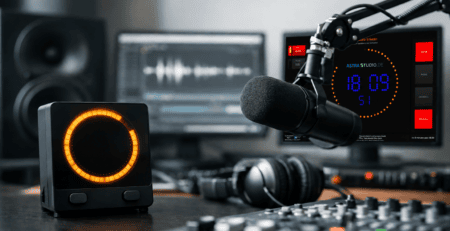
A good broadcast stopwatch display starts with readability, but it doesn’t end there. What matters most is how seamlessly the display integrates into the workflow. This begins with flexible output options. In many studios, the stopwatch isn’t displayed on the main workstation but on a separate display, such as a studio monitor or a compact playback system. The display must therefore function on different screen sizes and resolutions without losing clarity.
Equally important is ease of setup. In a professional setting, no one wants to waste time on complicated custom configuration when the core requirement is clear: start the display, adjust the settings, and use it in the studio. Especially with small- to medium-sized setups, this factor often determines whether a solution will be used long-term or abandoned after a short time.
Then there’s the issue of customization. Not every studio needs the same display. Some teams want a simple full-screen stopwatch, while others combine timers, countdowns, on-air prompts, or other elements into a single interface. When colors, sizes, layouts, and branding can be customized, a standard display becomes a tool that integrates seamlessly into the existing production environment.
Broadcast stopwatch display and integration into existing infrastructure
Even the best display is of little use if it can only be operated in isolation. In practice, what matters is how flexibly a broadcast stopwatch display can be integrated into existing setups. This isn’t just about the operating system, but also about its role in the workflow.
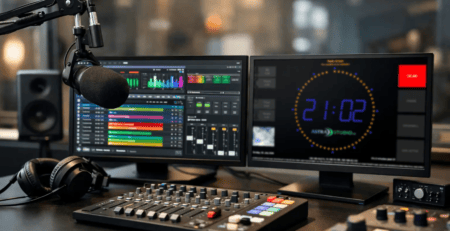
In a traditional radio studio, the display is often shown continuously on a dedicated screen within the line of sight of the host and technical staff. In a streaming studio, the same functionality can be provided by a compact system that operates on set without taking up much space. In production companies, on the other hand, it is often important to be able to equip multiple rooms or workstations with a consistent display.
That’s why cross-platform compatibility is more than just a technical detail. It reduces setup effort, simplifies rollouts, and ensures that studio displays aren’t tied to a single device or operating system. Raspberry Pi-based setups are particularly interesting in this context because they are cost-effective, compact, and very well suited for pure display tasks. If a solution for this is already fully prepared, it significantly shortens the commissioning process.
The Difference Between a Standard Product and a Custom Solution
Not every studio needs a custom-built solution. Many requirements can already be met very well with a standardized product, provided it is designed for broadcast use. The advantage is clear: quick availability, predictable costs, and a feature set that’s ready to use right away.
Nevertheless, there are borderline cases. As soon as special layouts, custom control logic, additional status indicators, or integration into existing production systems are required, a standard display alone is not always sufficient. In such cases, it becomes crucial whether a solution can be expanded or whether project-specific customizations are possible.
This is precisely where the combination of ready-to-use software and technical consulting proves particularly valuable. It allows for a quick start without hindering future requirements. For many broadcast environments, this is the most pragmatic approach: first get up and running smoothly, then expand as needed.
What Technical Decision-Makers Should Consider When Making a Selection
When purchasing a broadcast stopwatch display, you shouldn’t just focus on the visible interface. It’s at least as important to consider how well the solution performs under real-world conditions. This includes how quickly the system becomes available again after a restart. In the studio, no one wants to have to open browser tabs, rearrange windows, or reposition displays.
The operating logic also plays a role. A stopwatch must be easy to operate without having to think about it. The start, stop, and reset functions must work clearly, directly, and be error-tolerant. Any unnecessary complexity increases the likelihood of user errors—especially when the user is simultaneously moderating, coordinating, or operating technical equipment.
Another consideration is visual consistency. Professional studio displays should not appear as a separate pop-up window, but rather as an integrated part of the work environment. This is particularly important when displays are within the field of view of guests, customers, or cameras. A clear, uncluttered interface not only supports workflow but also enhances the overall impression of the studio.
Typical Real-World Application Scenarios
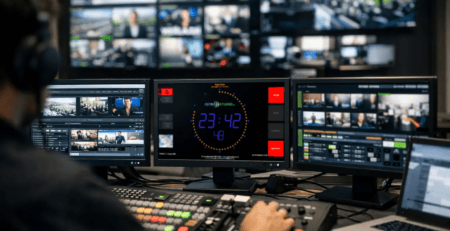
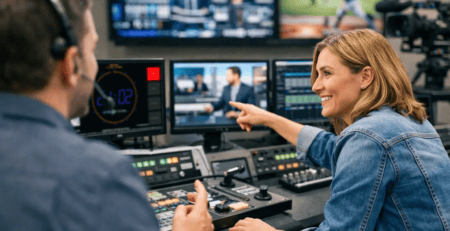
In live broadcasting, the stopwatch often serves as a reference for speaking times, intros, or break lengths. Above all, it needs to be easy to read at a glance. The display must be readable instantly, without requiring the broadcaster to look away from the mixing console, the broadcast schedule, or the guest for any length of time.
In podcast and streaming productions, the focus is often more on structure and timing within longer sessions. In these cases, a ramp accurate to the second is less relevant than maintaining a consistent reference for conversation segments, recording lengths, or timecodes for post-production and chapter markers. This, too, requires a display that runs smoothly and unobtrusively in the background.
In multi-room or production environments with multiple displays, there is another factor to consider: consistency. If different displays are showing different content in the control room, the voice-over booth, and the auxiliary studio, misunderstandings can arise. A uniform display ensures that everyone involved is working with the same time reference.
Installation should be simple, not an adventure
Especially in a professional setting, the importance of easy installation is often underestimated. Yet it not only saves time but also reduces the likelihood of errors. A solution that gets up and running without complicated dependencies, special configurations, or tedious steps clearly has an advantage in everyday use.
This is especially true when displays are used on dedicated devices. A ready-made software stack or a preconfigured image can save a lot of effort here, because the display and the platform are already designed to work well together. For teams without their own development resources, this is often the difference between an idea and a solution that’s actually implemented.
astrastudio broadcast solutions positions itself precisely at the intersection of rapid deployment and flexible integration. This is important for professional studios because not every requirement needs to be developed from scratch, yet there is still room for customization.
When an Investment Is Really Worth It
A broadcast stopwatch display is useful when time tracking is a visible part of the production process. This applies not only to large broadcasters. Web radio setups, streaming studios, and compact production environments also benefit when timing isn’t scattered across individual apps, browser windows, or makeshift displays.
The investment is particularly worthwhile in situations where multiple people rely on the same information at the same time or where studio displays are in constant use. When a solution runs reliably, is easy to read, and integrates seamlessly into existing systems without requiring special workarounds, its value lies not in spectacular features but in smoother workflows and less friction in day-to-day operations.
Anyone familiar with studio work knows this: Good commercials rarely draw attention to themselves. That’s exactly their job. When the timing is always right and the technology works reliably in the background, it creates the breathing room that good shows need.