


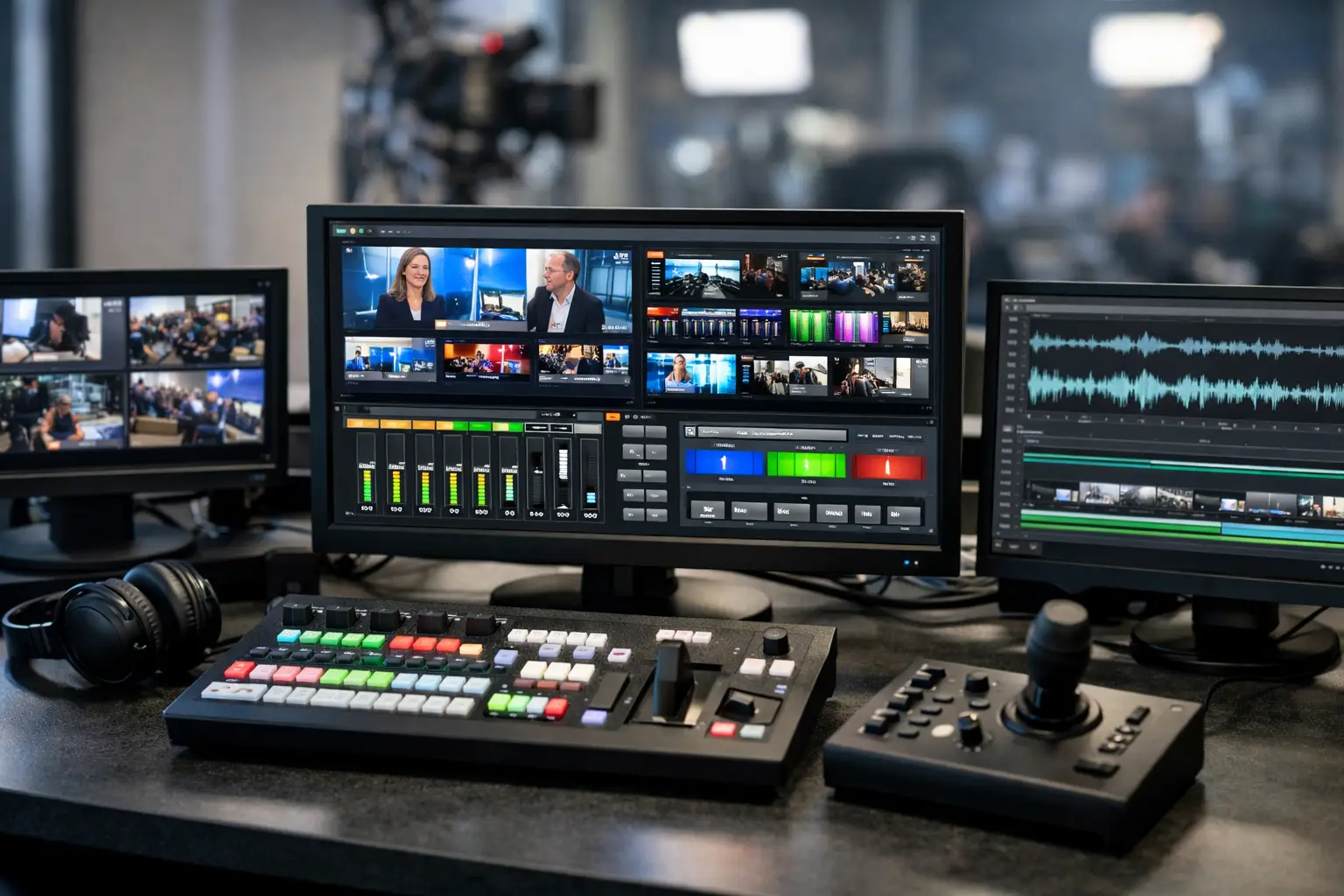
Broadcast Studio Display Software That Works
A missed post, a host talking over a hard break, a producer counting down with hand signals that nobody sees – these are usually not talent problems. They are visibility problems. Broadcast studio display software solves that by putting the right information in the right place at the right moment, so the studio runs with fewer verbal corrections and less friction.
For radio stations, streaming studios, and production teams, studio displays are not decorative screens. They are operational tools. A timer in the wrong place, a countdown that lags, or a display system that only works on one machine can create daily workarounds that waste time and increase stress during live production. Good software reduces that pressure because it is easy to install, flexible to place, and clear enough to read from across the room.
What broadcast studio display software needs to do
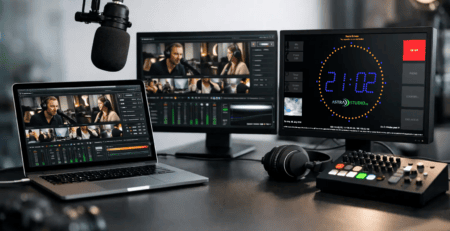
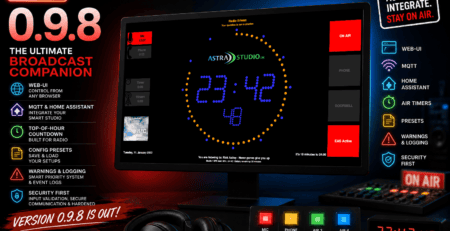
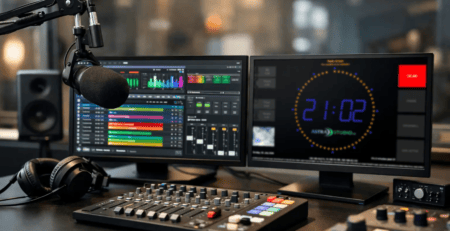
At a basic level, broadcast studio display software shows time-critical information for live production. That includes on-air status, current time, countdowns, stopwatches, scheduled break timing, and often secondary widgets such as weather or custom labels. In practice, the real job is broader. The software has to support studio discipline.
When everyone in the room sees the same timing reference, communication gets tighter. Hosts pace differently. Producers interrupt less. Guests understand whether there are 30 seconds left or three minutes. In radio and streaming environments, that kind of shared visual reference matters more than another chat window or talkback reminder.
The best systems are also easy to adapt. A small web radio setup might only need a large countdown and an On Air indicator on a spare monitor. A multi-room station may need branded displays, different layouts per studio, and support for varied hardware across Windows, Linux, macOS, or Raspberry Pi endpoints. The software should fit the workflow, not force the workflow to fit the software.
Why simple display logic matters in live studios
There is a temptation to overbuild studio screens. More widgets, more colors, more panels, more data. In most control rooms, that quickly becomes counterproductive. Broadcast operators do not need a dashboard that tries to do everything. They need visual clarity under pressure.
That usually means large typography, high contrast, readable timers, and predictable screen behavior. If a countdown changes style from one studio to another, or if a clock is buried next to nonessential elements, users stop trusting the display as an operational source. Once that happens, they go back to phones, handwritten notes, or verbal cues.
The trade-off is straightforward. A highly customizable display system is useful, but only if the final implementation stays disciplined. Flexibility should help standardize the experience across studios, not create five different interpretations of what a studio timer should look like.
The most valuable features are often the least flashy
In real studios, reliability beats novelty. A stopwatch that always starts instantly matters more than a complex animation. A stable full-screen timer on a Raspberry Pi can be more valuable than a feature-heavy application that needs constant maintenance on a larger PC.
This is where many buyers make the right shift in thinking. They stop asking which software has the longest feature list and start asking which setup can be deployed quickly, read easily, and maintained without drama. That is usually the better buying question.
Broadcast studio display software and platform choice
One of the first technical decisions is platform strategy. Some teams standardize on Windows. Others run mixed environments, especially where legacy broadcast systems, digital signage hardware, and low-cost display nodes all coexist. In that context, cross-platform support is not a nice extra. It directly affects rollout speed and maintenance effort.
If your display software works across Windows, Linux, macOS, and Raspberry Pi OS, you gain options. You can reuse existing hardware where it makes sense, deploy small dedicated display devices where budget or space is tight, and avoid unnecessary system breaks between control rooms and support areas.
There is an obvious trade-off here too. More platform options can introduce more decisions around management and support. But for many broadcasters, that flexibility is worth it because the alternative is often fragmented tooling or custom one-off solutions that become hard to maintain.
For teams that want the fastest possible setup, preconfigured deployment can make a real difference. A ready-to-use image for Raspberry Pi, for example, shortens installation time and removes avoidable setup work for technical staff. That is especially useful when rolling out multiple displays or replacing a failed unit quickly before airtime.
Integration matters more than feature count
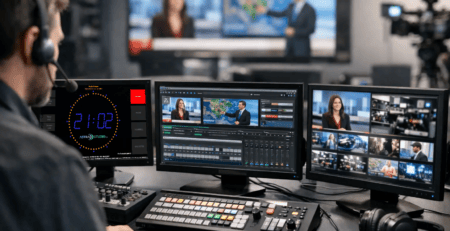
Studio software rarely operates in isolation. It lives next to playout systems, automation, streaming workflows, scheduling tools, studio clocks, GPIO-based triggers, and local network infrastructure. That is why integration should be part of the selection process from the start.
In practical terms, the key question is not just what the display can show, but how easily it fits into existing broadcast operations. Can it be placed on standard screens without special hardware? Can layouts be customized for different roles in the room? Can it support both simple deployments and more tailored implementations if your workflow evolves?
A standardized software product is often the right answer when you need predictable functionality and quick implementation. But there are cases where off-the-shelf behavior is not enough. Multi-studio organizations, branded broadcast environments, or facilities with very specific production logic may need custom display behavior, modified layouts, or additional control options. In those situations, it helps to work with a provider that can supply a ready-to-use product and also support project-based adaptation when needed.
Where broadcast studio display software delivers the most value
The biggest value usually appears in routine moments, not just during technical emergencies. Morning shows benefit from visible segment timing. News studios need exact countdown behavior before live hits. Streaming setups often need a clean On Air indication and a confidence timer that talent can read instantly. Production rooms gain efficiency when every participant has a common visual reference without asking for verbal updates.
For smaller operators, the return is often speed and professionalism. A well-configured studio display makes a compact setup feel much more controlled. It helps presenters hit timings more consistently and gives guests or part-time staff clearer guidance on what is happening.
For larger environments, the benefit is consistency. If multiple studios share the same display logic and visual language, training gets easier and operator errors tend to drop. Standardization is not glamorous, but it saves time across every shift.
Good display software supports branding without losing function
Visual branding matters, especially in client-facing studios, video-enabled radio, and streaming environments where screens may appear on camera. But branding should never reduce legibility. A display that matches the studio look is useful. A display that prioritizes brand colors over readability is a problem.
The best approach is controlled customization. Use layouts, colors, and widgets that reflect the studio identity while keeping timing and status elements unmistakable. Function first, branding second. When both are handled well, the result looks professional and remains usable in live conditions.
What to look for before you buy
The practical shortlist is usually simple. Check readability, startup speed, platform compatibility, installation effort, and how much customization you actually need. Then look at the support model. If the display software becomes part of daily operations, responsive technical support is not optional.
It also helps to think beyond day one. A tool that works well in one room should still make sense when you expand to three rooms, add branded layouts, or introduce dedicated low-cost display hardware. That is where modularity becomes valuable. You may start with a standard timer and On Air view, then later add custom screens or more specific operational logic.
This is also the point where a specialized provider can make the difference. A company like astrastudio broadcast solutions, which combines ready-to-deploy studio display products with custom development and consulting, is aligned with how many broadcast teams actually buy: first a practical solution, then deeper adaptation when the workflow requires it.
A better studio runs on clear signals
Broadcast studio display software is not a side tool. It is part of the control surface of modern live production. When it is well chosen, it reduces noise in the room, keeps timing visible, and helps teams stay focused on the show instead of the workaround.
If you are evaluating options, start with the real operating need: what people must see, from where, on which hardware, under what pressure. The right system is usually the one that becomes unremarkable after installation – because it simply does its job every day.
Leave a Reply
You must be logged in to post a comment.