


OnAirScreen
OnAirScreen
The studio display for on-air status, timers, audio meters, and clock — fullscreen on the monitor, controlled from keyboard, browser, Stream Deck, GPIO, MIDI, MQTT, SNMP, and other OnAirScreens on the LAN.

Key features
At a glance in the studio
OnAirScreen replaces a classic on-air lamp with a full studio display — without losing the look presenters and engineers rely on during a show.
Studio display
Four status LEDs, four AIR timers, a digital or analog clock, plus NOW, NEXT, and WARN — all on one fullscreen monitor.
Audio meters
L/R, programme LUFS, or both. dBFS, dBTP, BBC PPM, and EBU R128 with I+LRA. Source: local sound card, Axia Livewire or AES67 compatible — including TOO LOUD and silence detection.
Remote control
Browser web UI including settings, Bitfocus Companion, MQTT with Home Assistant, HTTP, UDP, OSC, and SNMP. REST API for your own integrations.
Time sources
Local clock, NTP, software PTPv2 (IEEE 1588-2008), or SMPTE LTC. Display time follows the studio reference — without changing the OS clock.
GPIO and MIDI
Raspberry Pi GPIO, Axia Livewire (multicast or LWRP), and MIDI with Learn. AND / OR logic across all three. Livewire and MIDI run on every platform; the Pi pins ship with the Raspberry Pi binary and SD image.
Your branding
Logo, colours, labels, and station name. Supports 4:3, 16:9, and 16:10 so the screen matches the monitor and the station.
Control
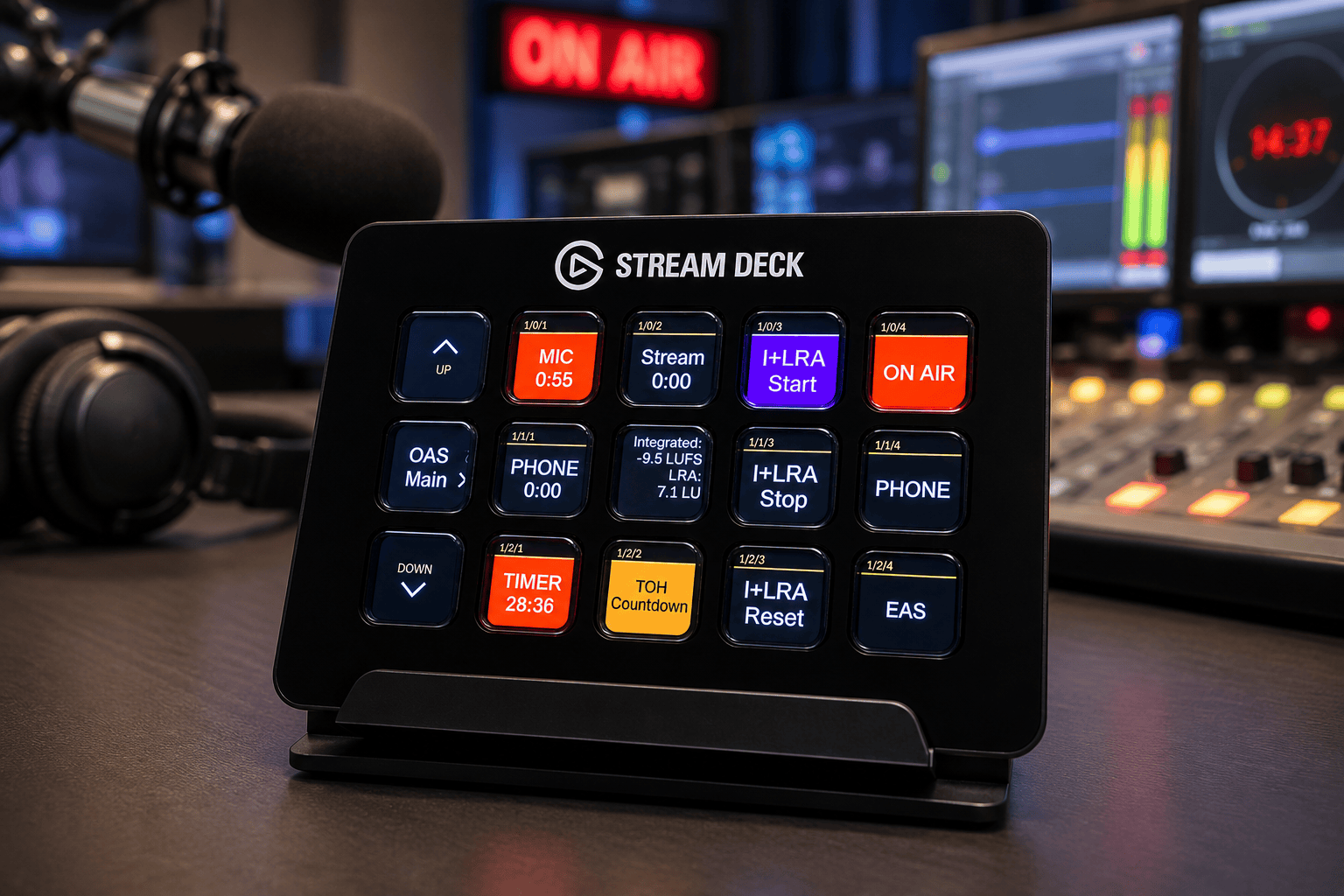
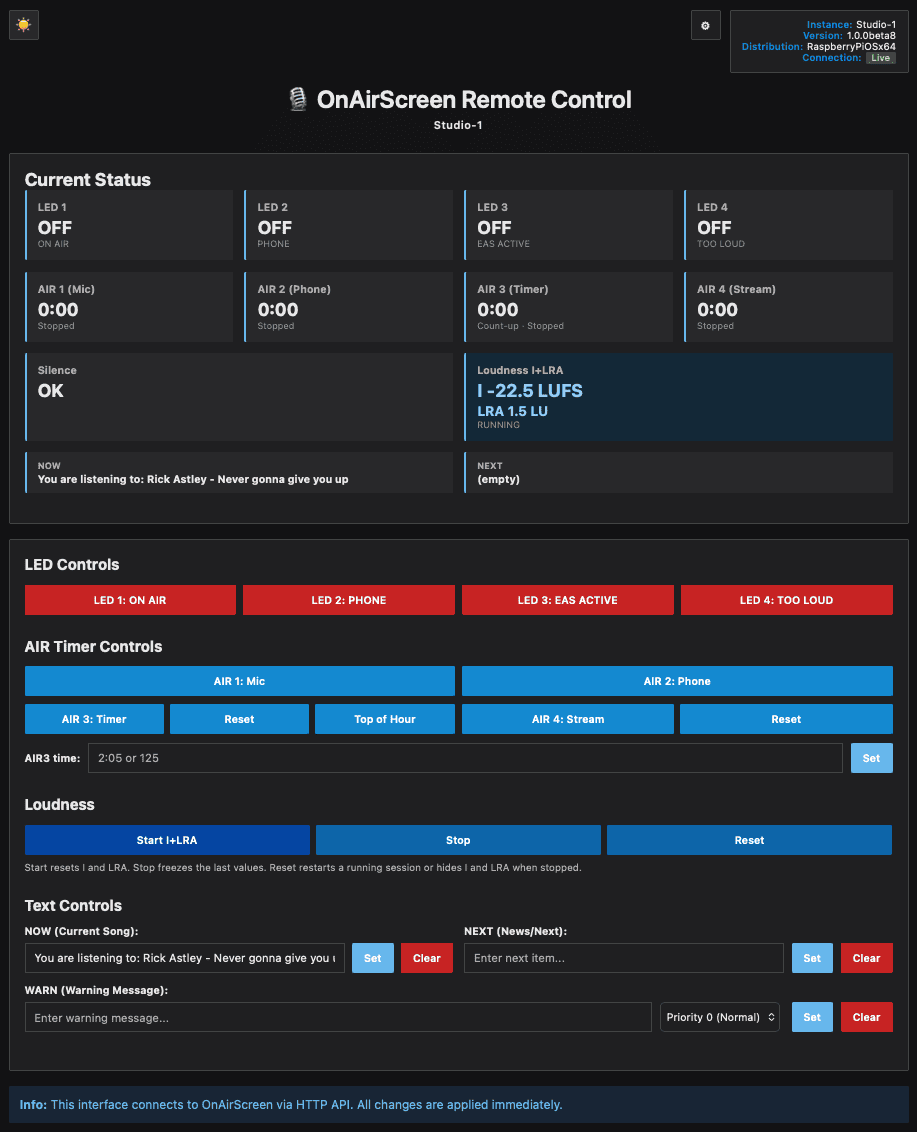
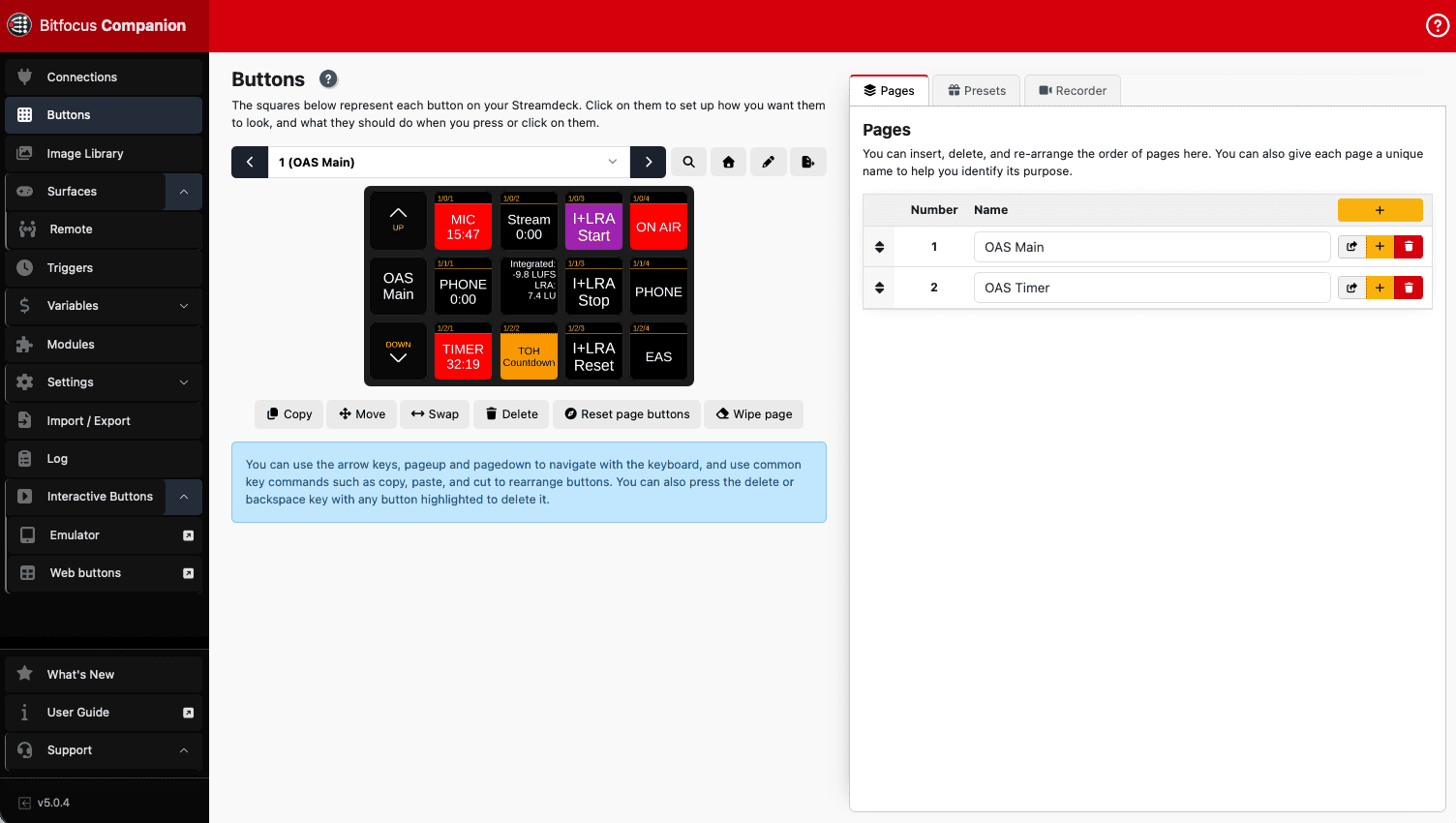
Browser, Companion, Stream Deck
Drive LEDs, AIR timers, NOW/NEXT, loudness, and all settings from where you sit — in the browser, in Bitfocus Companion, or on the Stream Deck itself.
Gallery
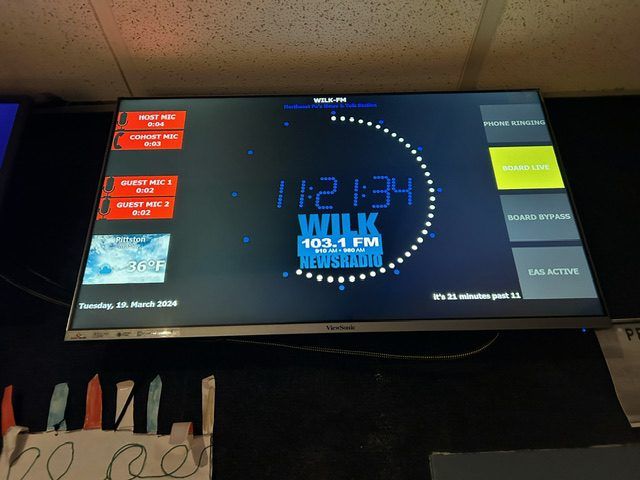
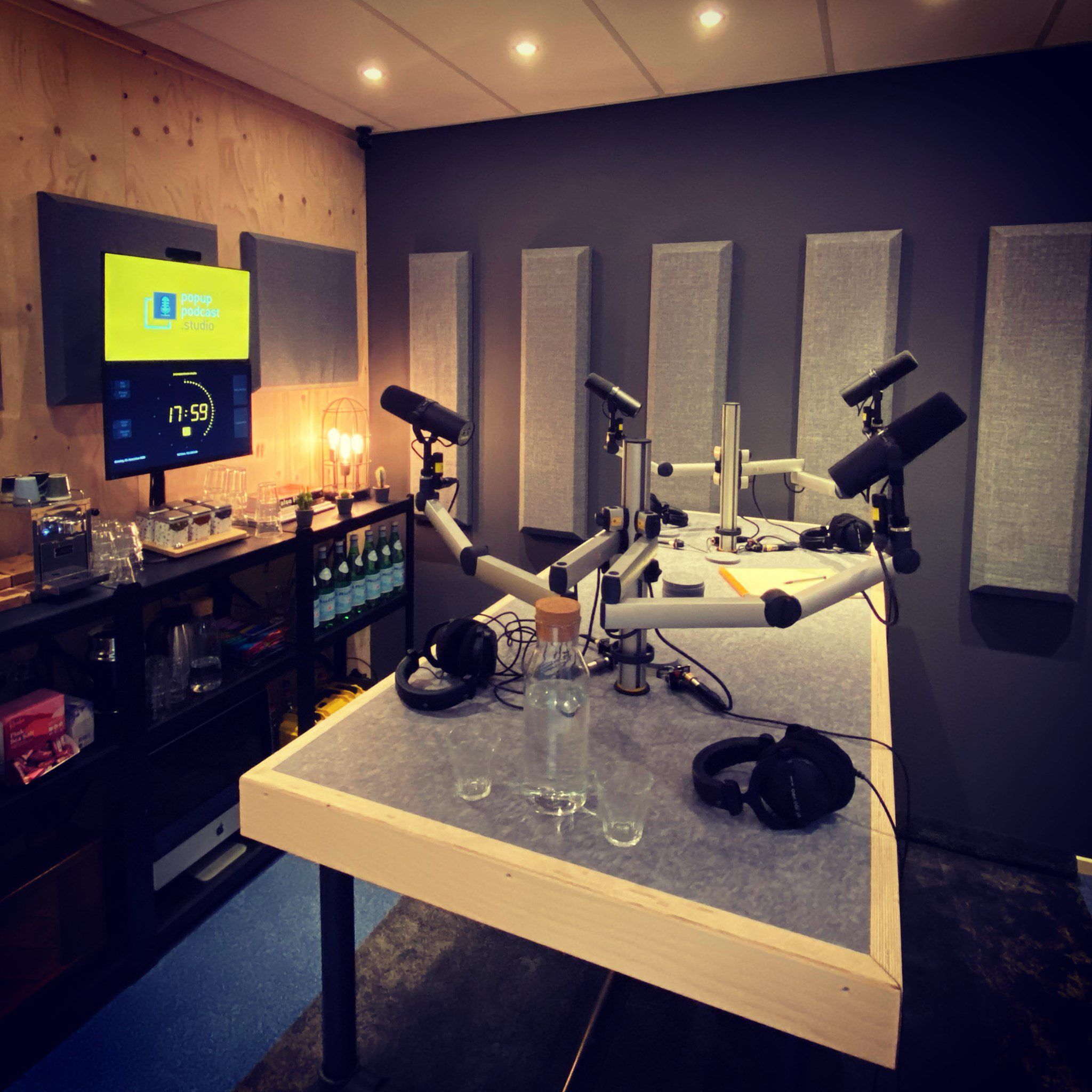
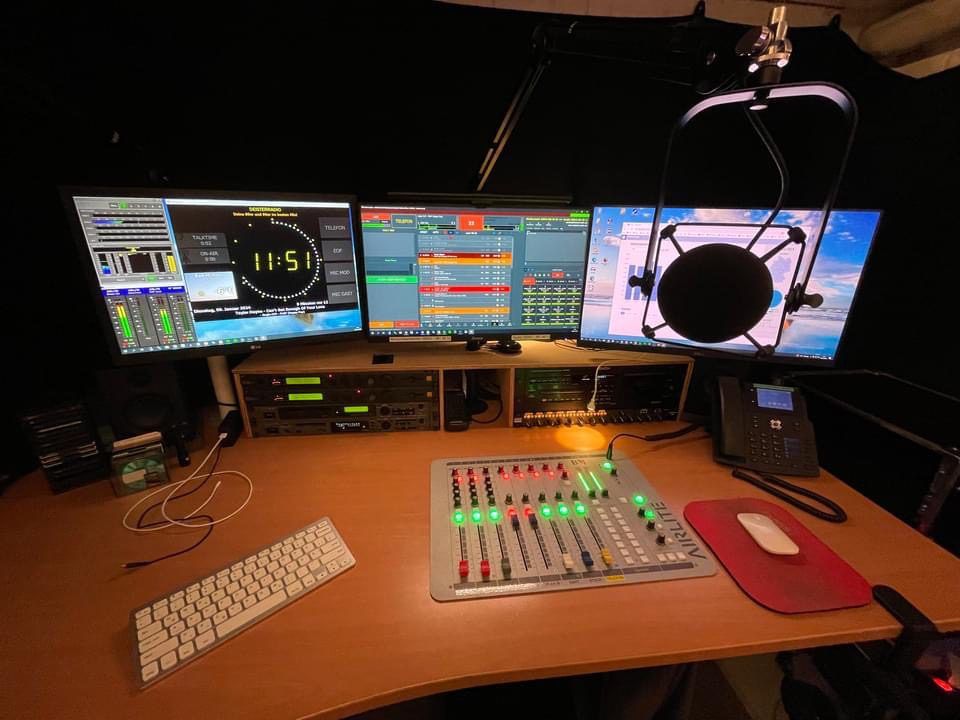
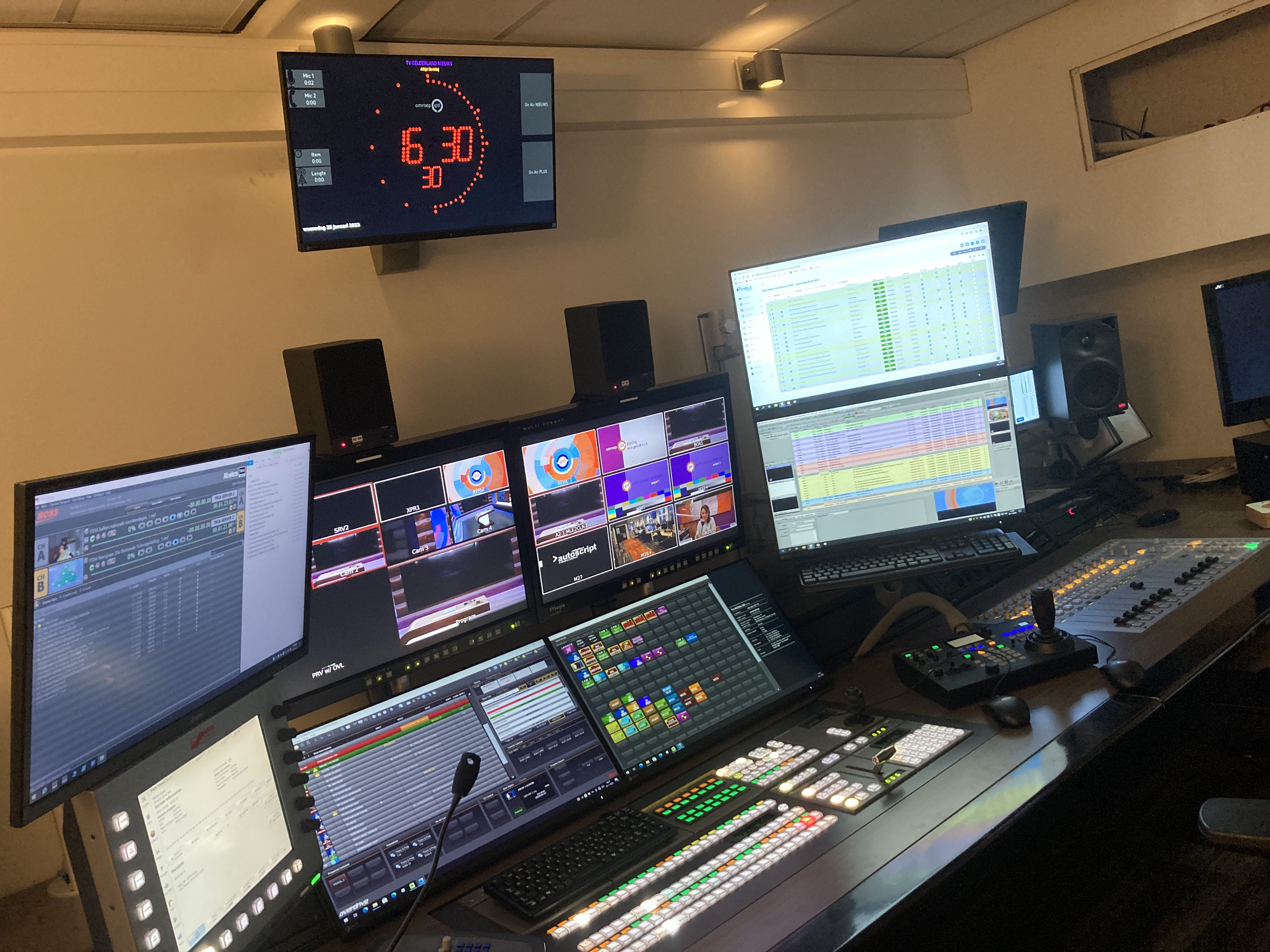
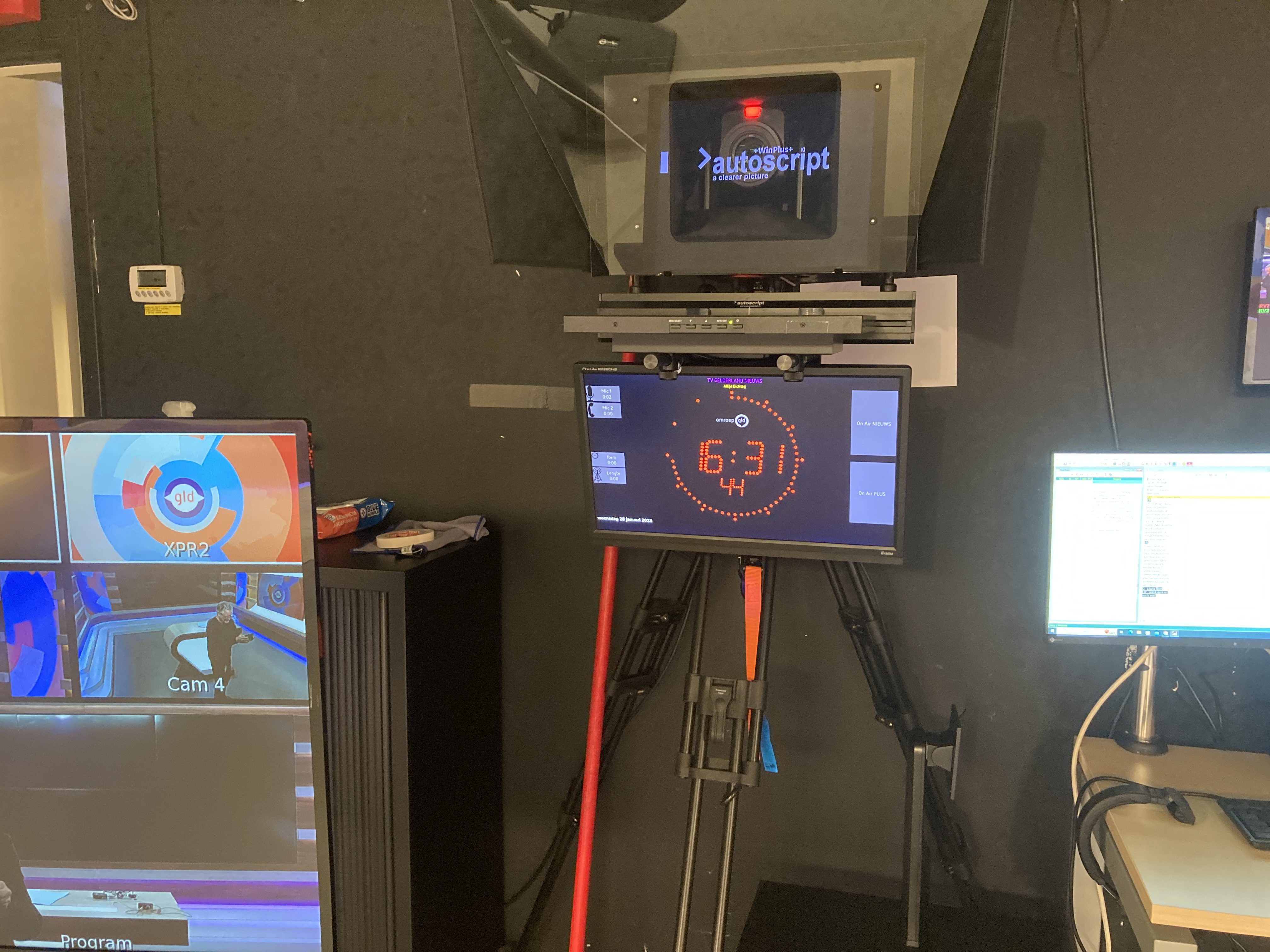
In the studio
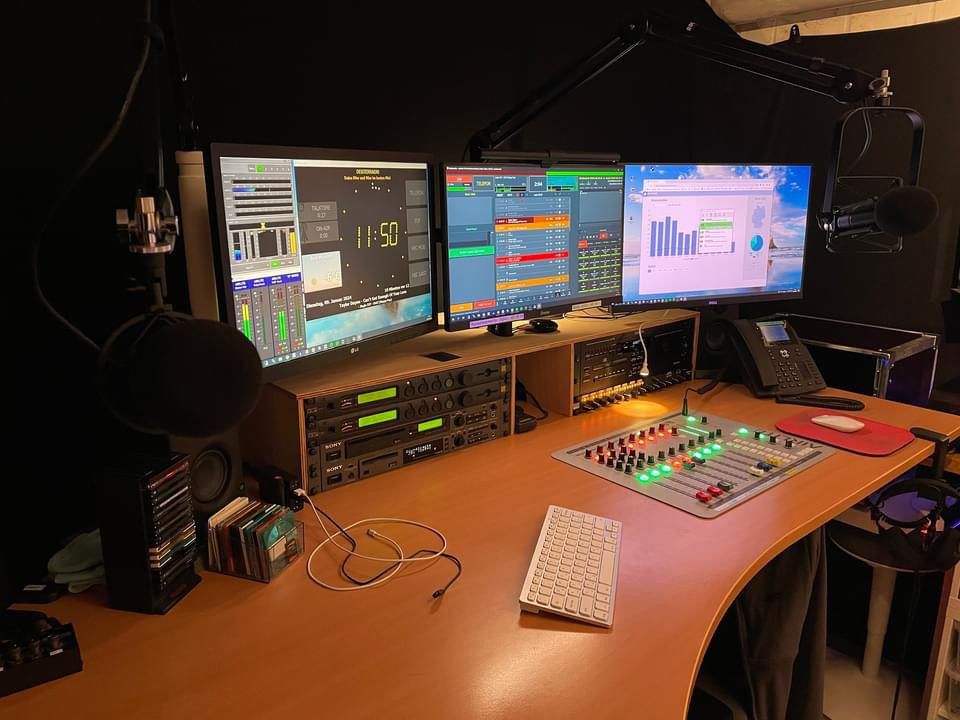
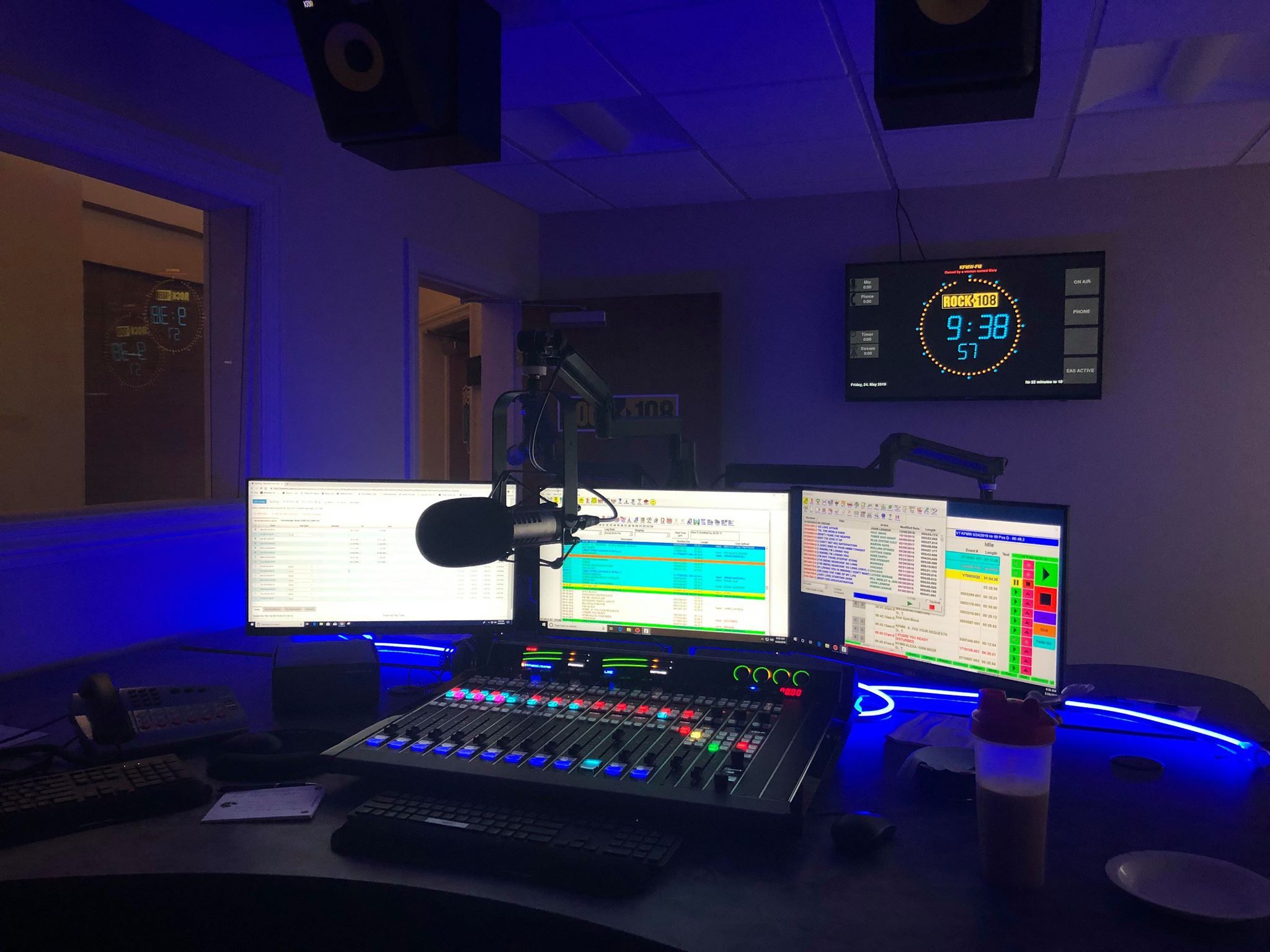
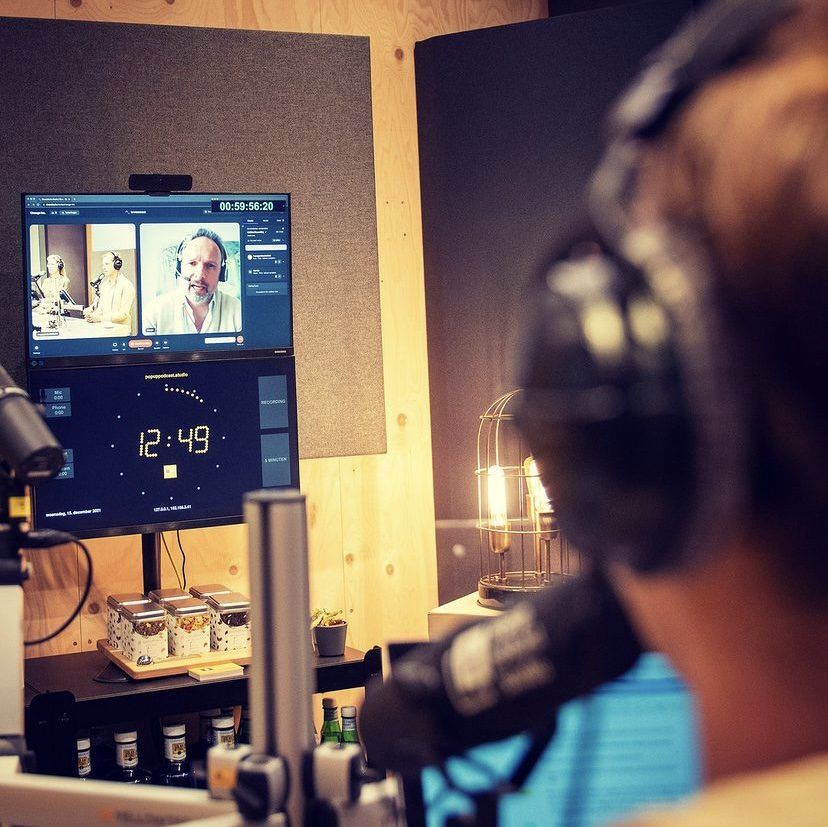
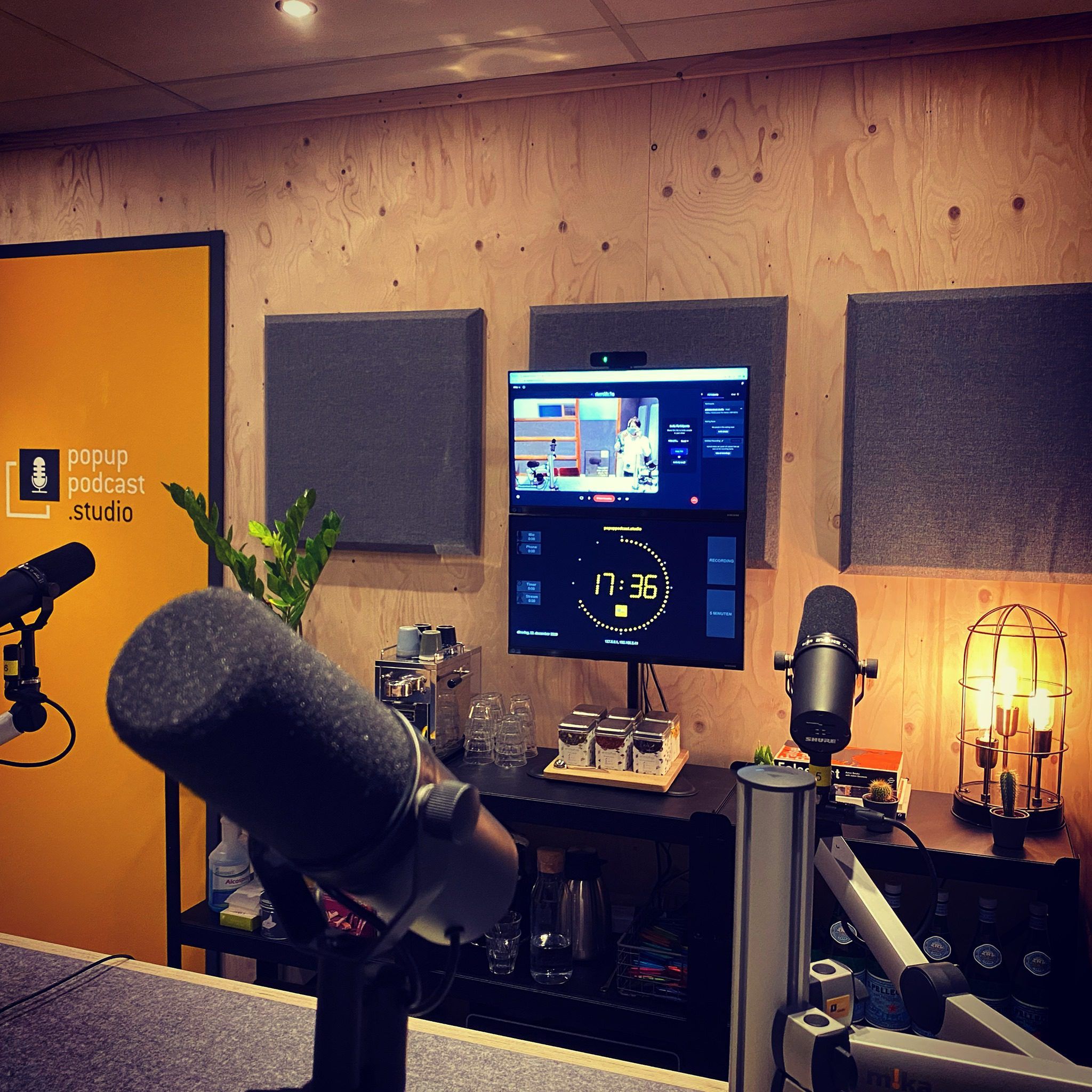
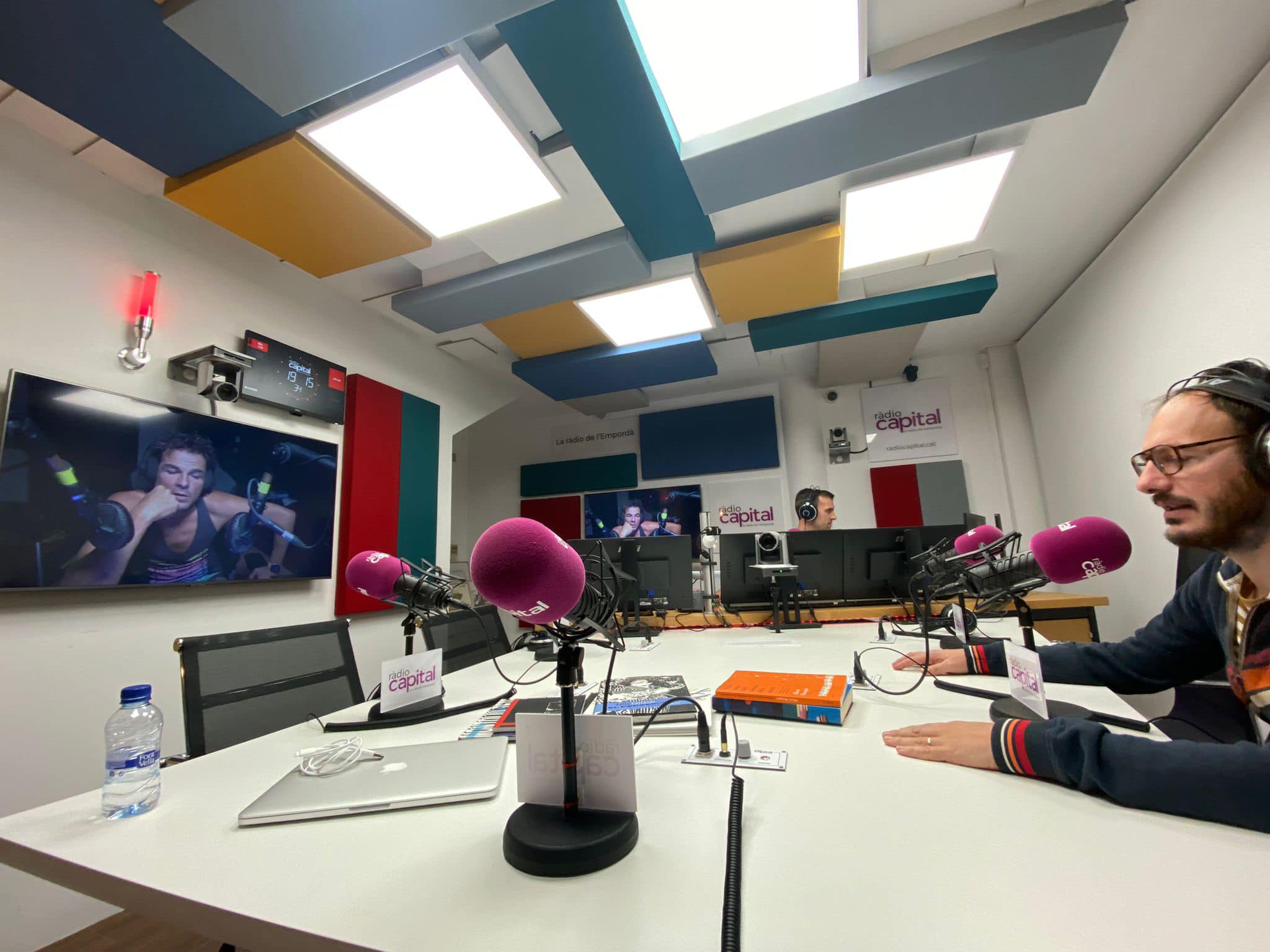
OnAirScreen in radio studios, podcast rooms, and TV galleries — from the fullscreen monitor behind the glass to the clock in the control room.
Features
Everything included
OnAirScreen is built for daily on-air use: visible in the studio, driven from the control room, and ready to plug into the workflow you already have.
Display and branding
- Station name, slogan, and station logo
- Instance name (e.g. Studio-1) to tell several screens apart
- Custom colours for LEDs, clock, and text
- Monitor aspect ratios 4:3, 16:9, and 16:10
- Digital clock, analog clock faces (Numbers, Studio, Railway, 24h), and a text clock in German, English, Dutch, French, and Spanish
- Static or blinking colon in digital clock mode
- Bundled Roboto and Noto Sans fonts
- Weather widget (OpenWeatherMap) with photographic backgrounds
- Fullscreen with hidden mouse cursor — ready for a dedicated studio monitor
- Double-click toggles fullscreen; right-click menu for Settings and Quit
LEDs and AIR timers
- Four status LEDs (ON AIR, PHONE, and more) with their own colours and labels
- Autoflash and timed flash (20 seconds)
- Left-click on LEDs and AIR timers toggles them (same as the hotkeys)
- AIR1 microphone and AIR2 phone stopwatches
- AIR3 radio timer: count-up, countdown, and top-of-hour to the next full hour
- AIR3 shows ▲/▼; TOTH label is configurable
- AIR4 stream timer
- NOW, NEXT, and WARN text lines
- Warning priorities (NTP, normal, medium, high)
Audio
- Layouts: stereo L/R, programme LUFS, or both
- Programme LUFS (EBU R128): momentary M, short-term S, optional integrated I + LRA
- Sources: local sound card, Axia Livewire or AES67 compatible (SAP or pasted SDP)
- L/R display units: dBFS, dBTP (true peak), BBC PPM
- LUFS references: EBU R128, ATSC A/85, AES −16/−18, or custom
- Peak hold, solid or bargraph style, adjustable meter width
- TOO LOUD warning or LED trigger from a dBTP threshold
- Silence detection with optional WARN, MQTT/HTTP boolean, and HTTP GET
Time sources
- Local system clock
- NTP check with a warning when time drifts
- Software PTPv2 (IEEE 1588-2008)
- SMPTE LTC via Leo Bodnar LBE-1110 or local audio decode
- NTP, PTP, and LTC do not change the operating-system clock
Remote control and integration
- Keyboard and hotkeys, including the OAS USB keyboard
- Browser web UI: live status, settings with optional PIN, presets, dark mode, Add to Home Screen
- HTTP commands and REST endpoints
/api/statusand/api/command - UDP API (default port 3310)
- MQTT with Home Assistant autodiscovery
- Bitfocus Companion: LEDs, AIR timers with live time, NOW/NEXT/WARN, silence, I+LRA
- OSC as an additional option
- SNMP v2c and v3 on UDP 1161, with optional traps. The MIB is on the wiki
Studio Links
- Several OnAirScreens on the same LAN can follow each other
- Replicas copy LEDs, AIR timers, and NOW / NEXT / WARN. Clock, meters, and GPIO stay on each computer
- Sources map single signals onto a hallway screen, for example Studio-1 / LED1 to LED1
- The current IP comes from the instance name, including after a DHCP change
- The same fields are in the web UI
GPIO, Livewire, and MIDI
- Up to eight Raspberry Pi GPIO inputs for mixer GPI
- Optocoupler module (PC817) for 5–24 V, or dry contact to GND
- Axia Livewire GPIO on every platform: multicast, or LWRP on TCP 93. OnAirScreen reads the console pins
- MIDI: Note and CC from one interface, with Learn, to LEDs and AIR timers
- AND / OR logic across Raspberry Pi, Livewire, and MIDI
- Map freely to LEDs, AIR timers, reset, or a custom API command
- Level or edge trigger, debounce in Settings
- The Raspberry Pi pins ship with the Raspberry Pi binary and the SD image
Studio workflow
- Presets: save and load complete configurations as profiles
- Event log for LEDs, timers, commands, and system events
- Rotating logs and crash reports, folder in the About tab
- Configurable log level, including a command-line override
- Tooltips on every settings control
- IP address display on NOW/NEXT via hotkey
- Reboot, shutdown, and quit in Settings, in the web UI, and via the API
Platforms
- Windows, macOS, and Linux — ready-to-run builds from the shop
- Raspberry Pi OS binary, including GPIO for mixer GPI
- Axia Livewire GPIO and MIDI on Windows, macOS, Linux, and Raspberry Pi
- Raspberry Pi SD image: flash and go
- Fits into existing studio setups
Shop
For your operating system
One license covers one PC or one Raspberry Pi. Shop builds are activated on the computer. Install updates from the dialog. Without a license, OnAirScreen runs without limits for 14 days. If this activation does not fit your use case, contact support. We will work out a custom solution. Ready-to-run builds from €29. The Raspberry Pi SD image ships with OnAirScreen already installed. All licenses live in the OnAirScreen category.
Windows
OnAirScreen for Windows
Ready-to-run for studio PCs on Windows.
€29
View in shopmacOS
OnAirScreen for macOS
For Mac mini and iMac in control room and studio.
€29
View in shopLinux
OnAirScreen for Linux
For Linux workstations in broadcast operations.
€29
View in shopRaspberry Pi
OnAirScreen for Raspberry Pi OS
Binary for Raspberry Pi OS — compact behind the monitor, including GPIO for mixer GPI.
€29
View in shopSD image
Raspberry Pi SD-Card Image
Preinstalled: flash the image, plug in, go on air. GPIO for mixer GPI included.
SD image
View in shopCategory
All OnAirScreen products
Windows, macOS, Linux, Raspberry Pi, and SD image in one place.
Shop
Open categoryDocumentation
Read more
Manual and wiki — for install, API, and day-to-day studio use.
Clock faces
Digital, analog, studio, railway, 24h
Choose a clock face in Settings: LED digital, classic analog, numerals, white studio, railway station, or 24-hour cream. The rest of the studio display stays the same.


Ready for on-air
OnAirScreen ships as a ready-to-run build for Windows, macOS, Linux, and Raspberry Pi. Start with the edition that matches your studio.