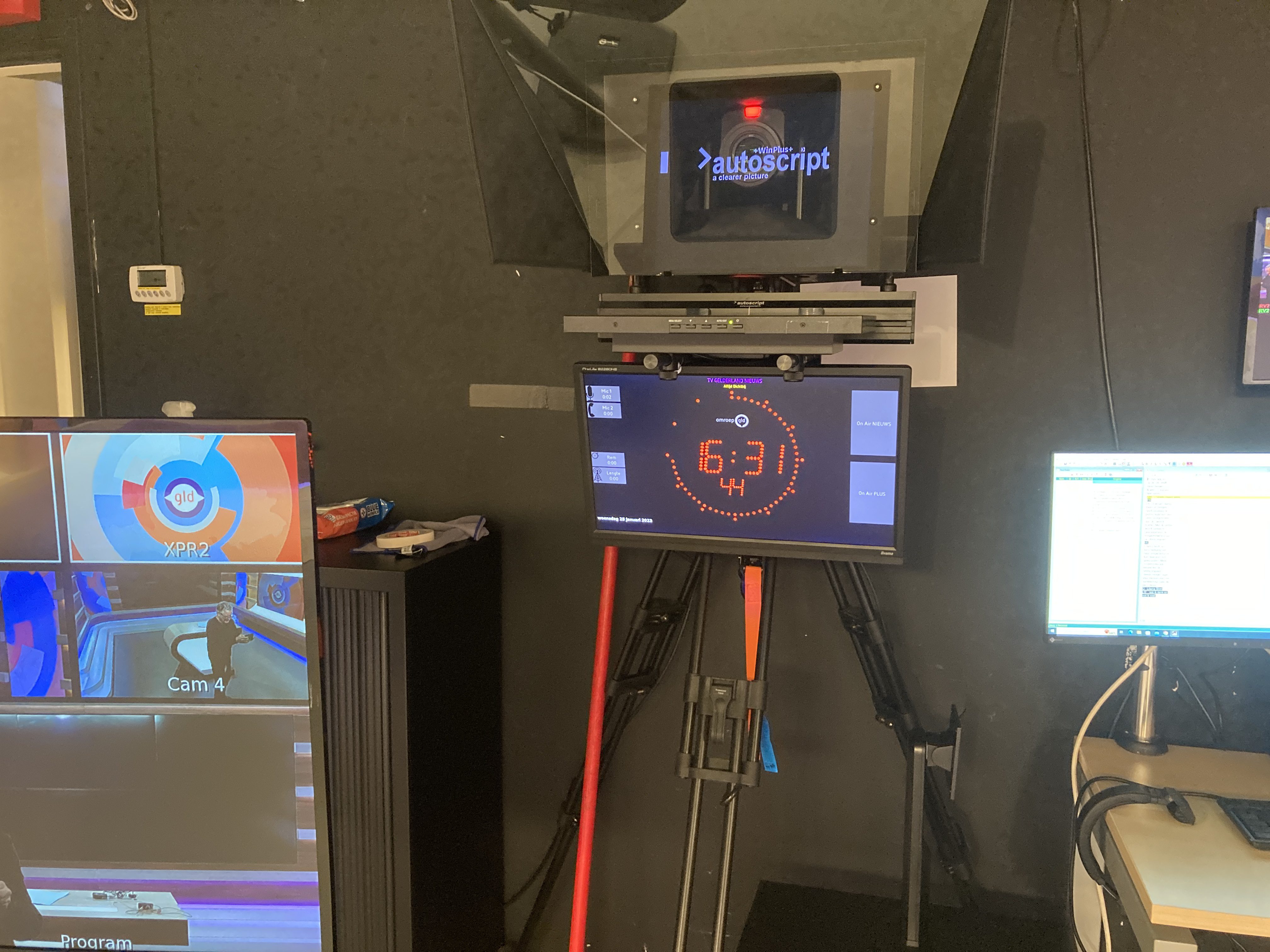
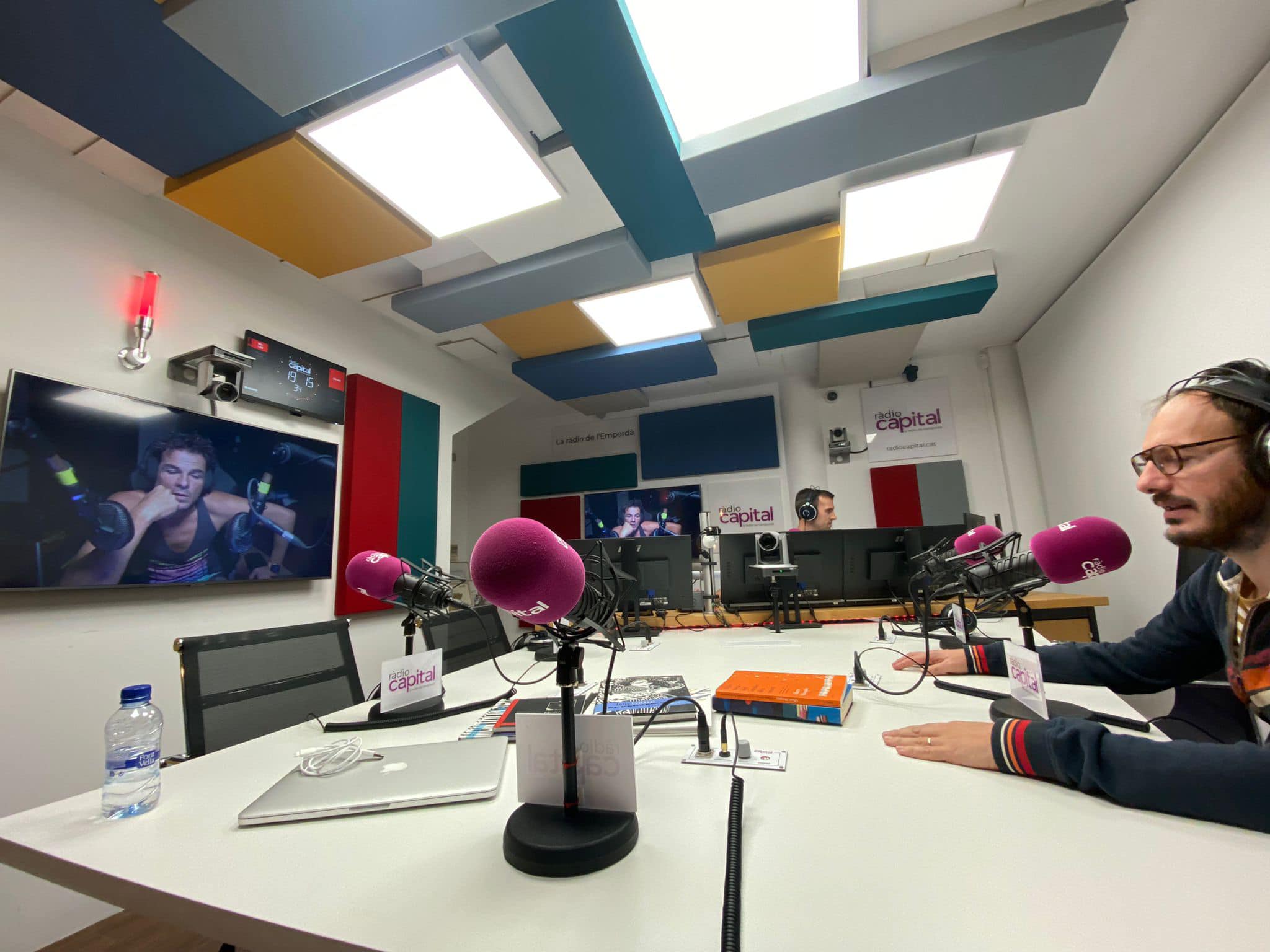
Table of Contents

OnAirScreen
Multipurpose OnAir Lamp for professional broadcast studios. Current version: 1.0.15.
Product page: astrastudio.de
Complete manuals:
- English: OnAirScreen – User Manual (PDF)
- Deutsch: OnAirScreen – Bedienungsanleitung (PDF)
- Release Notes:
Features
- Flexible integration into existing studio setups (Windows, macOS, Linux, Raspberry Pi)
- Customizable logo, colors, fonts (Roboto / Noto Sans), labels, and instance name (e.g.
Studio-1) - 4:3 and 16:9/16:10 monitor aspect ratios; fullscreen by default (hidden mouse cursor)
- 4 status LEDs and 4 AIR timers (Mic, Phone, Radio Timer, Stream); AIR3 with count-up/down and Top-of-Hour
- Left-click toggles LEDs and AIR timers; right-click menu for Fullscreen, Settings, I+LRA, Quit
- Digital or analog clock, optional text clock, static or blinking colon
- Time source: local clock, NTP, PTPv2 (IEEE 1588-2008), or SMPTE LTC (Leo Bodnar LBE-1110 or local audio). OnAirScreen never changes the OS clock
- Stereo audio meters: Local Input, Axia Livewire, or AES67 (SAP / pasted SDP)
- Meter layouts: L/R, programme LUFS (EBU R128), or both; dBFS / dBTP / BBC PPM; optional I+LRA, TooLoud, Silence Detection
- NOW / NEXT / WARN lines with warning priorities
- Weather widget (OpenWeatherMap)
- Remote control: keyboard, UDP, HTTP, Web UI, MQTT (Home Assistant autodiscovery), OSC, SNMP (PEN 66873), REST (
/api/status,/api/command) - Web UI: studio look, phone layout, settings overlay (optional PIN), Livewire/AES67 pickers, home-screen icon
- Bitfocus Companion HTTP module (Stream Deck); Generic OSC as fallback
- Presets/profiles, rotating logs and crash reports, update check for shop builds
Documentation
- SNMP MIB (IANA PEN 66873)
- Open Settings with Ctrl+Shift or Ctrl+, (macOS: Cmd). Changes apply only after Apply.
HOWTOs
Pages as linked from the wiki start page:
Precompiled builds
Ready-to-run Windows (MSI), macOS (app/DMG), Linux x64 (.deb), and Raspberry Pi OS 64-bit (.deb and optional SD image) are sold in the astrastudio shop. One license covers one PC or one Raspberry Pi. Activate with the Update Key from customer.astrastudio.de. After a year, renew the activation. The Update Key stays the same. The license can also be moved. If this activation does not fit your use case, contact support. We will work out a custom solution.
Source is available under OASL 1.0 (see below). Official binaries may not be redistributed without written permission.
Time source and NTP check
Under Settings → Time Source choose what drives the on-screen clock:
- Local — the operating-system clock
- NTP — an NTP server (default
pool.ntp.org); use a local or otherwise stable server if the public pool is flaky - PTP — software PTPv2 slave (IEEE 1588-2008)
- LTC — SMPTE timecode from a Leo Bodnar LBE-1110 or a local audio input
NTP and PTP steer an independent display clock. A jump of the OS time does not move the studio clock. LTC can jump or freeze and shows frames (HH:MM:SS:FF).
NTP-Check (same tab) is an optional warning if the displayed time disagrees with the NTP server by more than 300 ms, or if the server is unreachable. It is independent of whether NTP is the selected time source. Turn it off if you do not need that accuracy.
If the time source is Local, keep the OS clock in sync. Windows still syncs internet time only about once a week by default, which can show the wrong time on screen. Either set a shorter Windows sync interval (15 minutes to 1 hour) or switch OnAirScreen to NTP/PTP/LTC.
Weather-Widget
The weather widget needs an OpenWeatherMap API key.
In Settings → Advanced:
- Enable the weather widget
- Enter the API key (masked; use the slashed-eye icon to show it)
- Type a city name next to City ID, press Find, and pick a match — or enter a City ID by hand
- Use Test API to check the connection
You can still look up a City ID on openweathermap.org. Open a city page; the ID is the number at the end of the URL. London is 2643743.
Automation and playout
- Bitfocus Companion: astrastudio OnAirScreen module
- RadioBOSS: OnAir Screen with RadioBOSS
- mAirList: Ansteuerung des OnAirScreen
License
OnAirScreen uses the OnAirScreen Source-Available License (OASL 1.0). You may use, modify, and redistribute source. You may compile for private or internal use. You may not redistribute compiled binaries without written permission. Settings → License shows OASL plus third-party notices (PySide6/Qt, fonts, analog clock example).
Screenshots
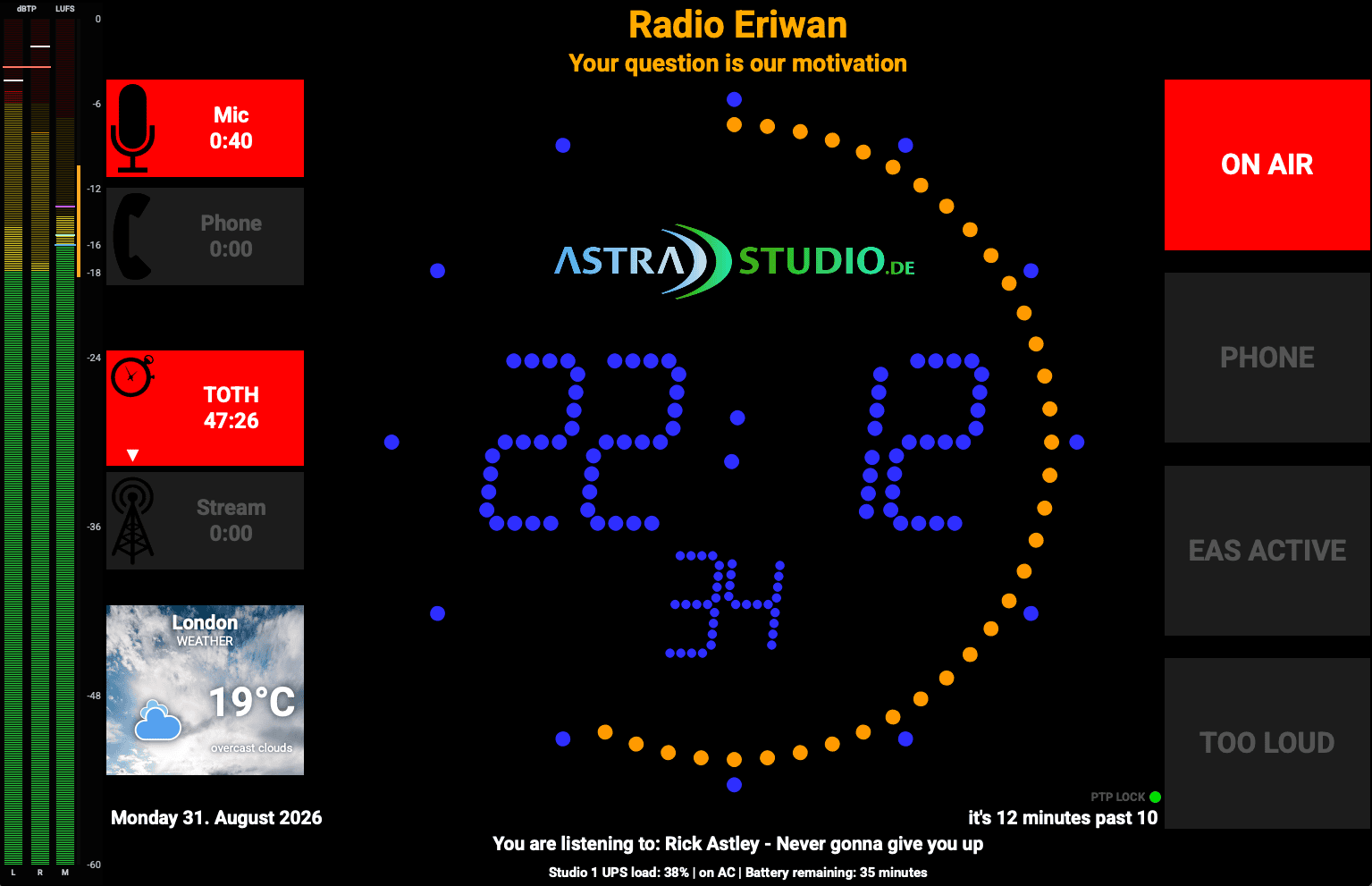
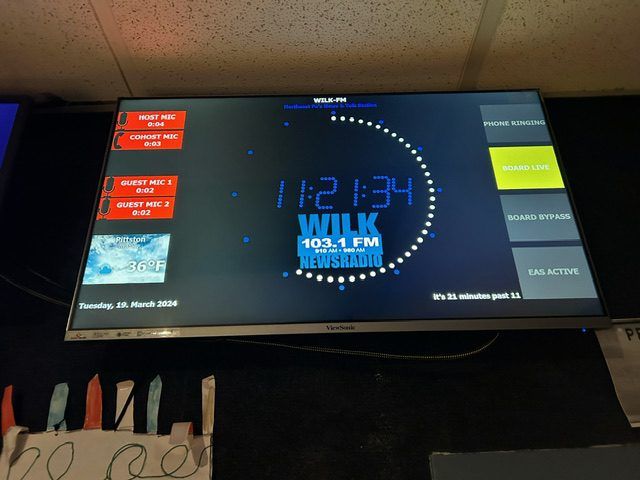
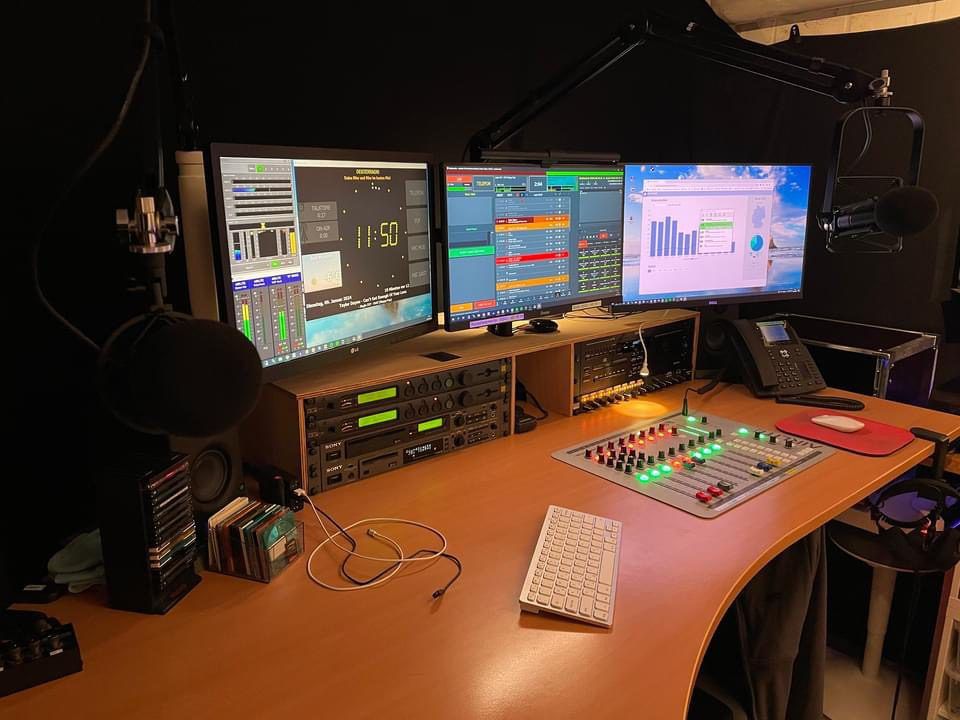
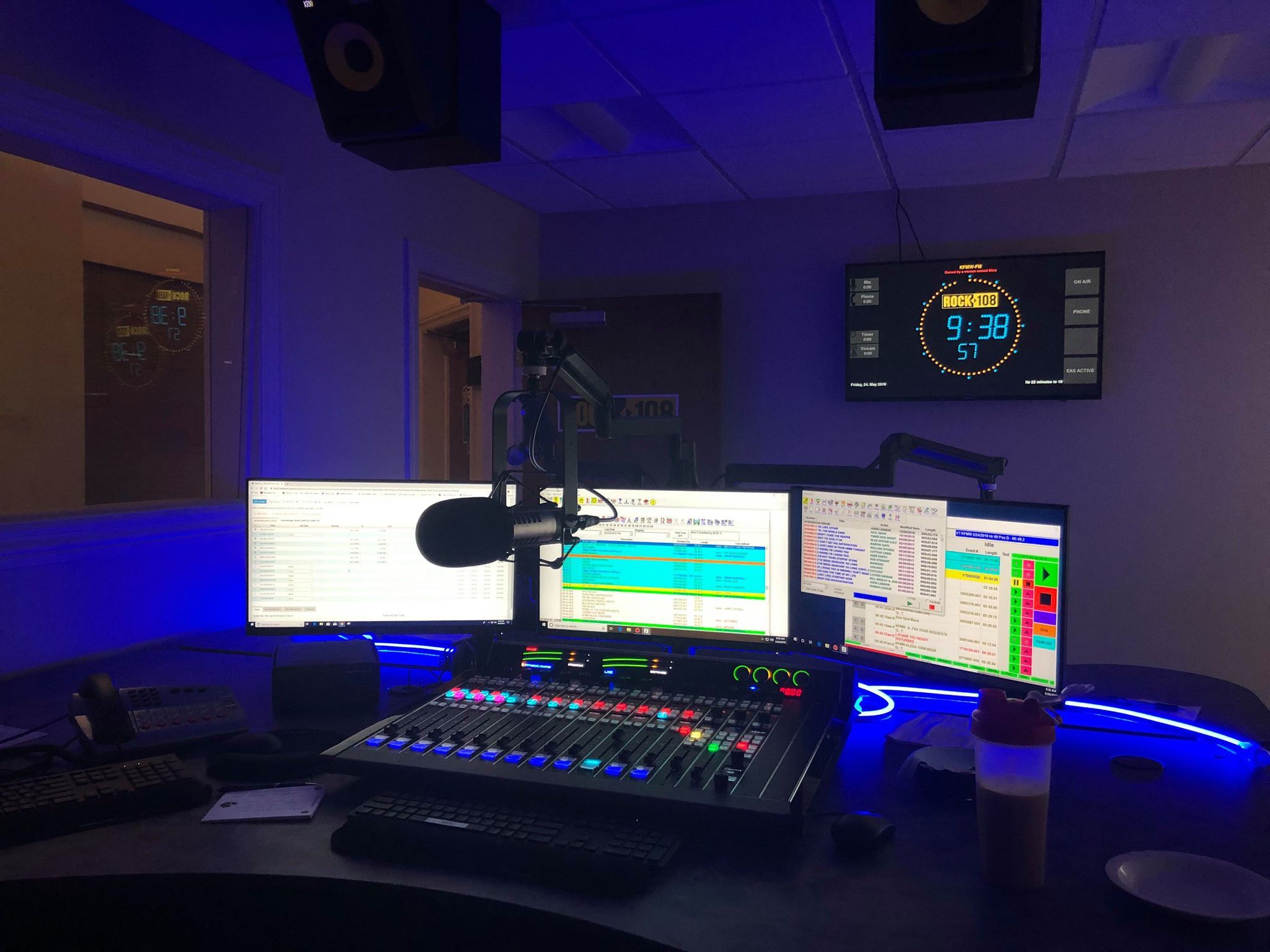
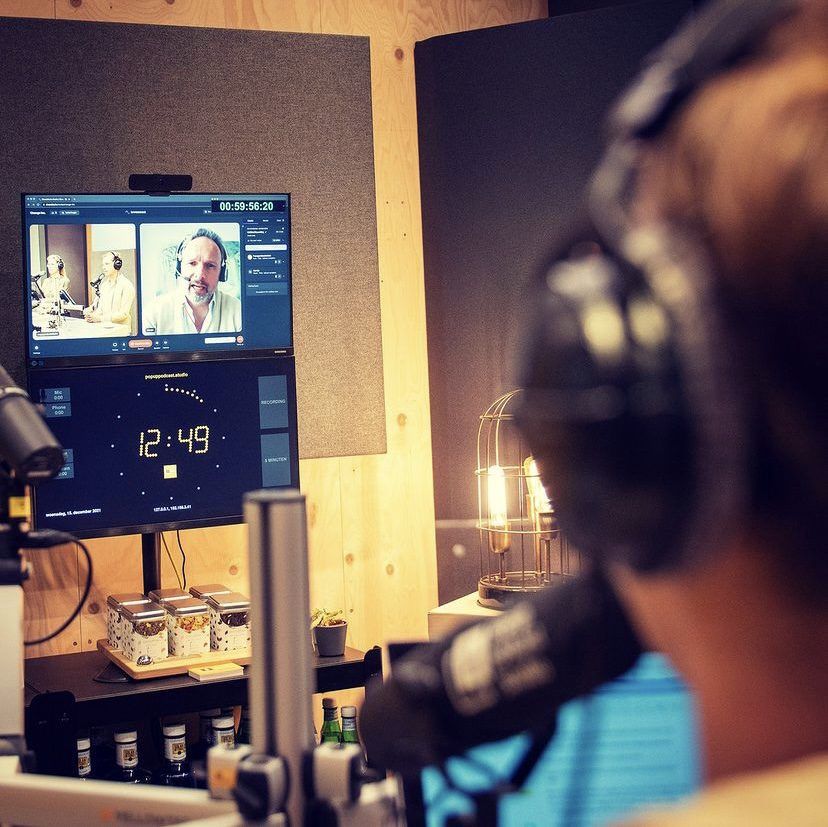
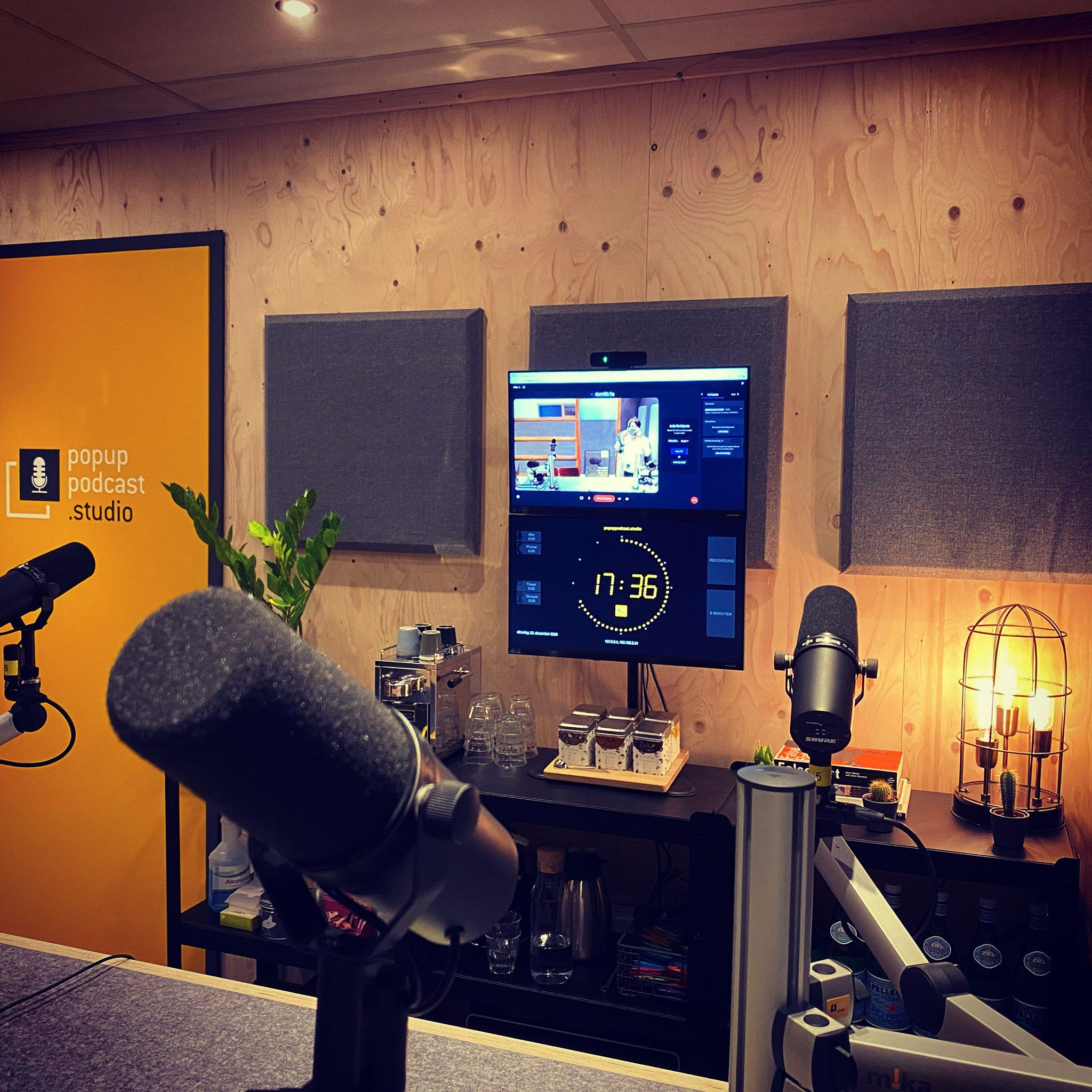
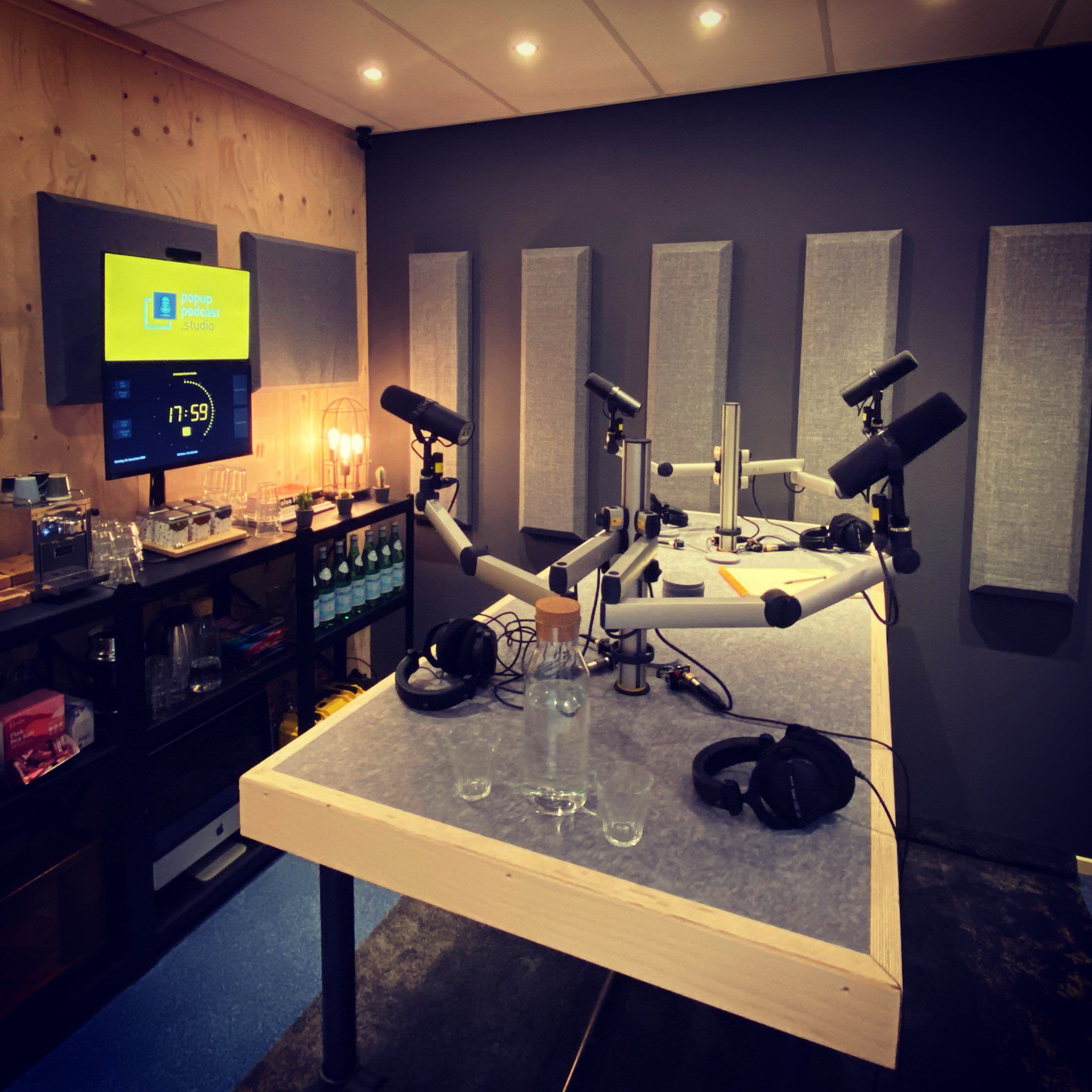
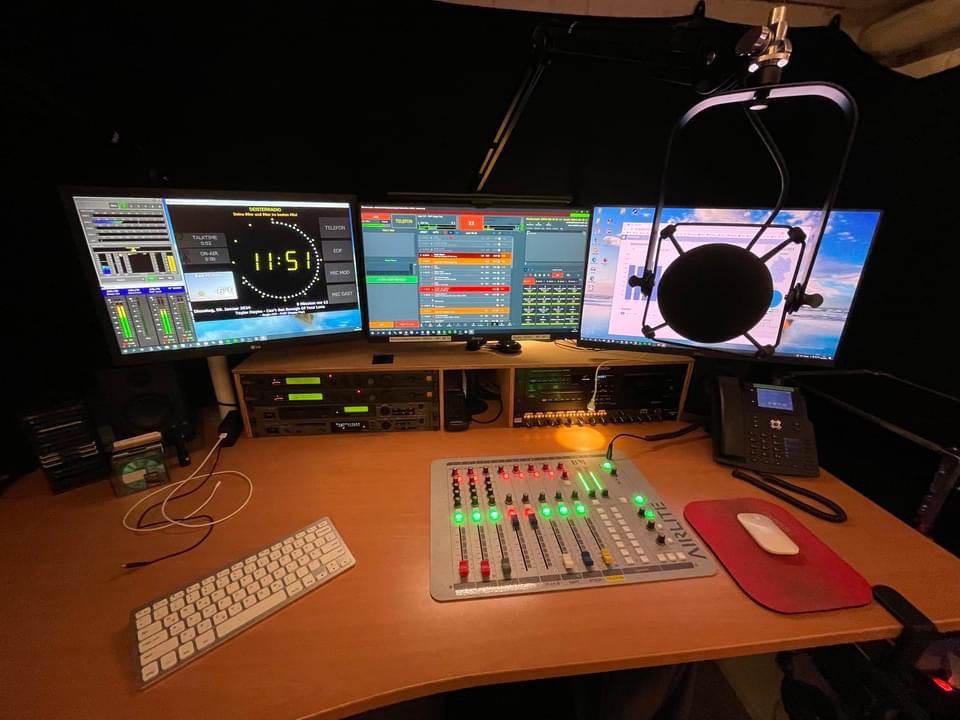
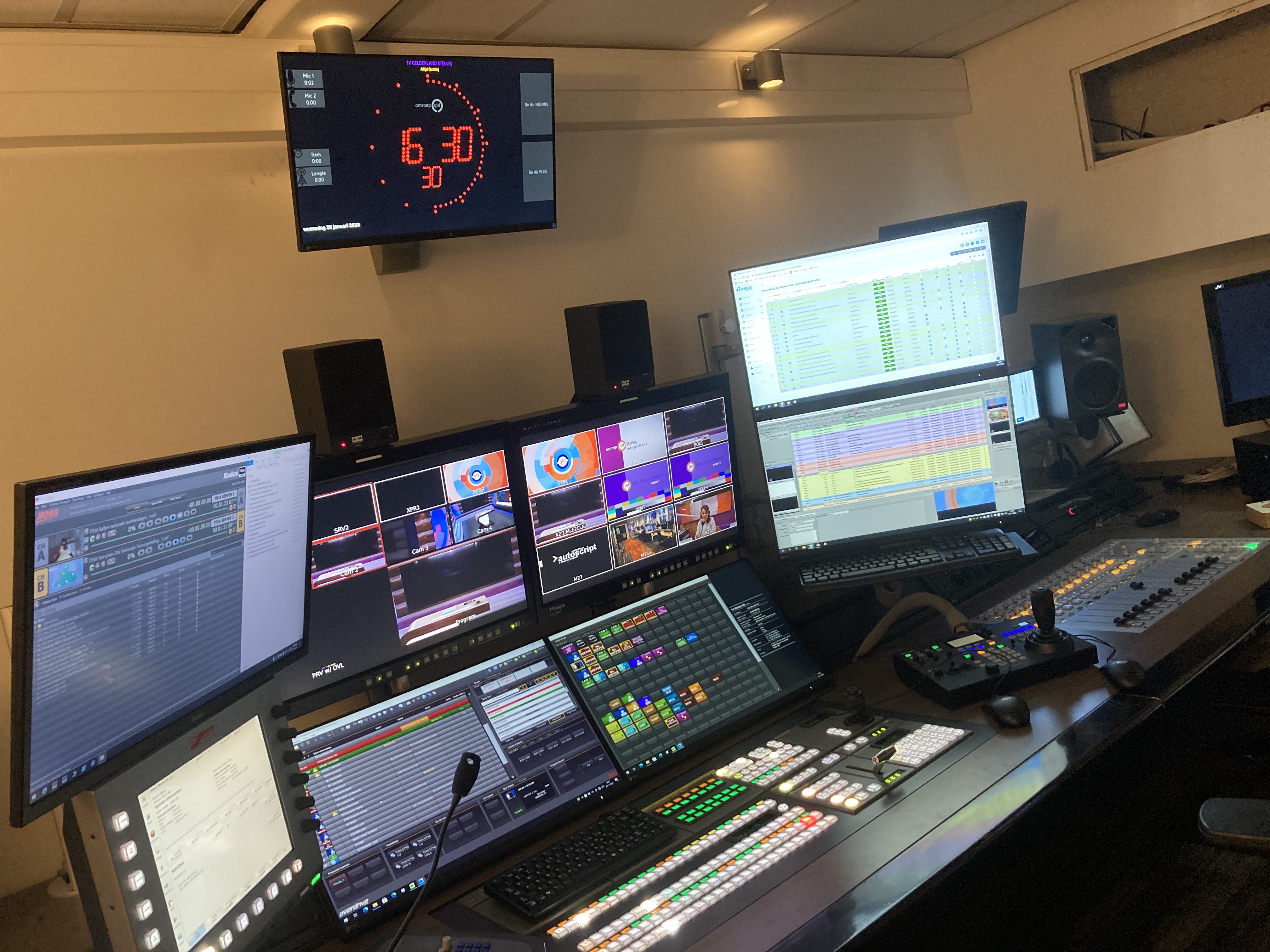
Pictures of OnAirScreen in use